
Question
Can't dismiss Program Error dialog in Photoshop 27.4
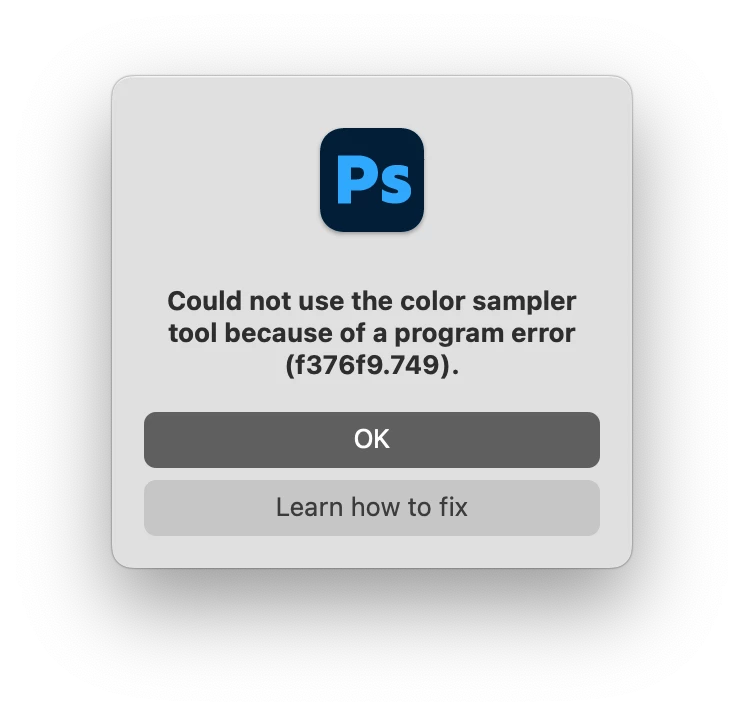
Since updating to 27.4 yesterday I’ve had two random Program Errors, one relating to Smart Objects (in a document with no Smart Objects) and one about the color sampler.
The problem is there’s no way to dismiss the dialog. There are two buttons: “OK” and “Learn how to fix” and neither of them do anything. I had to force quit both times to get back to work.
Smart Object error was on a 2020 (Intel) Mac Pro and the color sampler error was on a 2022 Mac Studio. I didn’t get a screenshot of the first one because I assumed it was a freak occurrence.


 AdChoices