
February 13, 2017
Answered

Can't edit faces with Liquify

  • February 13, 2017
  • 1 reply
  • 3940 views

Hello,

I've recently updated from Photoshop 2015 to 2017 and saw the new face recognition tool in the Liquify filter.

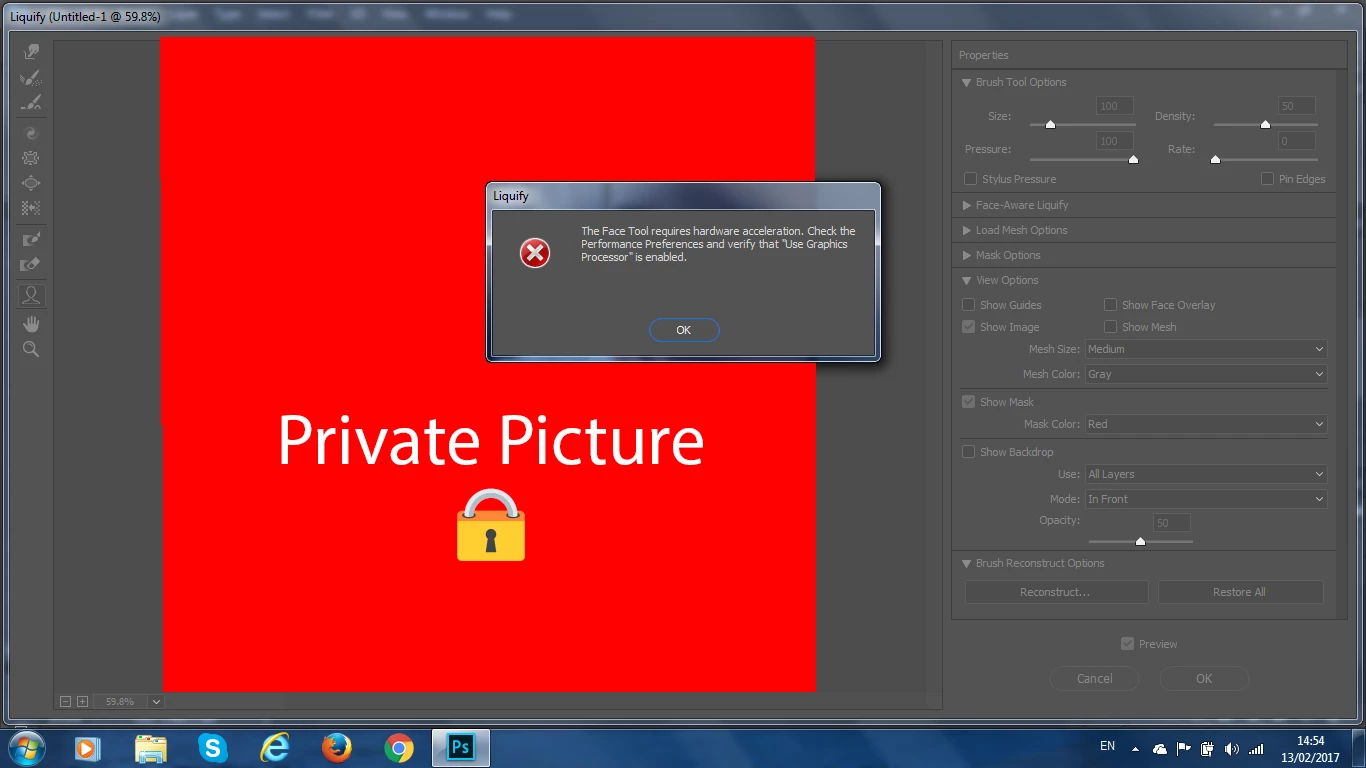
I tried that but it showed a message: "The Face Tool requires hardware acceleration. Check the Performance Preferences and verify that "Use Graphics Processor is enabled."
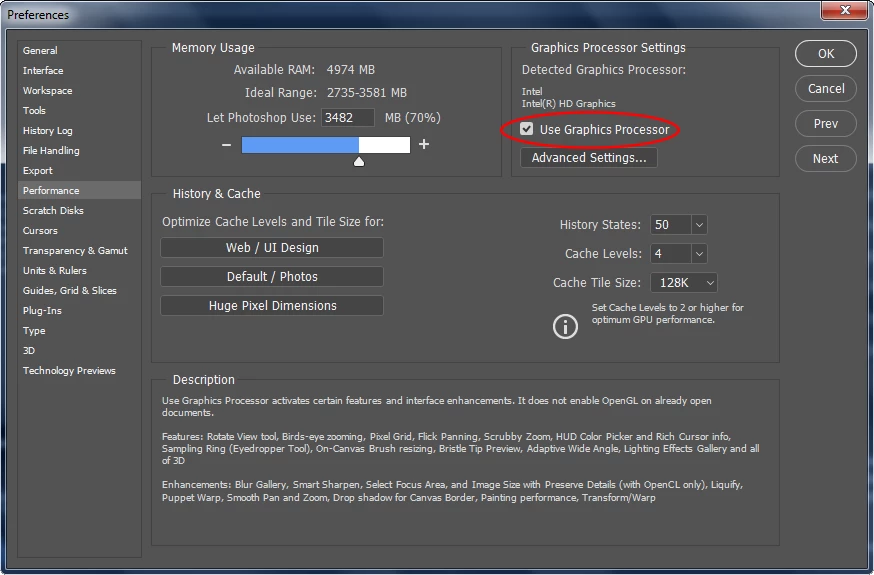
But "Use Graphics Processor" option is enabled. I don't know how it is showing that message although that the graphics processor is enabled.
How do I fix this?

This topic has been closed for replies.
Correct answer Bettina Di Virgilio

As you see the Use Graphics Processor is disabled, I think probably your graphical board is not supported, sorry.

1 reply

JJMack
Community Expert
Community Expert
February 13, 2017

How  are the advanced  gpu settings set?

JJMack
Inspiring
February 13, 2017

If I'm reading his screen capture right. If 4 gigs of ram enough to allow it?

Bettina Di Virgilio
Participating Frequently
February 13, 2017

I am afraid the Intel Graphic processor is not supporting the acceleration. You can find a list of the supported boards here: https://helpx.adobe.com/photoshop/kb/photoshop-cc-gpu-card-faq.html