

Dan Greyhound
Inspiring
November 17, 2020
Answered

Can't paste screenshot in Photoshop 2021

  • November 17, 2020
  • 1 reply
  • 6659 views

Hi, I've just upgraded to Photoshop 2021 and the first thing I try and do doesn't seem to work. I just wanted to paste a screenshot (using Print Screen on the PC keyboard) into Photoshop. It used to be that you created a new file in PS and the program would fill in the size and dpi from the screenshot info and then you'd just paste. This no longer seems possible?
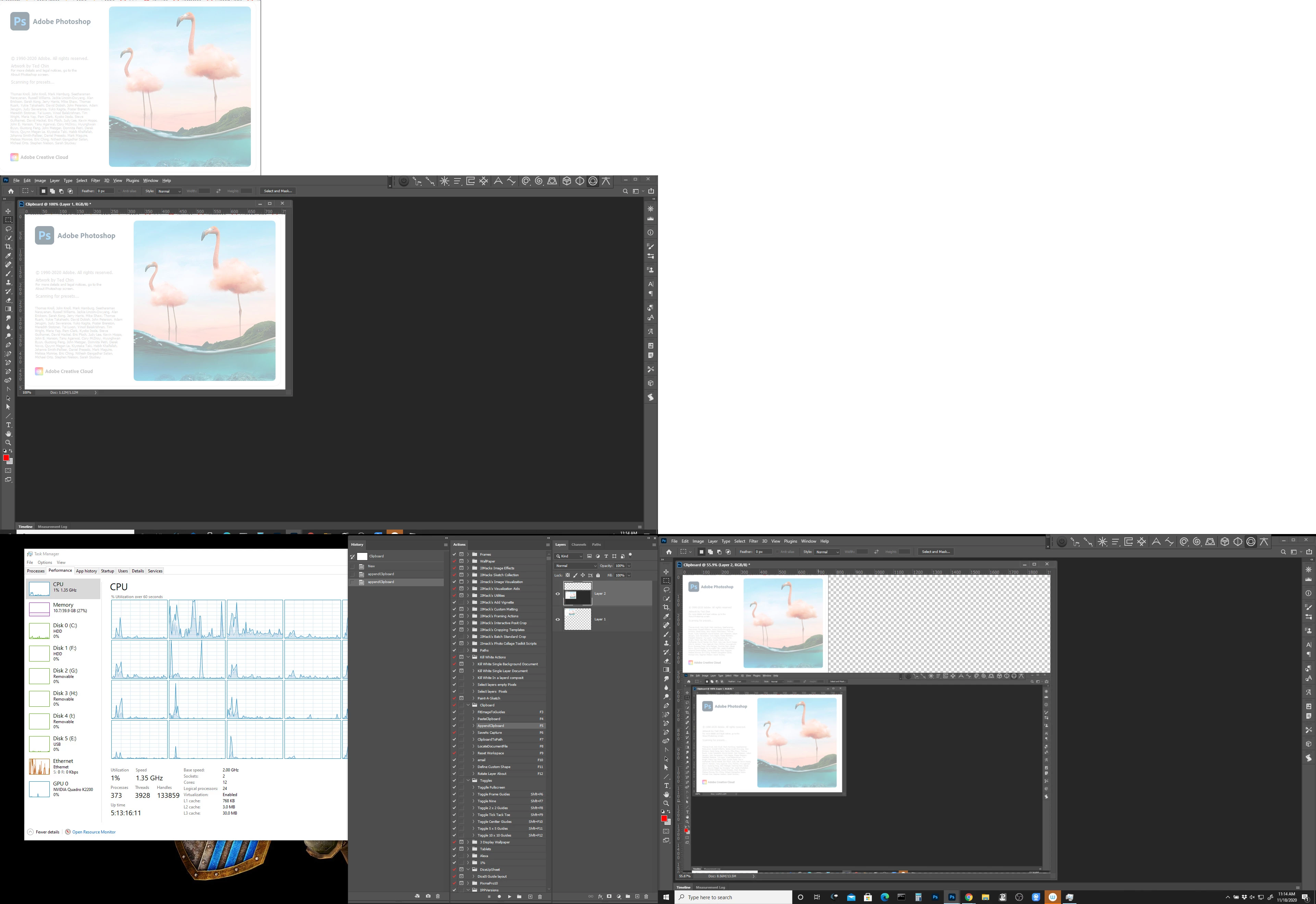
This topic has been closed for replies.
Correct answer JJMack

I take it back. It looks like the Print Screen button doesn't work on the new keyboard. I can paste from other apps. Sorry!


The PrtScn key should work, Alt+PrtScn keys]]  and Shift+Win+s keys should work in Windows 10 with Photoshop 2021.

1 reply

JJMack
Community Expert
Community Expert
November 17, 2020

You have to cread a new document select the Clipboard preset it will be set for the curtent content of the clipboards.  Once opened in phptoshop do a Ctrl+V paste.

JJMack
Dan Greyhound
Inspiring
November 18, 2020

Hi. The problem is that I can't find a clipboard preset. Where is it? I've looked under Print, Mobile, Photo, Web, etc, etc. and can't find it anywhere. I'd show you a screenshot -- but I can't!

D Fosse
Community Expert
Community Expert
November 18, 2020

It still works as it always has.


If you have data on the clipboard, Photoshop will create a new document at those dimensions. No need for a preset. Then just ctrl+V to paste.


You can use the snipping tool, or Print Screen for the whole screen.


If you want correct colors, assign your monitor profile > convert to sRGB.