


Participant
May 12, 2025
Answered

Can't save to cloud

  • May 12, 2025
  • 2 replies
  • 615 views

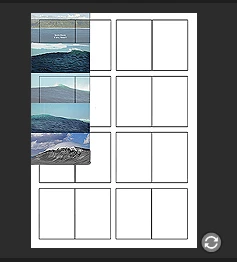
I am trying to save this file to my cloud - so that I can acess it from my other computer.

But for days now, it won't save to the cloud.

There is only this gray icon with two arrows turning around.


Some things I tried where:


I tried updating photoshop, didn't change anything.

I removed old cloud files, nothing changed.

tried changing file name, nothing.

Made sure it was a PSD file, and it was.

I made sure I was on the correct wifi.
 

Correct answer julieMT

Thank you!


the solution was simple - I simply had run out of storage space on my creative cloud!


2 replies

julieMTAuthorCorrect answer
Participant
May 13, 2025

Thank you!


the solution was simple - I simply had run out of storage space on my creative cloud!


Srishti Bali
Legend
May 12, 2025

Hi @julieMT


Thanks for reaching out! Do you have the Creative Cloud desktop app installed on your machine? If so, please try the following steps:


  1. Close all Adobe apps after saving your files.
  2. Sign out of the Creative Cloud desktop app.
  3. Sign back in.
  4. Launch Photoshop from the Creative Cloud app.
  5. Try saving your file via File > Save as Cloud Document.


Let us know how it goes, or if you run into any issues while following these steps—we’re here to help!


Regards,

Srishti