
Can't See Pattern Names When Hovering Over Patterns
Ever since I upgraded to Photoshop 2024, I have lost the ability to see the names of the patterns when I hoer my mouse over them. As long as I can remember, if I left my mouse over a particular pattern, the name of the pattern would come up in a small grey box. But it no longer happens.
This is a major hurdle for me as I have accumulated a large amount of textures that I use to work with and they are large in size, so the thumbnail doesn't make it obvious which pattern I am selecting. I am left trying multiple fill patterns over and over just to find a pattern I want through trial and error, and often fail to find the texture I need. This disrupts my work flow and prevents me from using my tools properly.
I tried to find if there is a setting that is off that I can turn back on to see the names again but have not found anything online nor going through the Preferences tabs.
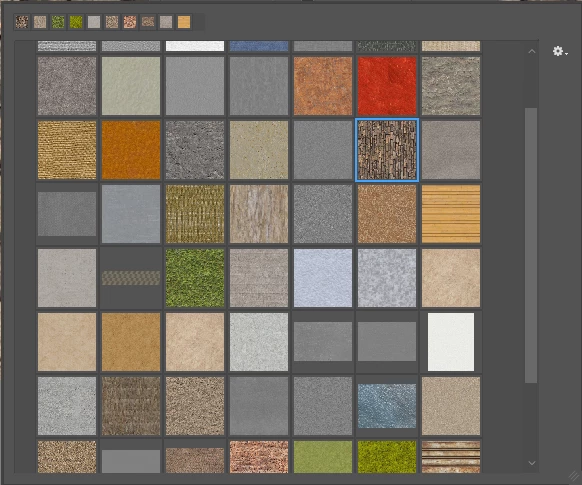
I'm hoping someone has a way to fix this, or that someone at Adobe will investigate and restore the previous function of showing names.


 AdChoices