
Answered
Can't use Contact Sheet II from Bridge w latest PS CC
I recently installed the latest version of PS CC. Now I cannot get the PS Contact Sheet II to work. I have tried restarting and checked preferences. Any suggestions on how to proceed? 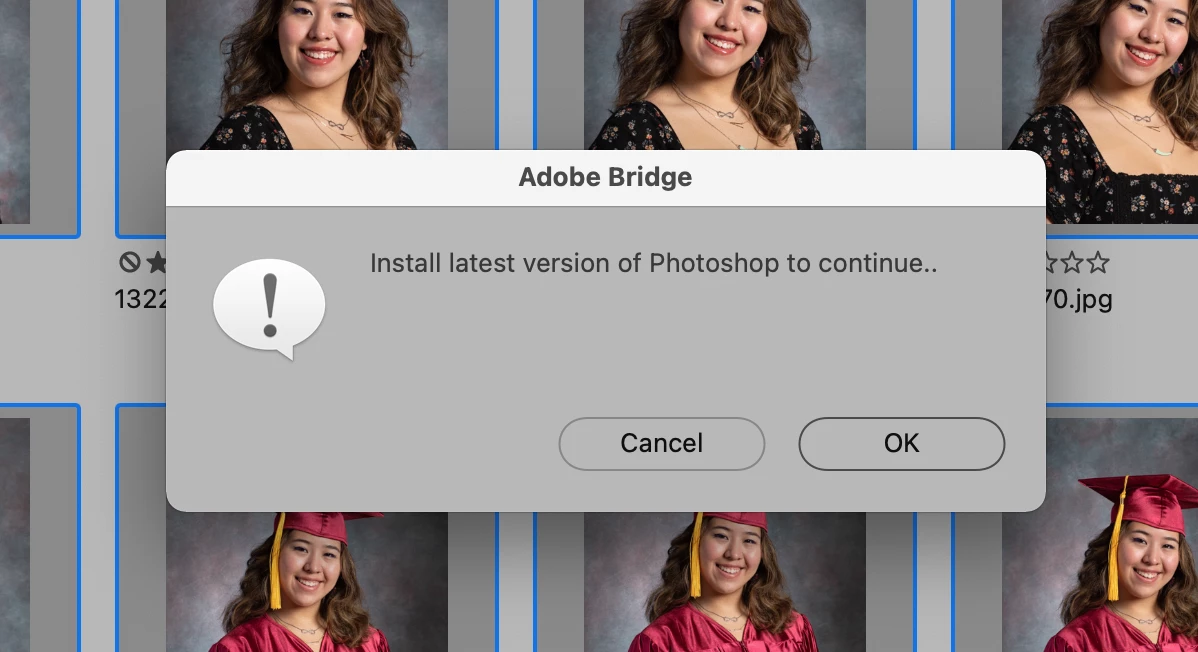

I recently installed the latest version of PS CC. Now I cannot get the PS Contact Sheet II to work. I have tried restarting and checked preferences. Any suggestions on how to proceed?
Solved the problem. I had Bridge and PS updated but was still using the 2021 Bridge app. Once I switched to the the 2022 Bridge, the contact sheets worked. You have to move the old icons to the trash for the new version to open...
Already have an account? Login
No account yet? Create an account
Enter your E-mail address. We'll send you an e-mail with instructions to reset your password.


 AdChoices