
Question
Cannot open PS through LR. The Files and Folder in Mac System Setting cann't access removable Disks
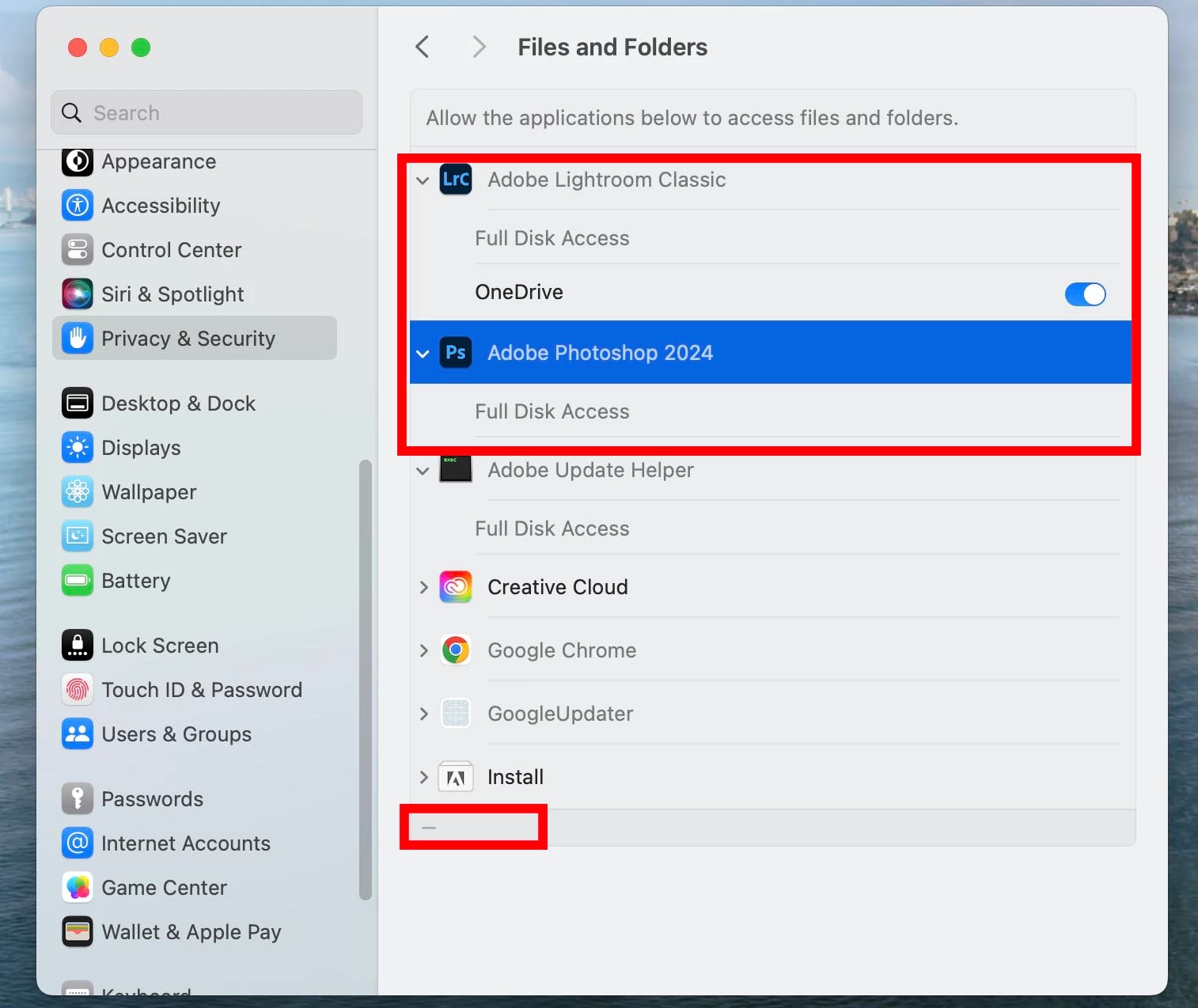
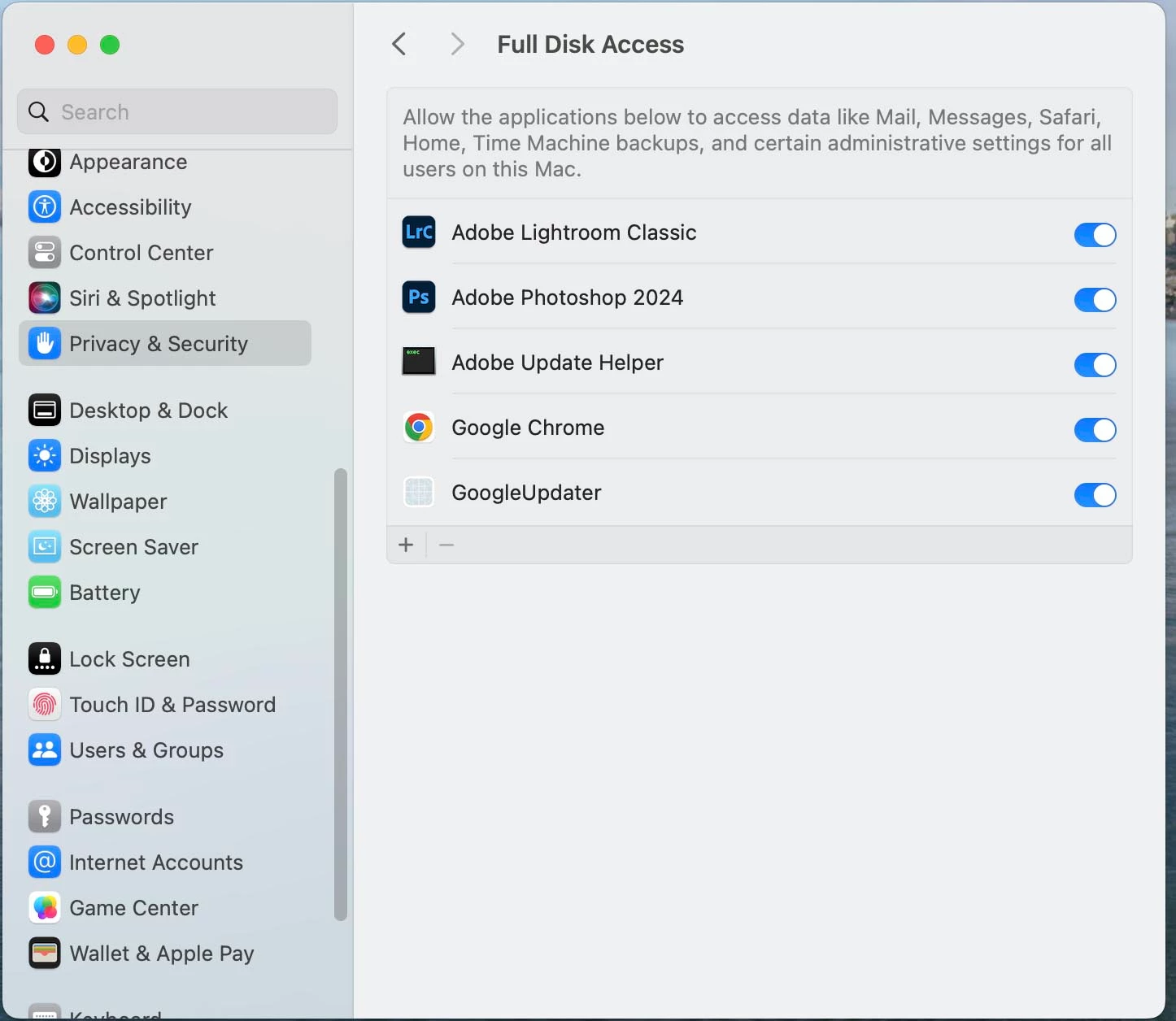
I encounted a big problem. First, I couldn't open PS because it showed 45GB has run out of RAM. I followed the instructions posted in community to uninstalled all Beta version and reset the settings of PS. The "Cann't open PS" issue is resolved but I found I could not open PS through LR. When I checked the System Settings>Pravacy & Security>Files and Folders, I found the PS and LR could not access removable and USB disks. I could not add removable disk in the options. Please see the images above. How can solve the problem? Thanks.


 AdChoices