
Answered
Cannot open raw images .CR2 in photoshop
When I try to open raw images from Bridge by double clicking (Photoshop being the default app) I get this alert
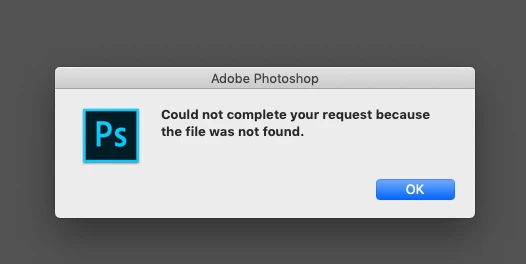
On the other hand, when I right click the image -- "Open in camera raw...", the image does open to adjust the raw settings, after which i press "open image" and then NOTHING HAPPENS. Photoshop comes in the foreground but opens nothing, no alerts...nada.
I have read this thread
Can't open RAW files within Photoshop
and tried the settings suggested but still not working.
PS the said images are on a server which my colleague can open on her mac, therefore there is nothing wrong with these images.
Would appreciate any help you can offer.


 AdChoices