Participating Frequently
April 8, 2022
Answered

Cannot render a Flame effect in Photoshop 2022

  • April 8, 2022
  • 1 reply
  • 3927 views

Hi all,

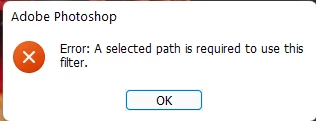
I am trying to add/render a flame effect for my work, however everytime I try to select filter>>render>>flame... I am getting the following error message

Error: A selected path is required to use this filter
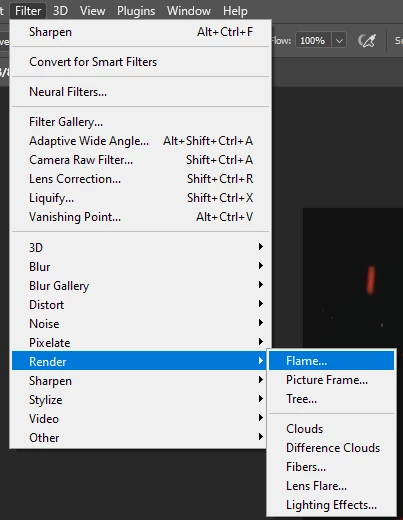


Why am I getting this and how can I resolve?  When I try to do a filter>>render>>Tree I do not seem to have any issue:
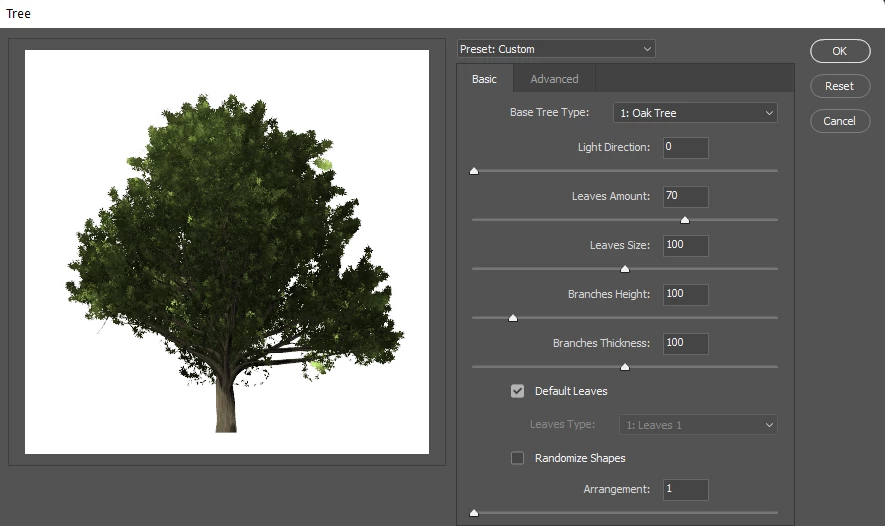
Can someone please tell me how to resolve this?

Much appreciated!

MJ
This topic has been closed for replies.
Correct answer Ged_Traynor

Actually I think I got it, however just curious if once I am able to get a flame rendered, if it is in the wrong spot how can I move that rendered flame to the right position?  Or do I have to keep removing and retrying different pen spots until I get it right?  Is there an easier way?


Thanks!


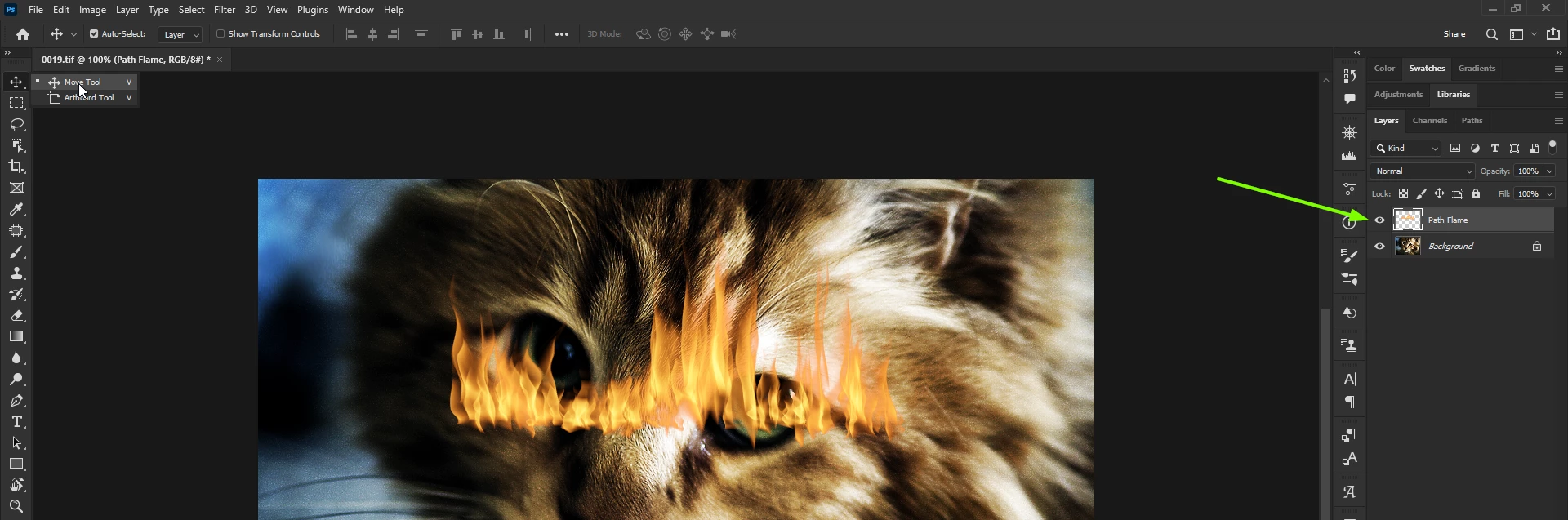
If you create the path on it's own layer you can move the flame effect with the move tool

For the pen tool, you need to click once, move your mouse to another location and then click again to draw the path, you can also hold the shift key if you want to draw a straight path

1 reply

Ged_Traynor
Community Expert
Community Expert
April 8, 2022

Hi

You need to draw a path with the Pen Tool for the Flame effect to work

MJ_11Author
Participating Frequently
April 8, 2022

Hi and Thanks!  I tried that but I am getting another error:

As you can see I wanted to get a flame effect for the eyes but did not want a larger sample/effect which would conflict with what I was trying to do.  Any other thoughts/advice?

Thanks!!

MJ_11Author
Participating Frequently
April 8, 2022

I even tried a larger area.  same result