
Question
Cannot scroll down far enough. Cannot edit control points of a Shape. Overscroll enabled.
Overscroll is limited so that a corner of document canvas must be visible. I'm unable to edit path that is below the visible canvas.
- Create an empty document, say 100x100 pixels.
- Create a vertical line (Shape) that extends a little below the bottom edge of the canvas.
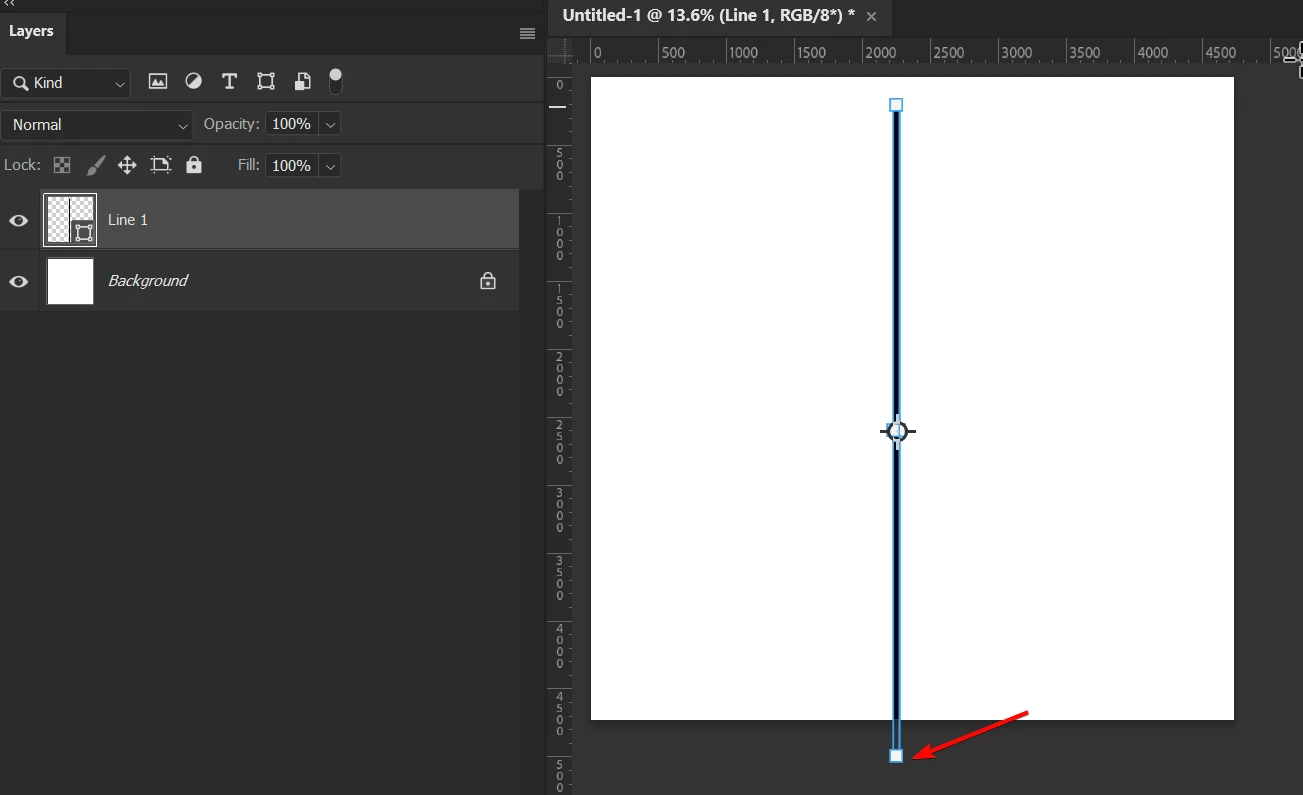
- Make sure the Preferences>Tools>Overscroll is enabled.
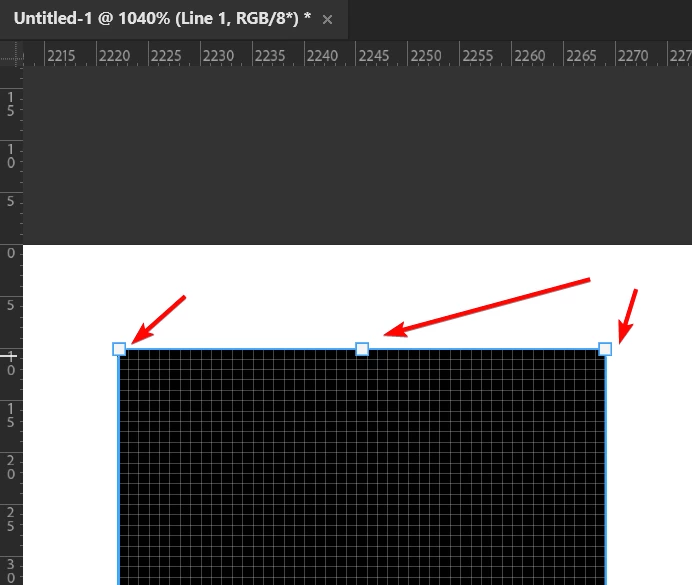
- Zoom in to the top of the line so that you can see the Pixel Grid (make sure View>Show>Pixel Grid is enabled). The control points are visible, This works as expected.
- Zoom out, then try to zoom in to the bottom of the line, past the canvas edge. I cannot scroll down to see the bottom control points.
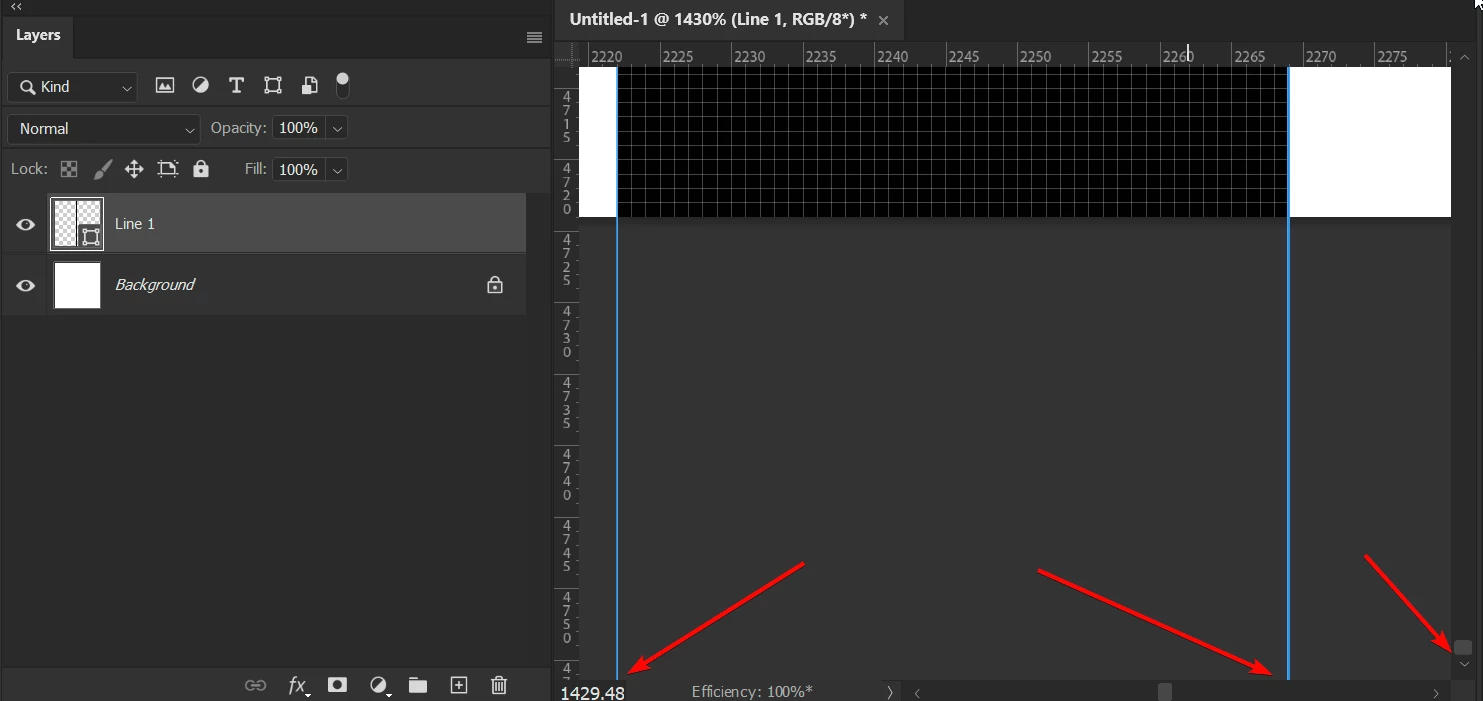
Actual result: even when Overscroll is enabled I'm unable to scroll down to access control points of a line (Shape) that are outside of a canvas.
Expected results: when Overscroll is enabled I can access control points even if they are outside of a canvas


 AdChoices