
Participant
November 29, 2023
Question

Cant open ProRaw files imported from an Iphone in Photostop for Ipad. Unsupported file format.

  • November 29, 2023
  • 3 replies
  • 561 views

Hello everyone. 


Just upgraded my Ipad Pro and really wanted to check out the option to adjust ProRaw photos made on Iphone using Photoshop.

When I airdrop a photo to the Ipad it shows in the gallery but when I try to open in in a photoshop in shows the error:

'IMG_xxxx.thumb.low cannot be imported. Unsupported file format.
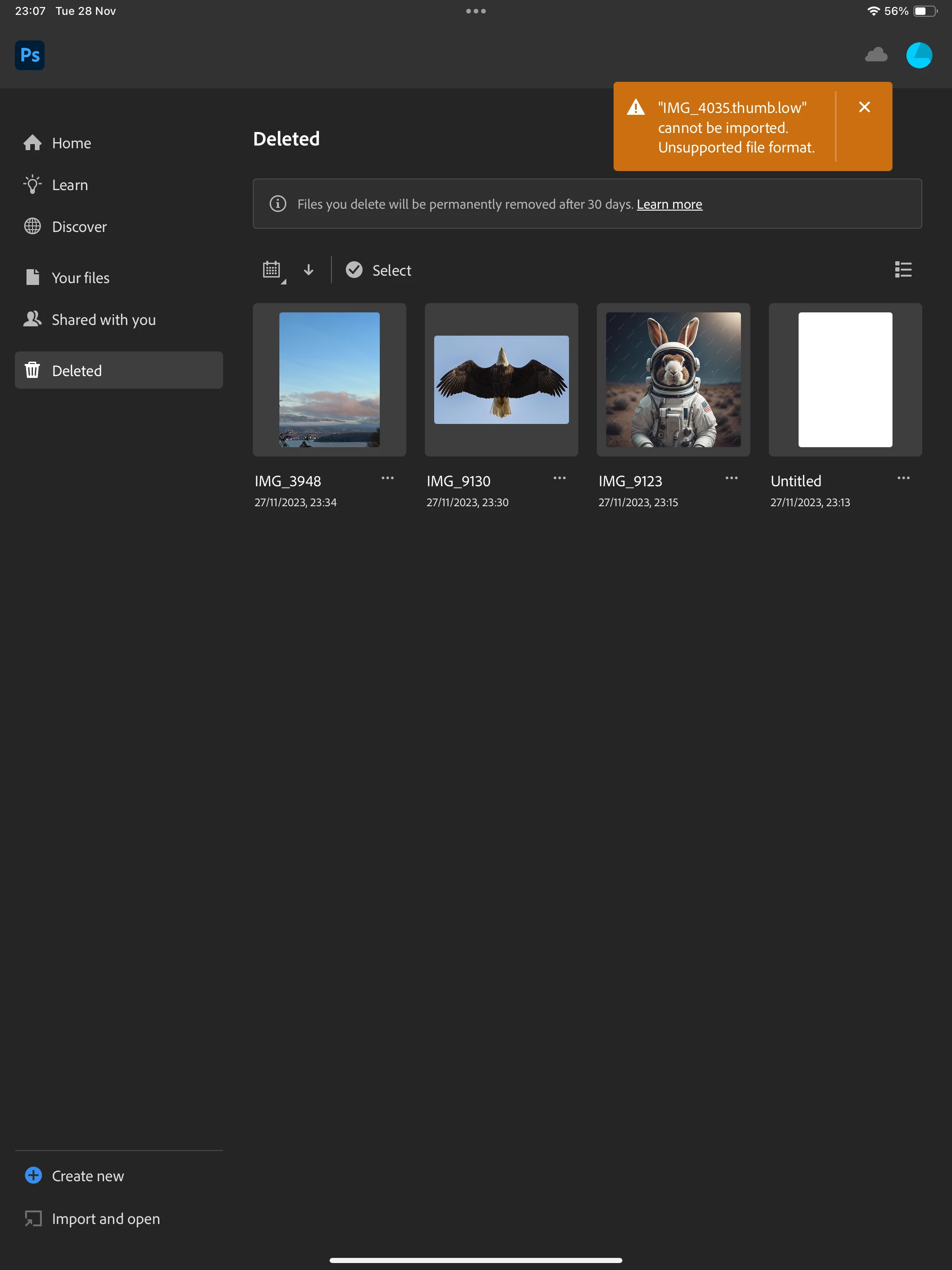


Photo access is set to private for Photoshop but I have no option to change it and that was the closest to an actual advice I found on the similiar topics.


Cant find the anwser anywhere. Can anyone suggest what am I doing wrong?


Thank you!

This topic has been closed for replies.

3 replies

Participant
February 16, 2024

Por favor den una solución lógica. Me pasa lo mismo no puedo abrir mis archivos RAWm, soy fotoperiodista y me hace falta para el día a día por favor, den una solución.

Trevor.Dennis
Community Expert
Community Expert
November 29, 2023

I'm wondering what that .thumb.low format is.

Can you check the file size?  I have no idea how to do that with an iPad, but both the terms thumb (as in thumbnail) and low (as in low resolution) have me think that is not the actual image file.

Participant
February 3, 2024

I have a similar problem, with photoshop on ipad, and i agree; logic seems to say that it's trying to open a thumbnail instead of the actual image.


For me, it seems like anything that I had edited in photoshop before the updates, does this now when I try to open it. Everything else is fine.


For reference, I don't have any fancy way to import photos. I scan artwork on our scanner, or take photos with my phone, they go in the apple photo app and get migrated to my other devices through apple cloud. Easy peasy.


Again, I don't seem to be having this problem with anything except images that I had been working on, in photoshop, before the recent big update.


Please, can't someone shed light on this?

Sameer K
Community Manager
Community Manager
November 29, 2023

Hey, @Parafia. I'll help you figure this out. I'll move this to the discussion board.


ProRaw is supported on Photoshop iPad. The way you're moving the file to the iPad maybe why Photoshop isn't able to open the file. If you look at the file name, it ends with '.thumb.low', due to which Photoshop is unable to read the file.


Please try moving the file using any other method or use Lightroom on the iPhone to import the images & bring them to Photoshop on the iPad.


Let me know how it goes.

Thanks!
Sameer K

Participant
February 2, 2024

Same issue here. Importing from the photos app the to Lightroom then to Photoshop works but is a pain to have to do that extra step.