
MahaB82A_
December 26, 2024
Question

Canvas Size of many images

  • December 26, 2024
  • 3 replies
  • 277 views

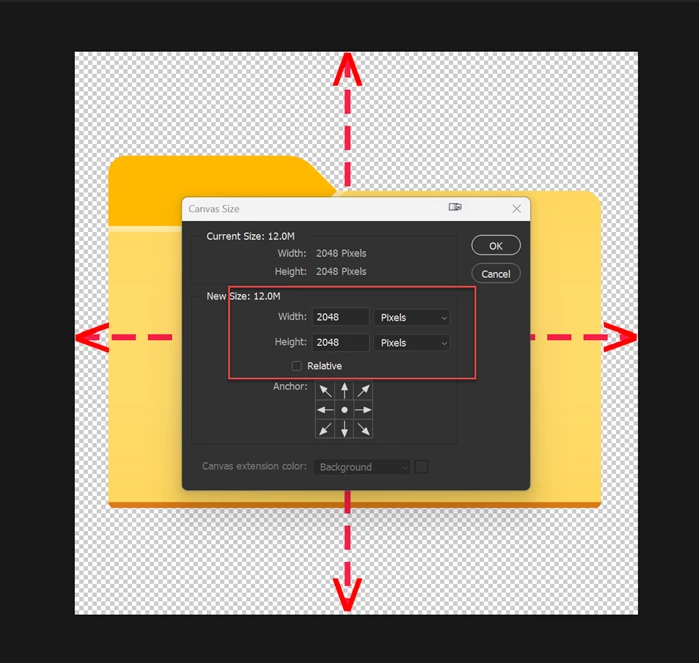
For example there are many separate images with different canvas sizes. If we place all this images in one file What will be the resultant canvas size? I tried this & saw resultant canvas size was the canvas size of the image which was placed first. 


This topic has been closed for replies.

3 replies

Peru Bob
Community Expert
Community Expert
December 27, 2024

The canvas size will be the canvas size of the file you create to place the other files into it.


Stephen Marsh
Community Expert
Community Expert
December 26, 2024

How exactly are you "placing all of the images in one file"?

Trevor.Dennis
Community Expert
Community Expert
December 26, 2024

Do you have Transform Placed Images turned on in Preferences?  I'm thinking they will be placed as Smart Objects, and sized to fit the existing canvas if you do.  If you group all of the layers, select the group and Free Transform it, it should give you a bounding box that fits the document window.


Can you tell us more about what your ultimate goal is with this?  i.e. are you creating a montage?

MahaB82A_
MahaB82A_Author
December 26, 2024

In Windows explorer I make folders like this to get a clue of what is inside the folder by seeing it's outside icon. You can notice I have a template folder icon to make many folders with separate icons. I can place these PSD file on a folder which I wish by using an app for folders. You can notice all folders are same size. But if I change order of placing icon I end up having folders with different sizes. That means first any icon is placed then foler icon is placed in PNG format.


Note: both PNG & PSD templates are 2048 pixels