
Change color on modified object
If I open a black and white graphic png, I can easily pick a color, paint bucket, click, color changed. done.
However, if I modify the image, for example, a low resolution graphic, that I apply blur to smooth, then adjust curves to sharpen, I now have what is an effectively unmodifiable graphic. So 2 questions.
1. Why in the hell (as I am working with a VERY simple) white on black graphic, selecting blue, then selecting paint bucket, and when clicking on the white in this "modified" state, it turns most of the black to white? White isn't selected as the color AND I didn't click on the black section of the image?
My view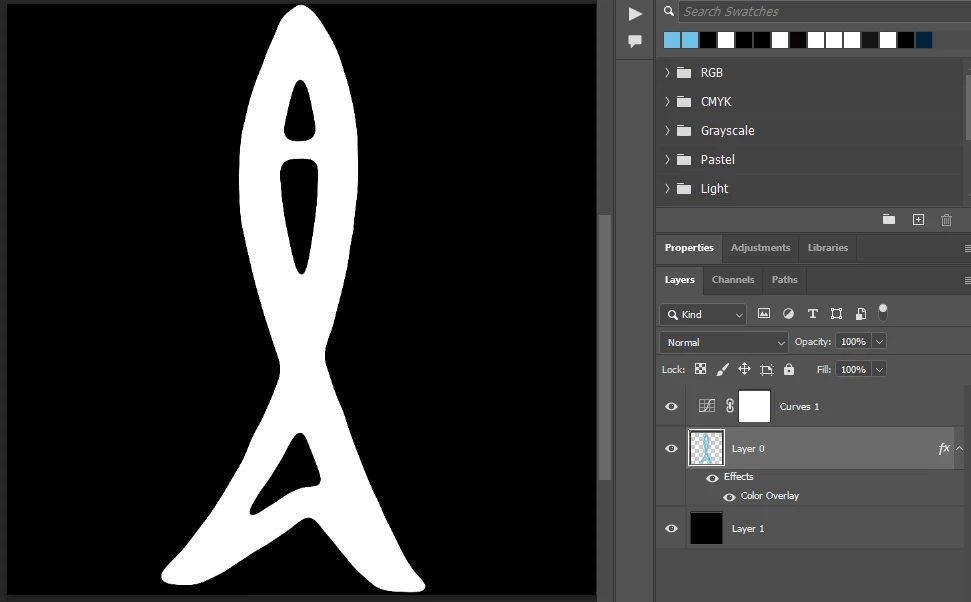
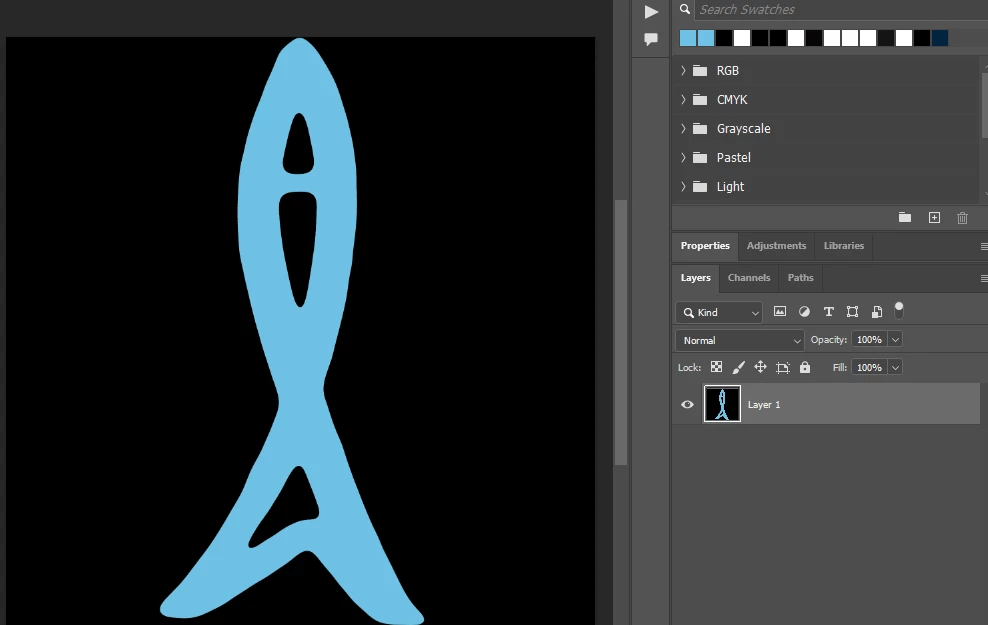
2. The only way I have found to be able to accomplish the task needed is to save as PNG and then reopen, and simply choose blue & paint bucket, and single click, done. Is there a way to "establish" the changes I have made while the file is still open and not have to save as PNG first?
The desired result


 AdChoices