
Answered
Changing a pattern to a specific target color
Hello guys,
below, in the left box, you see a simple pattern I regularly use, but always in different colors:
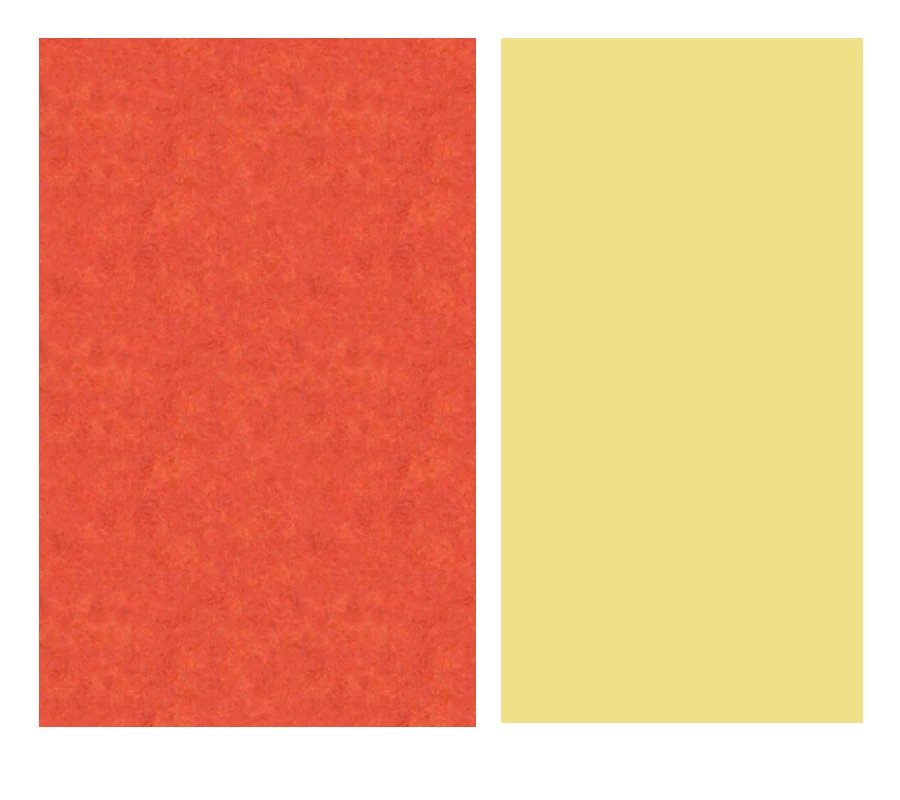
I always have a specific target color I want to need to get as close as possible to. However, changing the color of the pattern is always a drag, I'm not good at it. I usually use the color replacement brush, sample the target color (for example the one in the box on the right), brush over the pattern and then adjust through the color balance options. It takes a lot of time (for me), and the results are usually only acceptable. Are there alternatives?


 AdChoices