





Clarity and dehaze Adjustment Layer and Layer Masks
In Photoshop 2026 (ps ver 27.9.1) and Photoshop Beta 27.11 on both Mac and Windows, when you create a Clarity and Dehaze Adjustment layer, painting on any layer masks below that Clarity and dehaze Adjustment Layer results in the effects of said Clarity and dehaze adjustment Layer turning off until one stops painting on a layer mask, which of course makes it quite difficult to erase or add to a layer mask when one doesn’t see the results “live”.
In addition, the same thing happens if one uses the Properties panel to adjust either the Density or Feather of any of the layer masks below the Clarity and dehaze Adjustment layer.
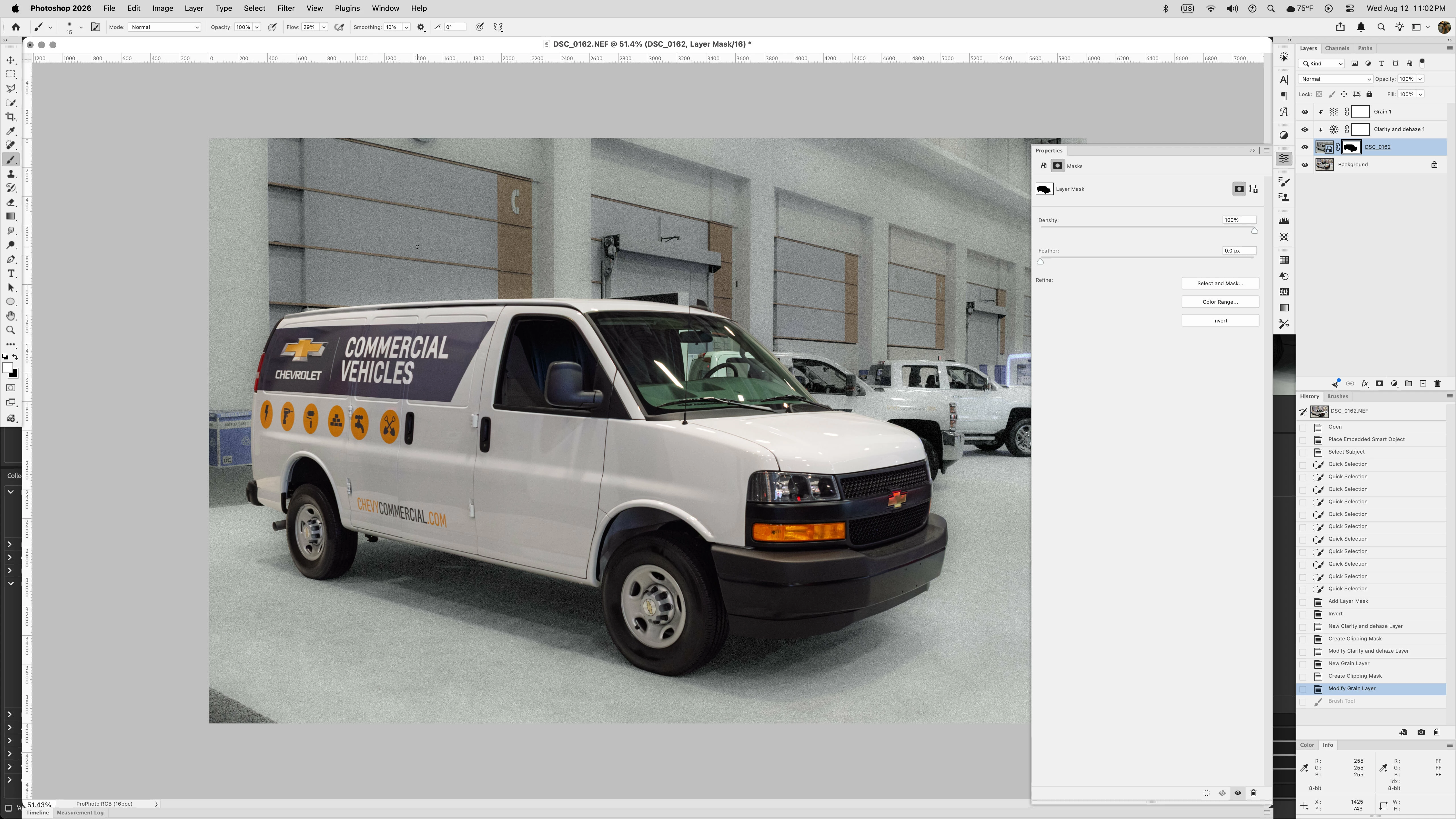
Clarity and dehaze Adjustment Layer added with and adjustment to both the Clarity and Dehaze sliders
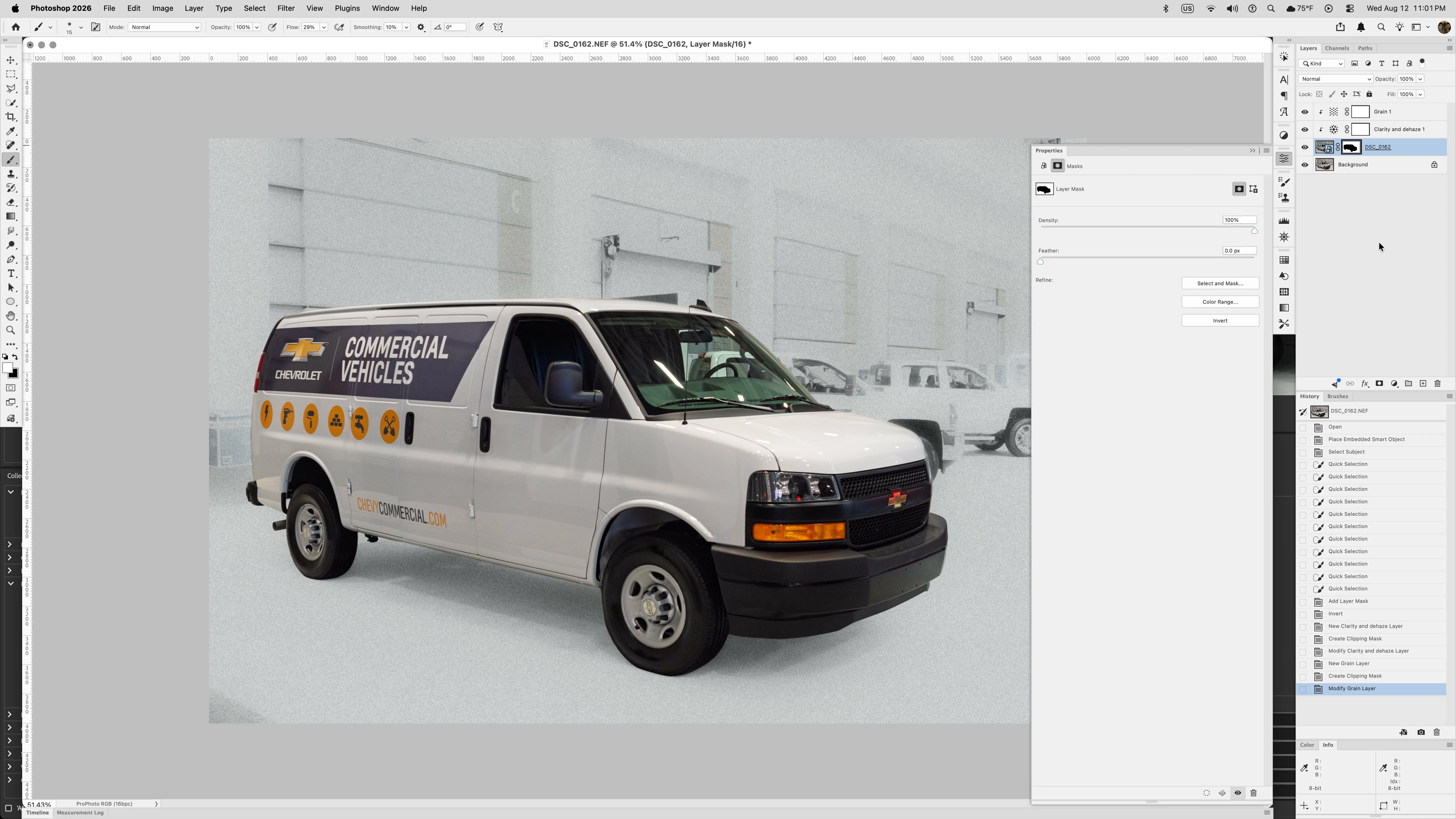
Painting on or trying to adjust the properties of any Layer Mask below the Clarity and dehaze Adjustment Layer hides the effects of said layer.

 AdChoices