Participant
February 14, 2022
Question

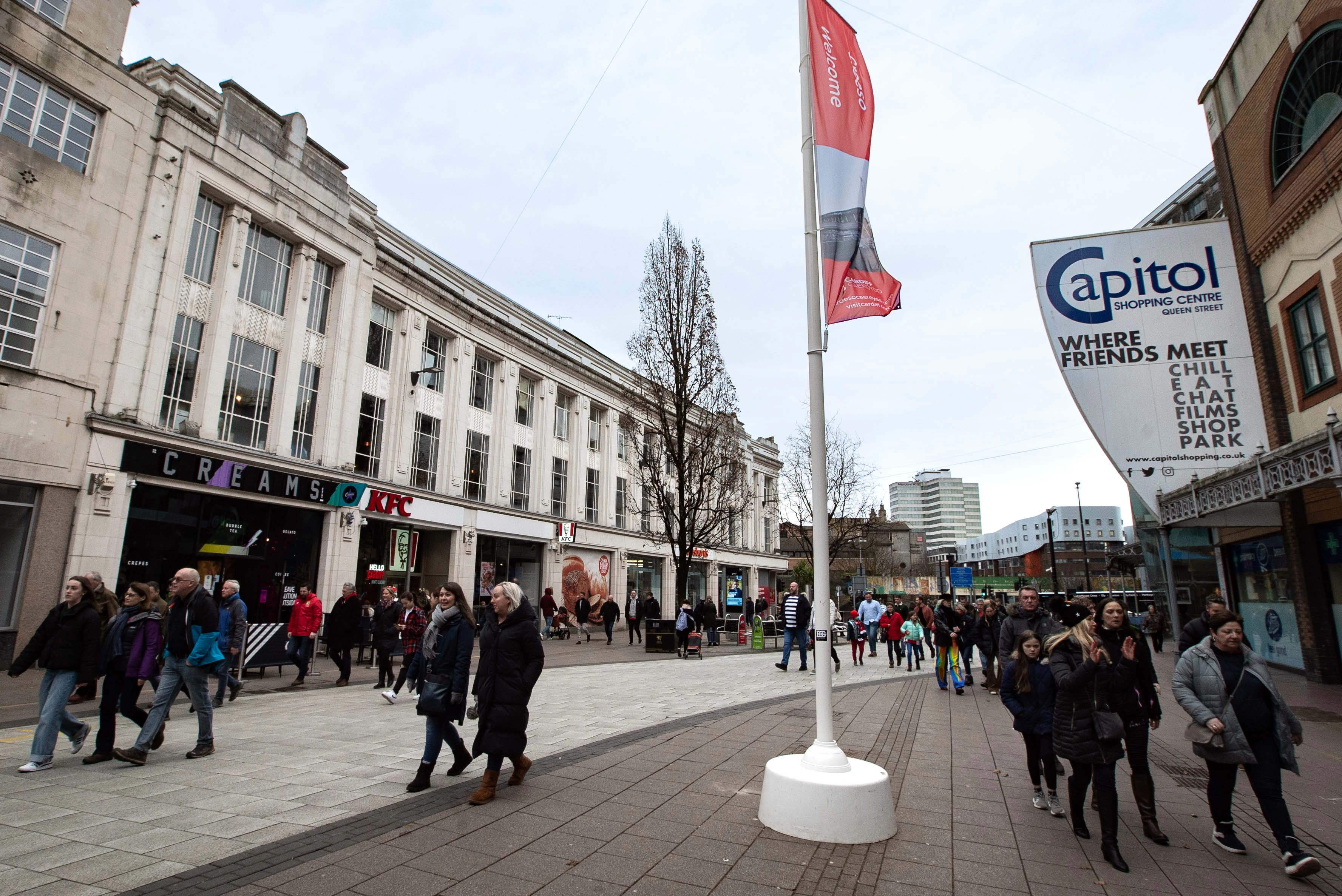
Cleaning a white brick facade

  • February 14, 2022
  • 2 replies
  • 832 views

Hi,

I have a client that has asked me to photograph this white building and now wants the black stains on the top to be cleaned. I have already improved it with masks in lightroom and the clone stamp tool in photoshop. But I'm not sure I can make that look clean without leaving it blurry and patchy. 

Is there a reasonable way of achievingthis? Or does it sound like a bit too much?
 

This topic has been closed for replies.

2 replies

davescm
Community Expert
Community Expert
February 14, 2022

Try frequency separation to separate the low frequencies (colours and shading) from the high frequencies.


To do that :

Add 2 new duplicate layers .

Name the lower duplicate Low Frequency and the upper duplicate High Frequency


Select the Low Frequency layer and use Filter Gaussian Blur (around 6.0px should work)


Select the High Frequency Layer


Go to Image > Apply Image

Set Layer to Low Frequency

Set Blending to Subtract

Set Scale to 2

Set Offset to 128

Click OK

Set the Blending mode of the High Frequency layer to Linear Light


Correct fine detail on the high frequency layer

Correct colours and shades on the low frequency layer


I've not overcleaned this example just lightened it a bit:

(Note for 16 bit images the apply image settings are slightly different :

Check Invert

Use Blending Add

Scale 2

Offset 0)


Dave


Participant
February 14, 2022

thank you,

this was super helpful! 🙂

Nicklas G
Inspiring
February 14, 2022

Hi raquelg

Maybe try with this tool ?

Hope i helped you 😉 


"People rarely succeed unless they have fun in what they are doing."-- Dale Carnegie.