

Answered
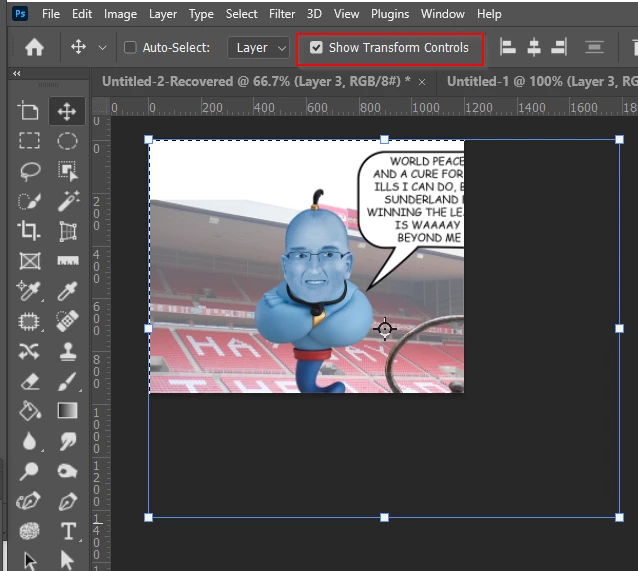
Click the move tool but bounding box does not appear to edit/transform layer.
For years I have been able to click the move tool and the bounding box appears and I can edit/transform size as needed for composites for sports banners (text, images. graphics).
The only way I can do it right now is hitting Ctrl T after selecting the layer. What happened? How do I get the old way back? This is adding an extra step and hoping there is a solution.
Thanks!


 AdChoices