Hosun
Inspiring
March 14, 2026
Answered

clipping mask

  • March 14, 2026
  • 3 replies
  • 46 views

Hi,


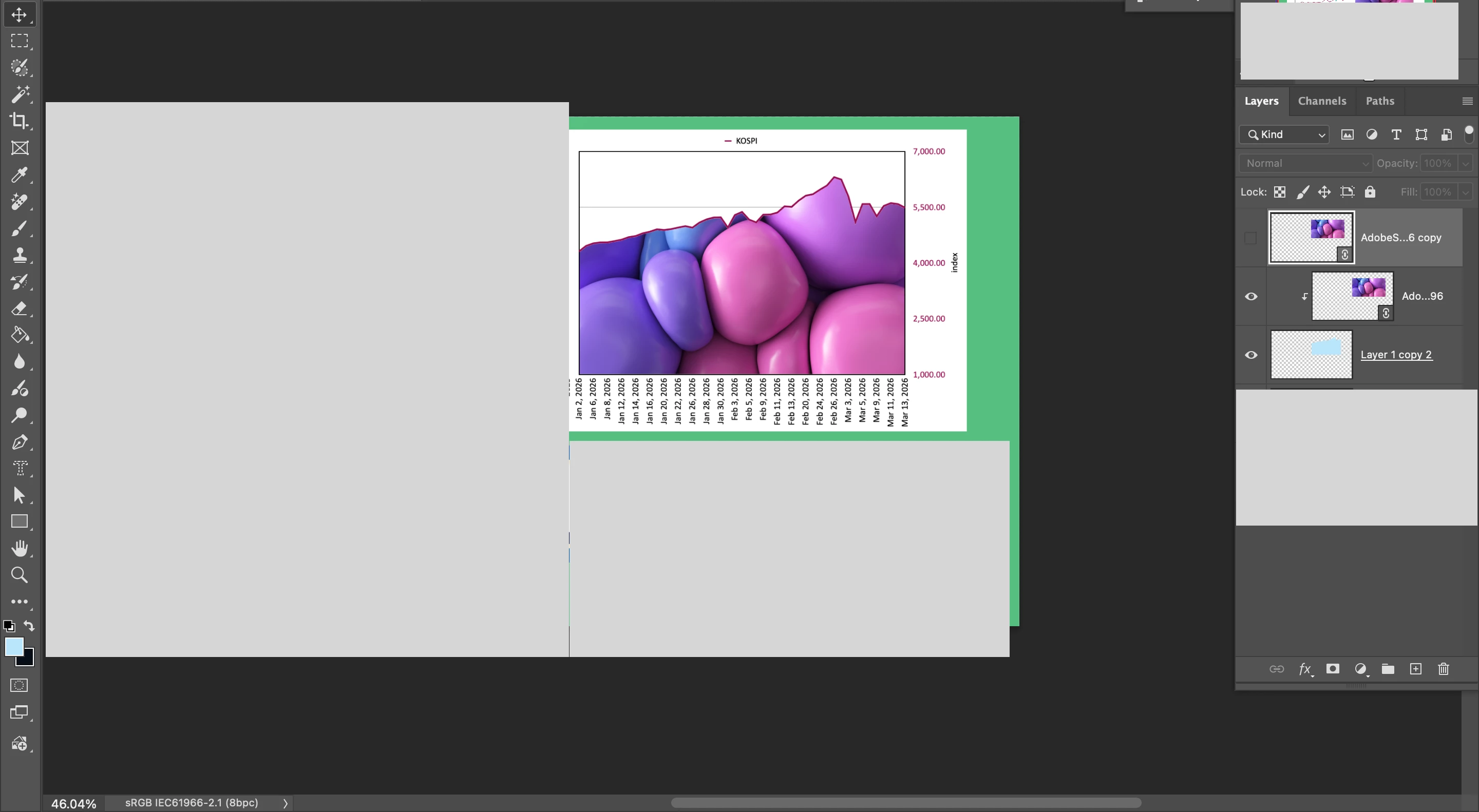
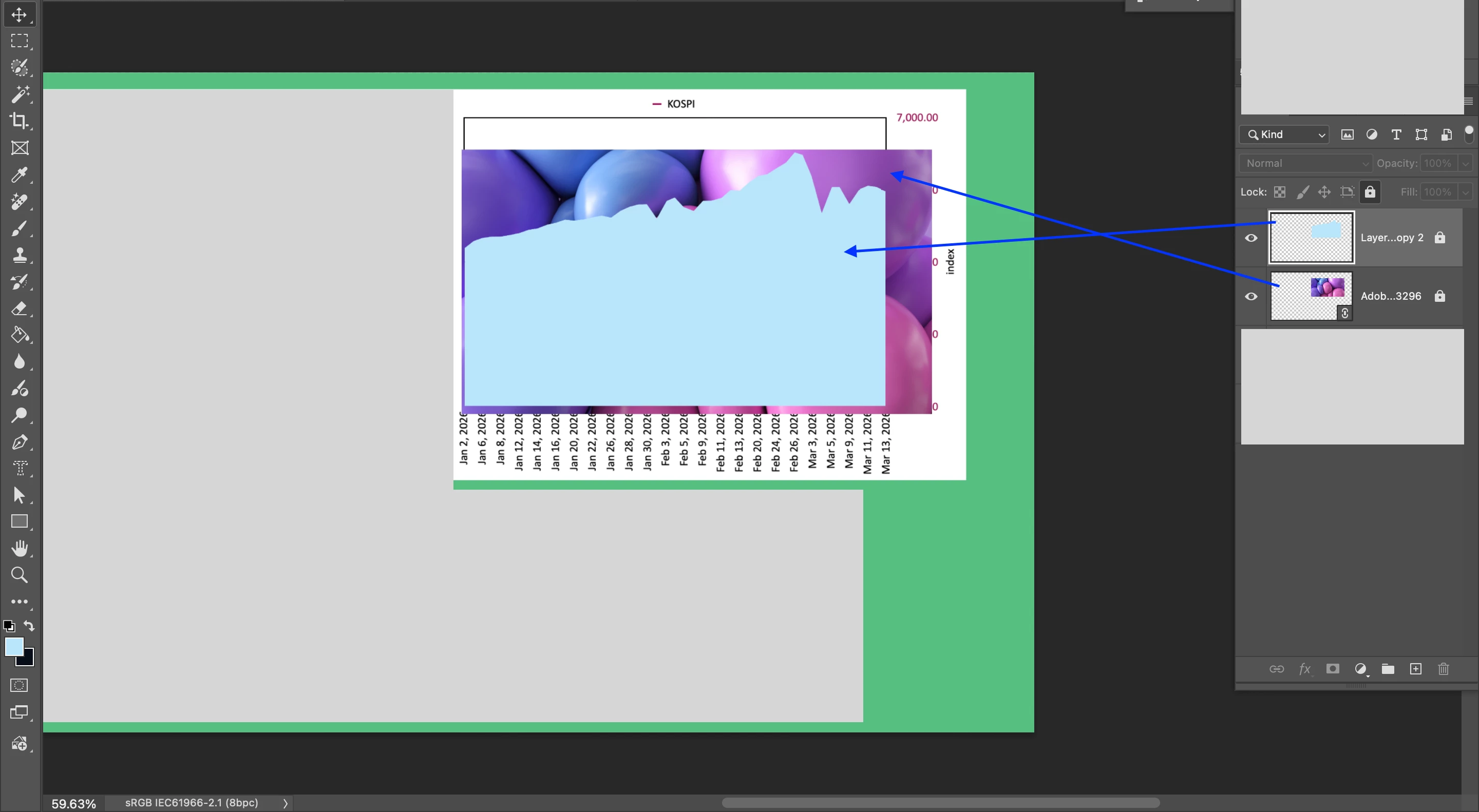
In Screenshot, there are two layers.

Is there any way to make a clipping mask and make the linked image to appear within the blue shape?


Hosun


    Correct answer Hosun

    I fount out the way.


    Hosun


    3 replies

    ThioJoe
    Community Expert
    Community Expert
    March 16, 2026

    You might also be interested to know you can set multiple layers as clipping masks so they all are contained within the one layer’s contents. You can also apply a clipping mask to folders. And you can do it with adjustment layers too.


    In this example everything would be contained to area of “Layer 1”: 


    jane-e
    Community Expert
    Community Expert
    March 14, 2026

    @Hosun 

    I’m glad you found it soon after posting!

    For other who come across this later, they are several ways to create a clipping mask. Here is the Help page from Adobe:

     https://helpx.adobe.com/photoshop/using/revealing-layers-clipping-masks.html


    Jane


    Hosun
    HosunAuthorCorrect answer
    Inspiring
    March 14, 2026

    I fount out the way.


    Hosun