michaljanata
Inspiring
January 14, 2026
Question

Clone stamp in mask not showing preview

  • January 14, 2026
  • 6 replies
  • 127 views

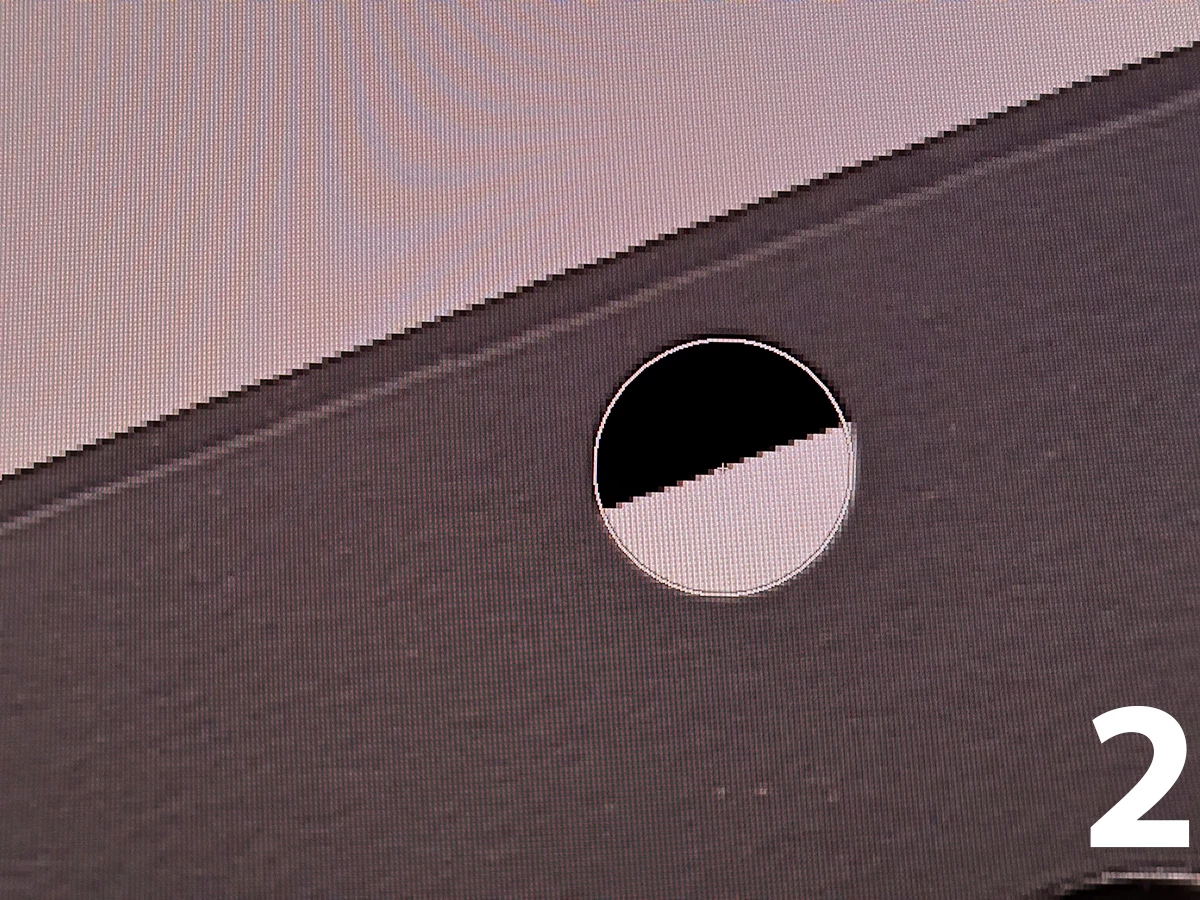
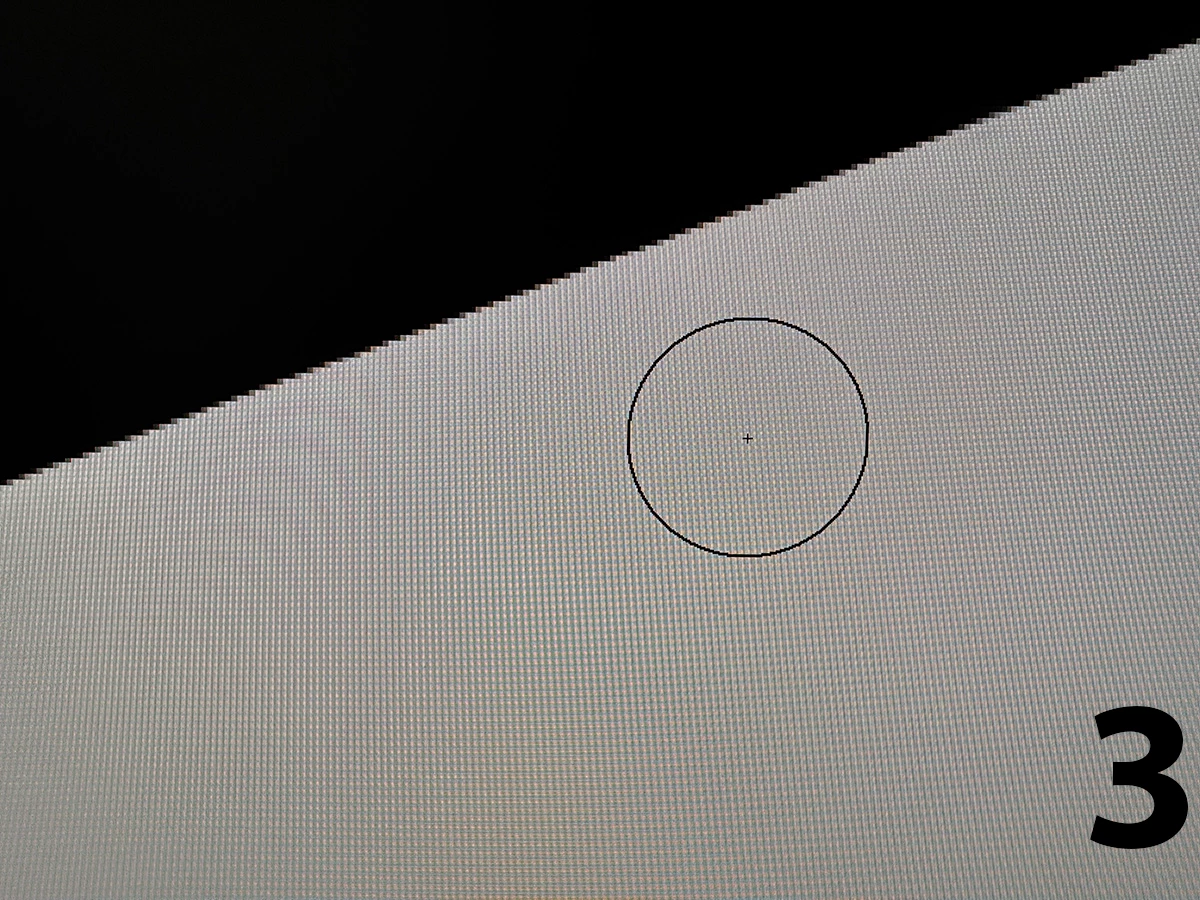
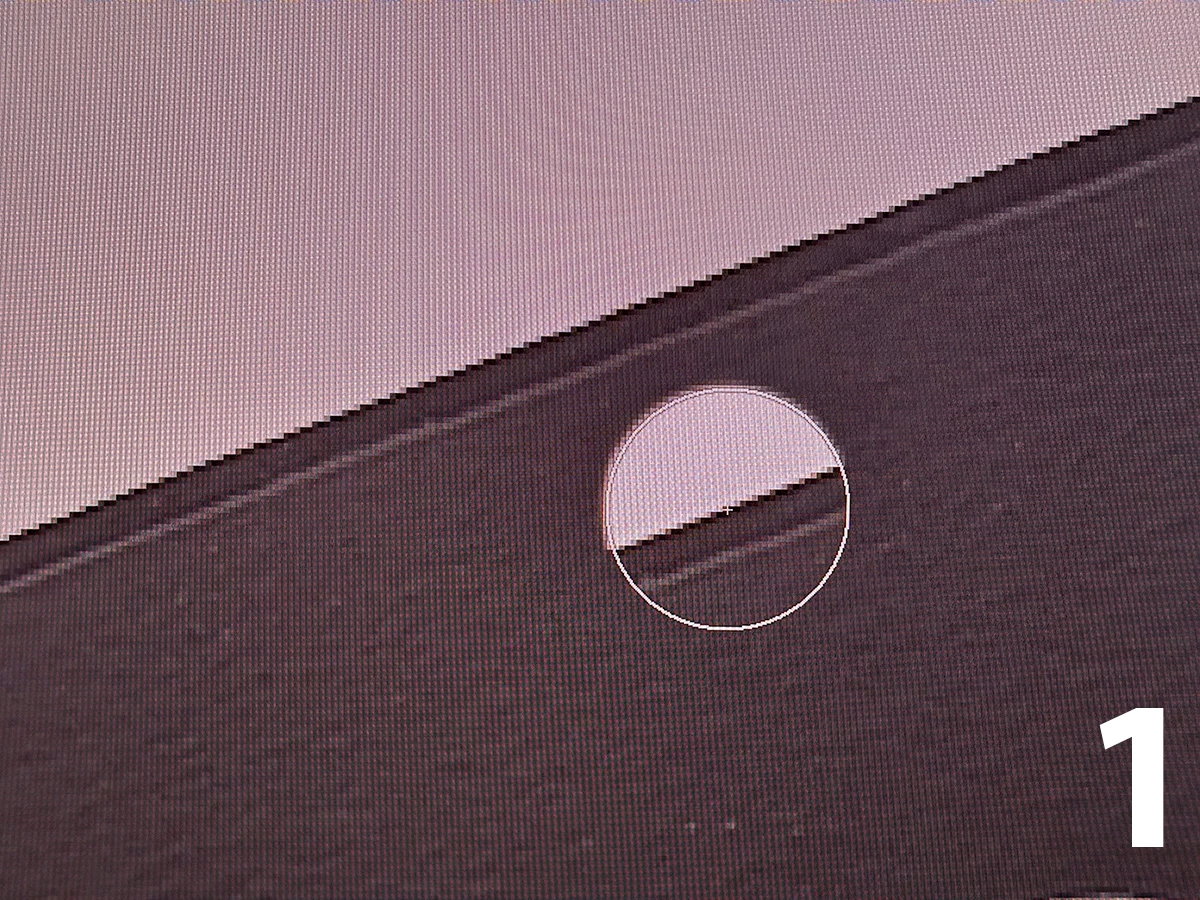
when using clone stamp directly in mask, it is not showing preview (pic 3),
when cloning in image (1) or mask with image displayed (2) it is working ok

PS 27.2.0
 

874453i7E67E64331C9A80E.jpg874452i7AECC04854EFAD95.jpg874451i2156665DBF707C63.jpg


6 replies

Anshul_Saini
Community Manager
Community Manager
January 14, 2026

Hi @michaljanata,


Thanks for reporting this. I’m not able to reproduce the behavior on my end, and there’s currently no known or logged issue matching this in Photoshop 27.2. To help us understand what’s happening in your setup, could you please share a short screen recording showing the workflow from start to finish, including how the mask is created and where the preview disappears?


A couple of additional checks that would really help narrow this down:
 • Please test the same steps in the latest Photoshop Beta and let us know if the behavior is the same there.
 • Since Beta and release versions use separate preferences, this can help rule out preference or tool-setting-related issues.


Once we have the recording and your findings from the Beta, we can take this further.


Thanks for your help.


Best regards,
Anshul Saini

michaljanata
Inspiring
January 14, 2026

hi @Anshul_Saini , I have uploaded screen recording, hope you can understand what's going on


https://we.tl/t-E0b1VanhNX


workflow is really very simple — make new file -> make a layer mask -> paint anything in mask -> show layer mask (Alt+click on mask) -> try to clone stamp mask -> no clone stamp brush preview


when cloning in mask with image visible, clone stamp brush preview is visible


unfortunately I do not have Beta installed and I'm not going to install