Answered
Clone Stamp Tool Alignment missing
After updating to 22.0.1 I can't find the alignment check box for the clone tool. Screen shot added. Really slowing down my workflow. What give's? any help is appriciated.
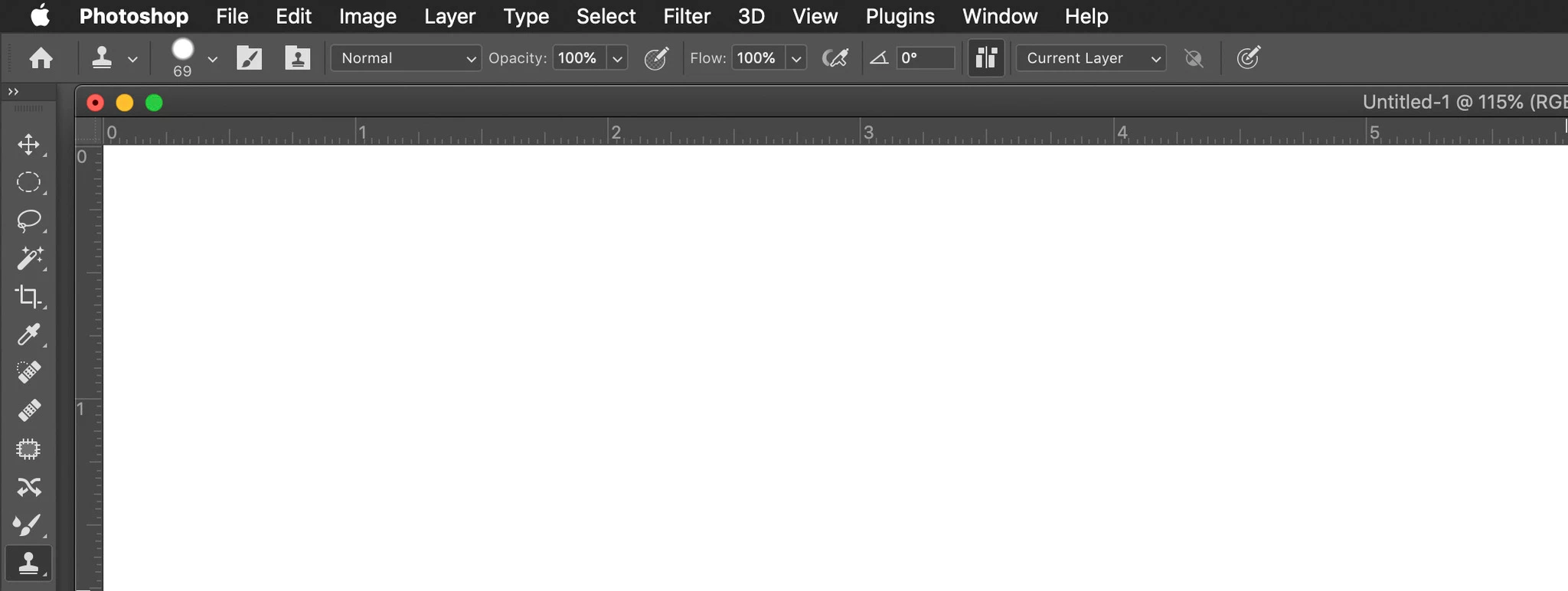

After updating to 22.0.1 I can't find the alignment check box for the clone tool. Screen shot added. Really slowing down my workflow. What give's? any help is appriciated.
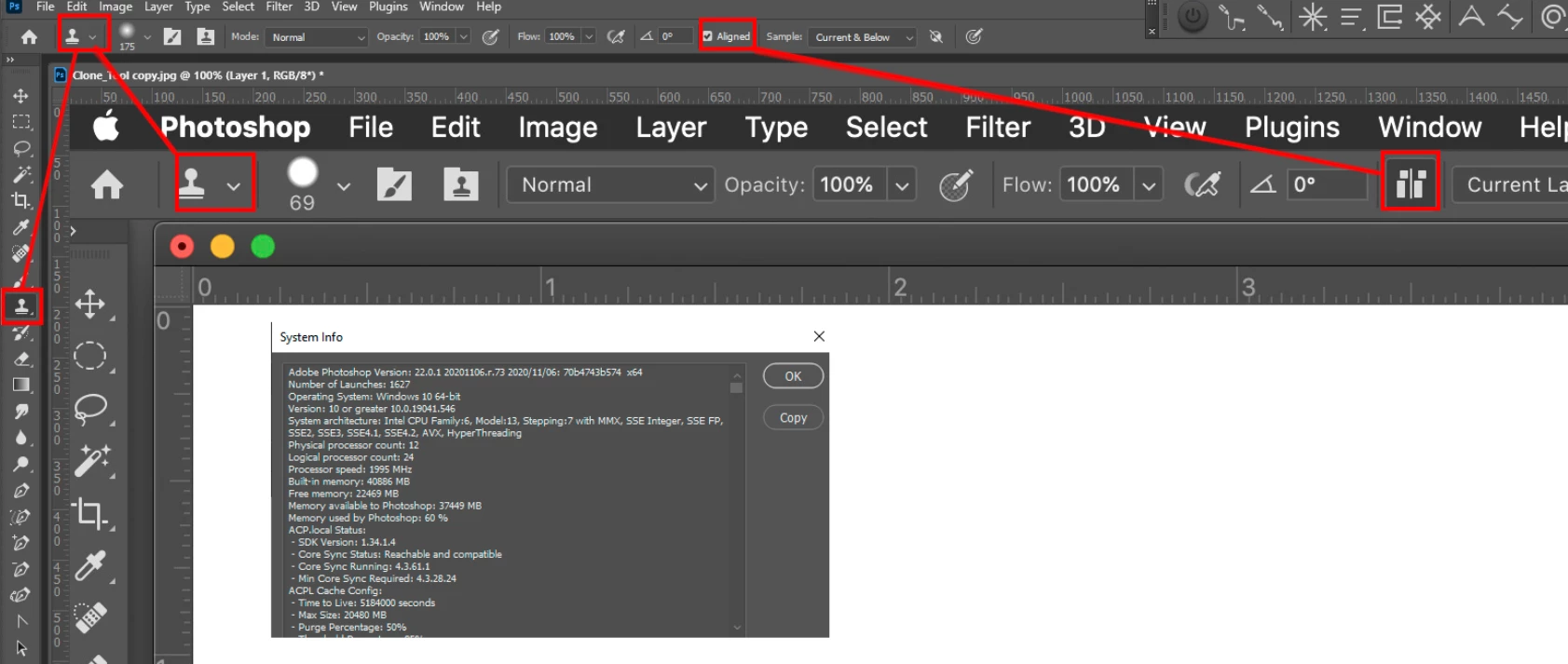
It may be a Mac issuse or Adobe change the way Mac PS UI displaye the option.
Already have an account? Login
No account yet? Create an account
Enter your E-mail address. We'll send you an e-mail with instructions to reset your password.


 AdChoices