I found that this issue may relate to Google Drive desktop, after I quit the Google Drive, it can show my cloud files. If I open Google Drive again, it spins again. Interesting.
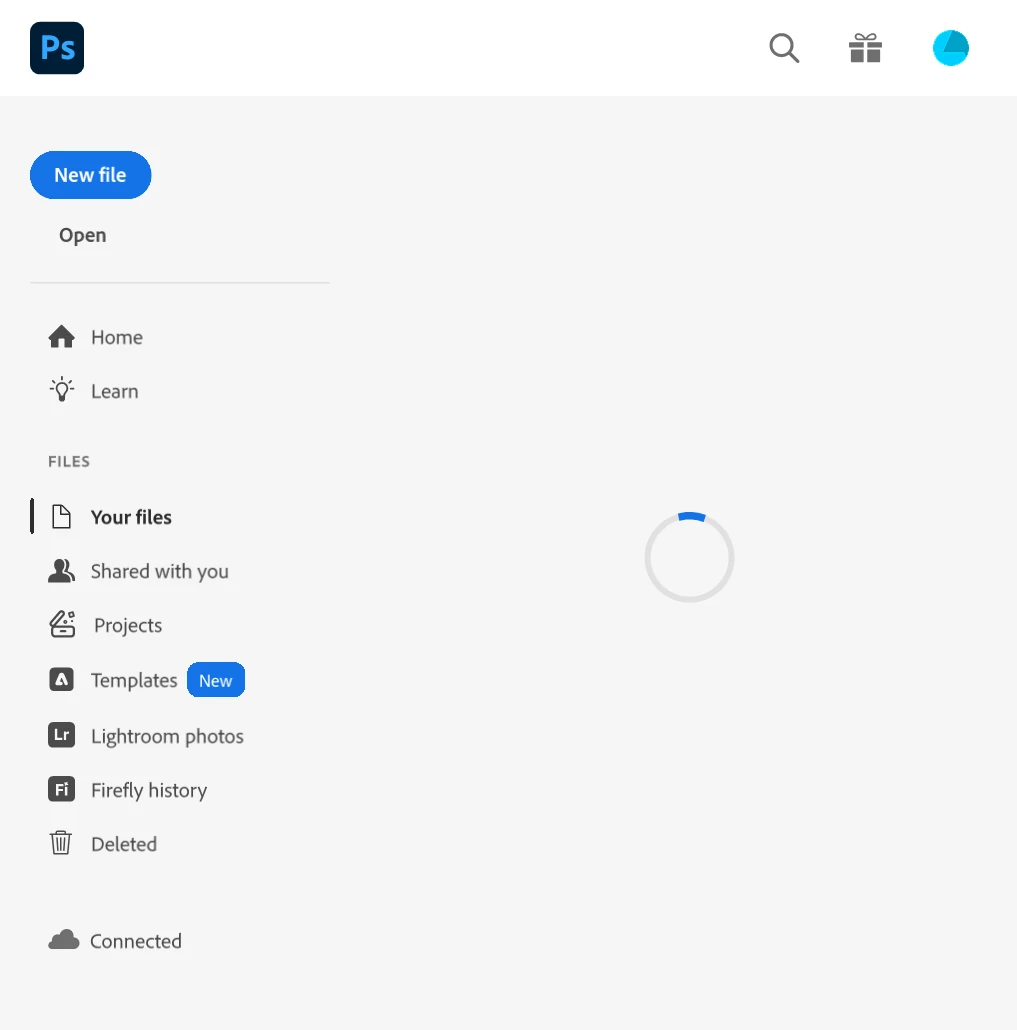
Thanks for sharing that screenshot; it helps clarify what’s happening. The loading spinner on the “Your Files” panel typically indicates that Photoshop is still trying to sync or fetch your cloud documents.
Could you please confirm if you’re still experiencing this issue? We recently rolled out Photoshop version 27.0. Updating to the latest version may resolve this behavior.
You can learn more about the new release and find the download details here: https://adobe.ly/4oFboQu
Once you’ve updated, try signing out and back into the Creative Cloud desktop app to refresh the connection, then relaunch Photoshop and check if your files load correctly.
Please let me know if the issue persists after updating. I’ll be happy to explore additional troubleshooting steps if needed.
I found that this issue may relate to Google Drive desktop, after I quit the Google Drive, it can show my cloud files. If I open Google Drive again, it spins again. Interesting.



 AdChoices