Answered
cmd+Spacebar not working for zooming anymore
Hi!
The cmd+Spacebar shortcut for zooming suddenly stopped working. What could be the issue?
As you can see, my Spotlight shortcut is deactivated:
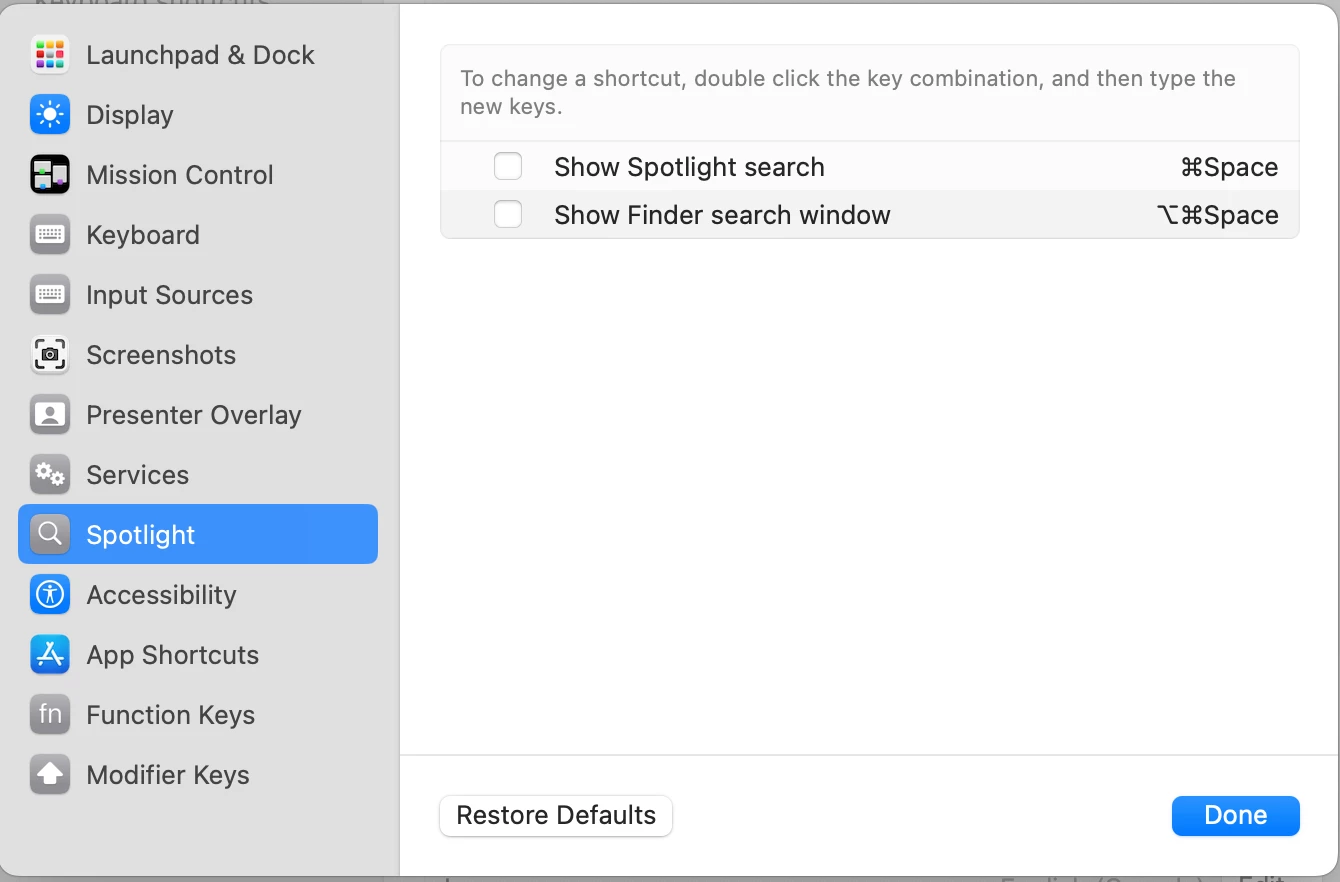
I am using macOS Sonoma 14.0.
Thank you!
Chris.

Hi!
The cmd+Spacebar shortcut for zooming suddenly stopped working. What could be the issue?
As you can see, my Spotlight shortcut is deactivated:
I am using macOS Sonoma 14.0.
Thank you!
Chris.
I rebooted my computer, and the shortcut is working again. Thank you.
Already have an account? Login
Enter your E-mail address. We'll send you an e-mail with instructions to reset your password.


 AdChoices