
Answered
Color change in copy/paste from another document
Yes, the two documents have the same sRGB color profile, but the colors drastically change (the yellows turn orange.) I'm stuck.
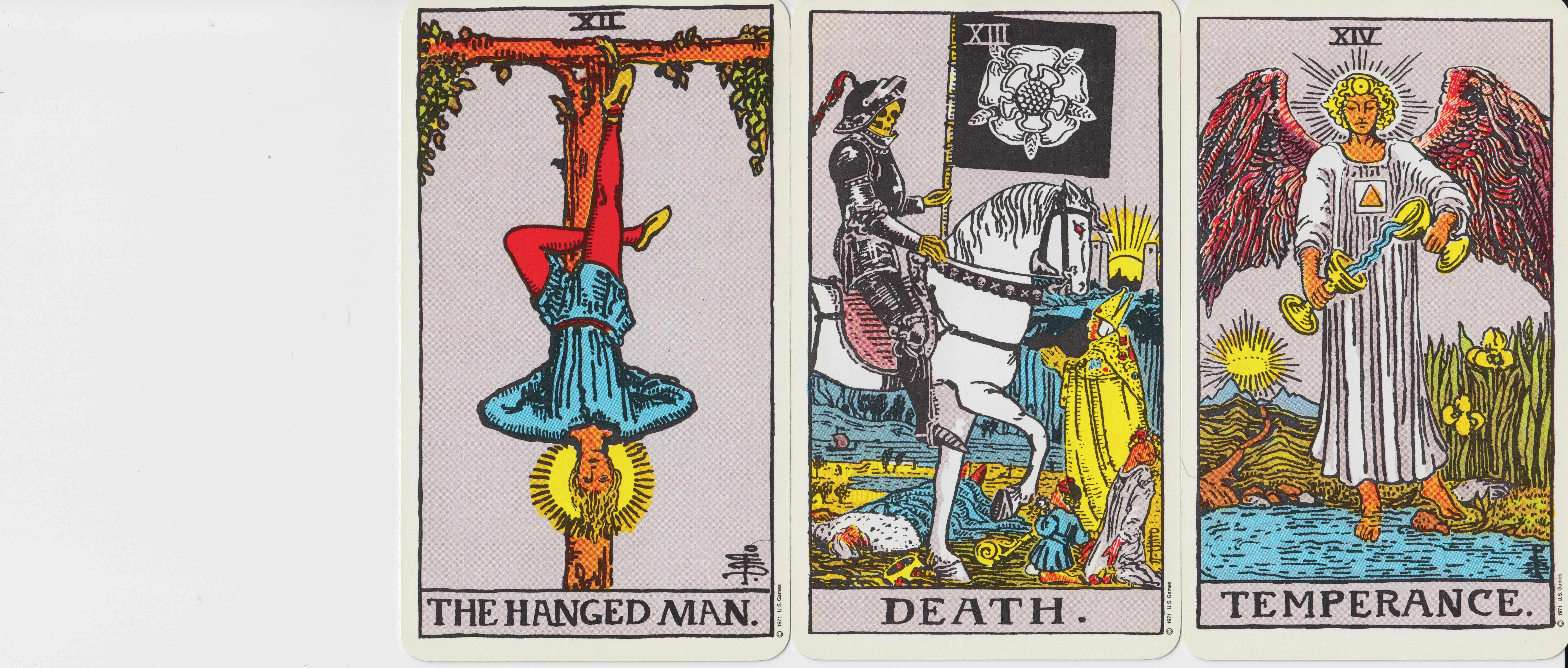
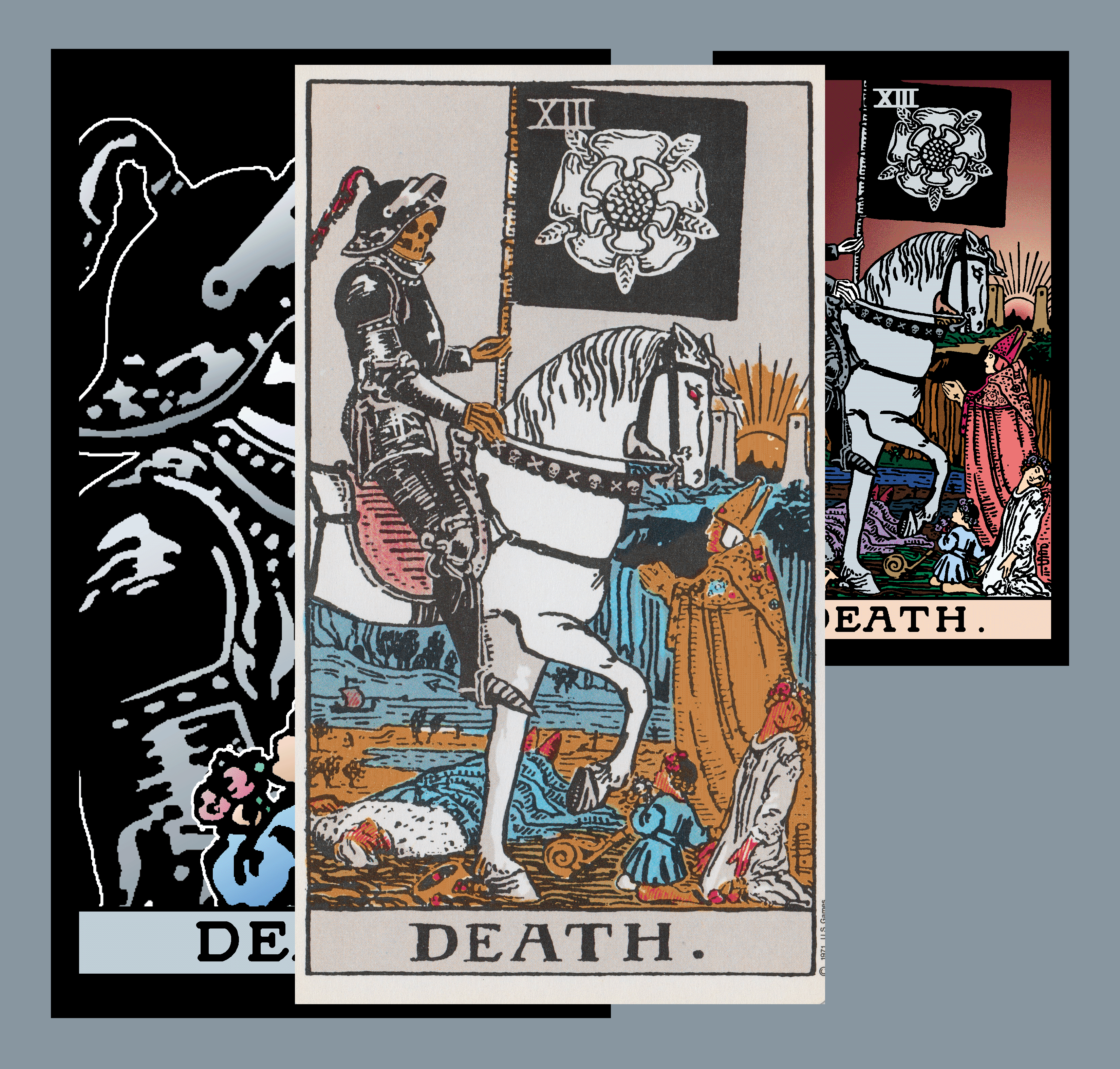
Any ideas?
Lily

Yes, the two documents have the same sRGB color profile, but the colors drastically change (the yellows turn orange.) I'm stuck.
Any ideas?
Lily
The second one is a GIF, a file format that uses indexed color. When you paste into indexed color, it's forced into the 256-color palette of the original.
Image > Mode > RGB, then paste.
Already have an account? Login
Enter your E-mail address. We'll send you an e-mail with instructions to reset your password.
 AdChoices