


Answered
Color changes when I move an object to a darker area in the image??
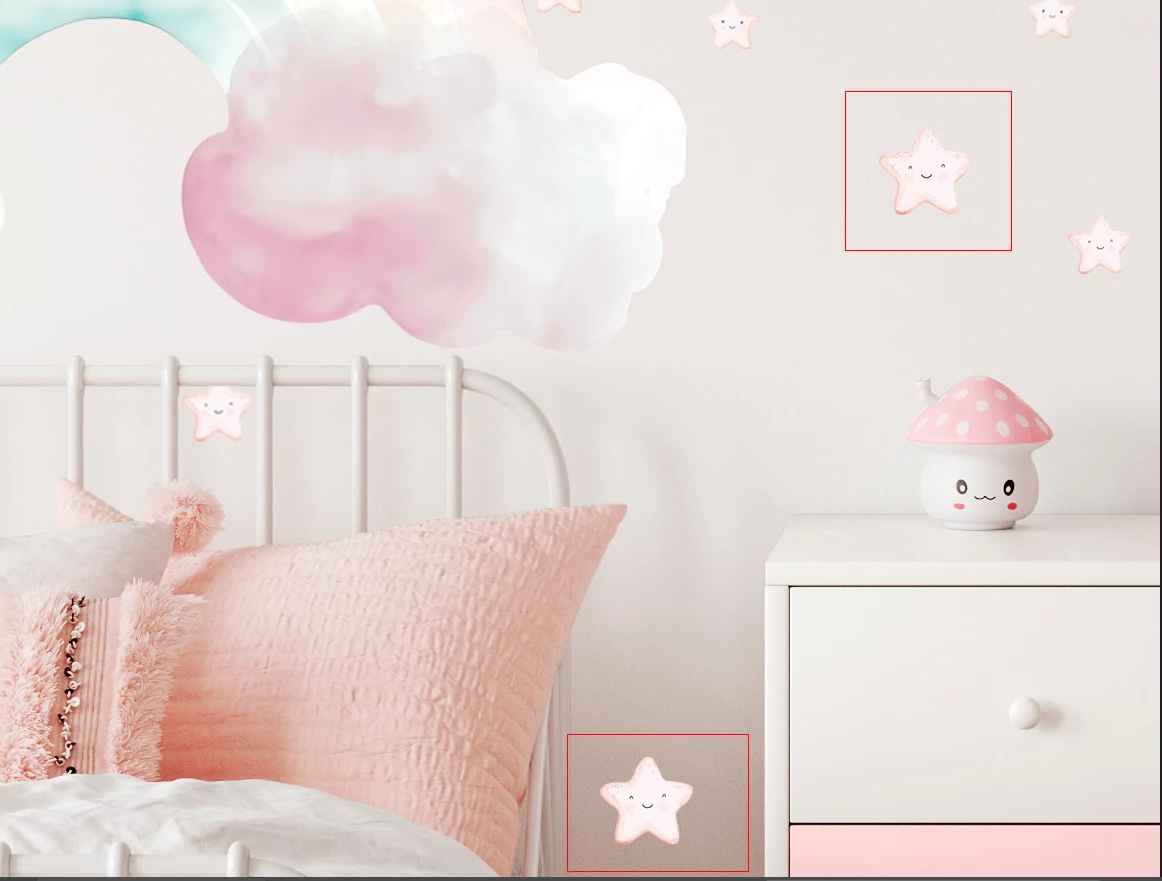
I have an issue making a mockup image for one of my customers. Their design has light pink stars that I need to distribute around the bed but when I move the star to a darker area it gets noticably lighter in color. When I move it away from the darker area it goes back to it's normal colors. I have check the lighter star and it still has the same color codes as the other stars but it's clearly lighter then the others. What is causing this?
All my color profiles and blending modes (none being used) are set correctly. Please see the photo below for an example.


 AdChoices