

Color is wrong when a PNG image is placed on the same page as JPG for Adobe Acrobat
Here is my problem:
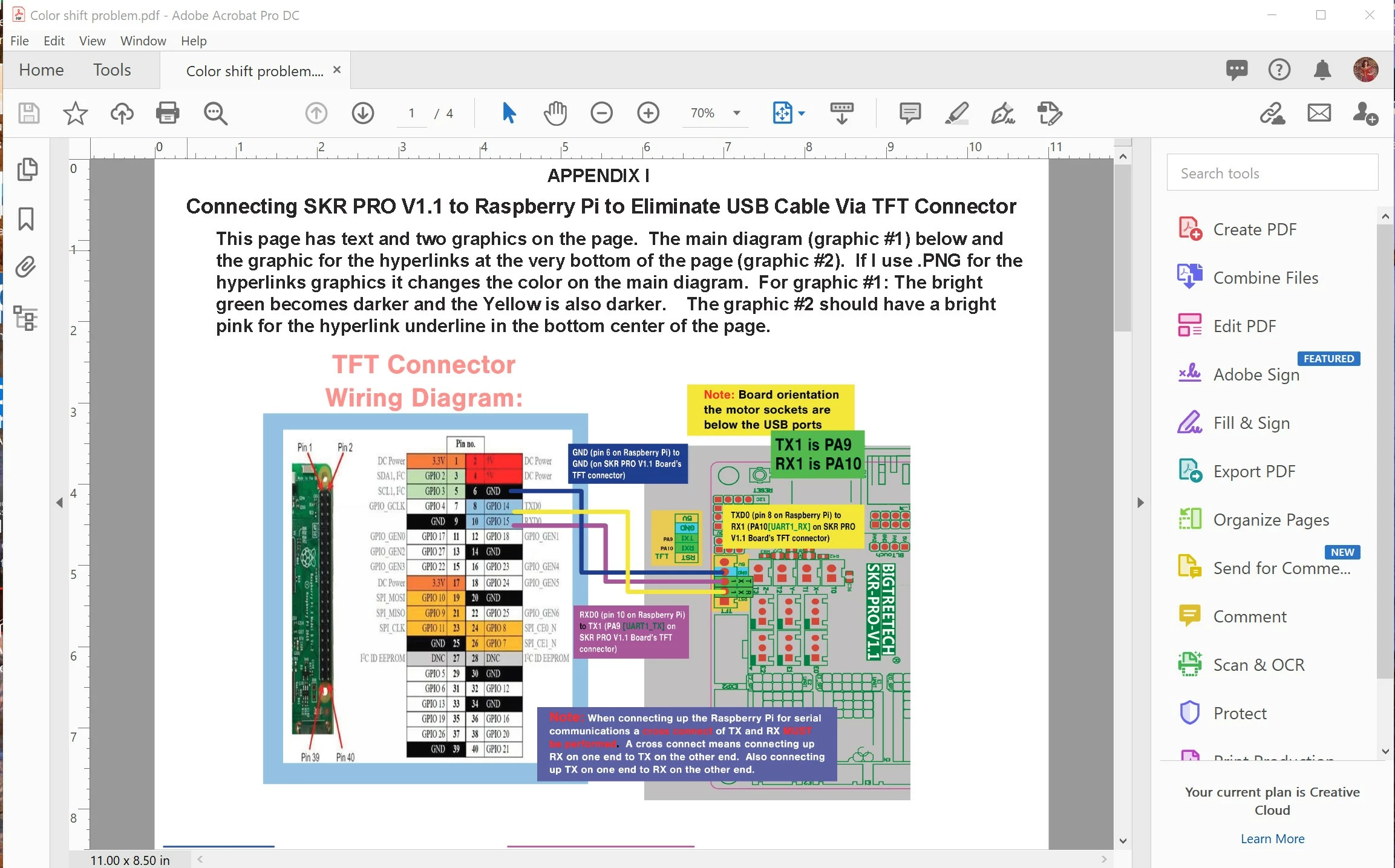
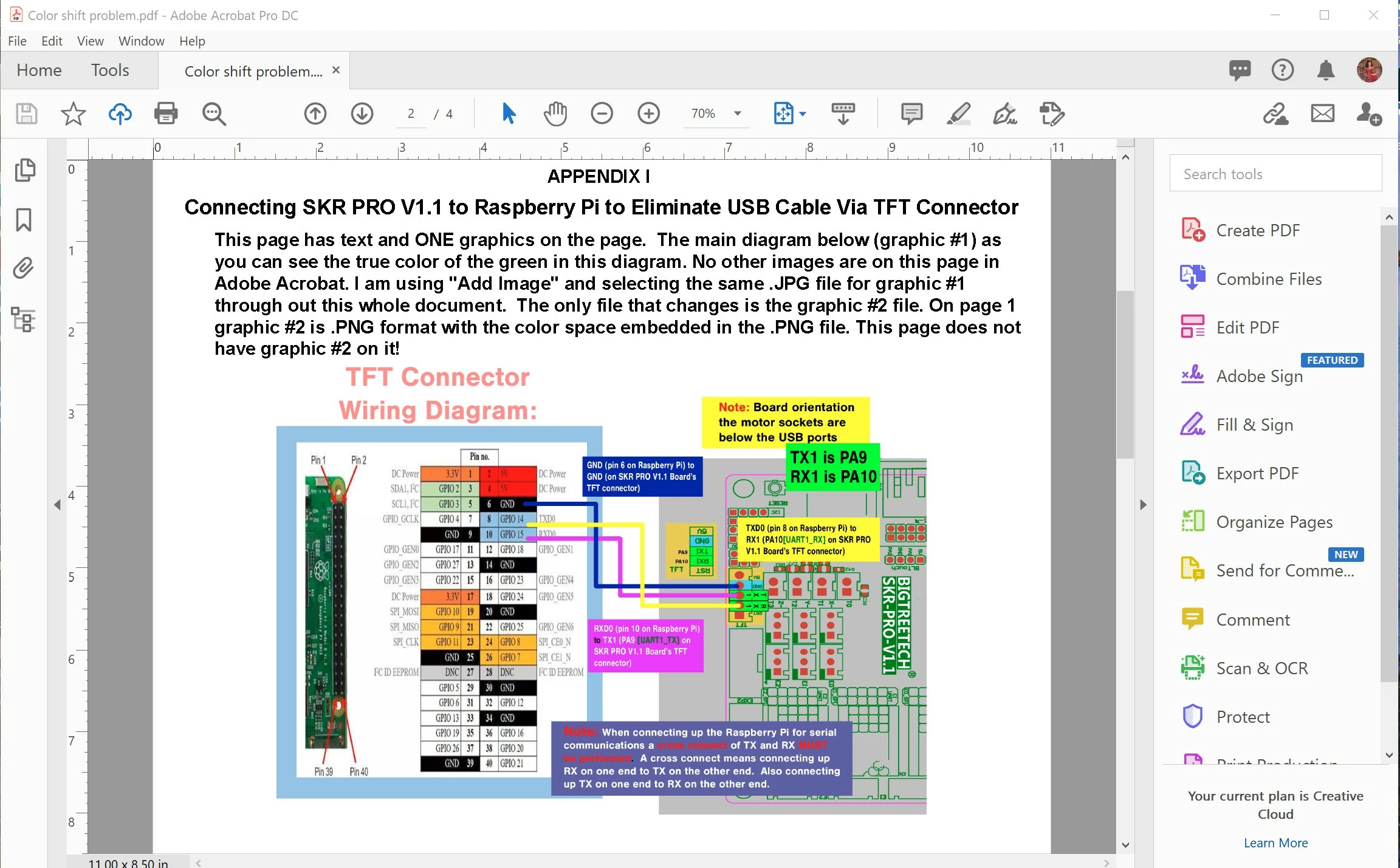
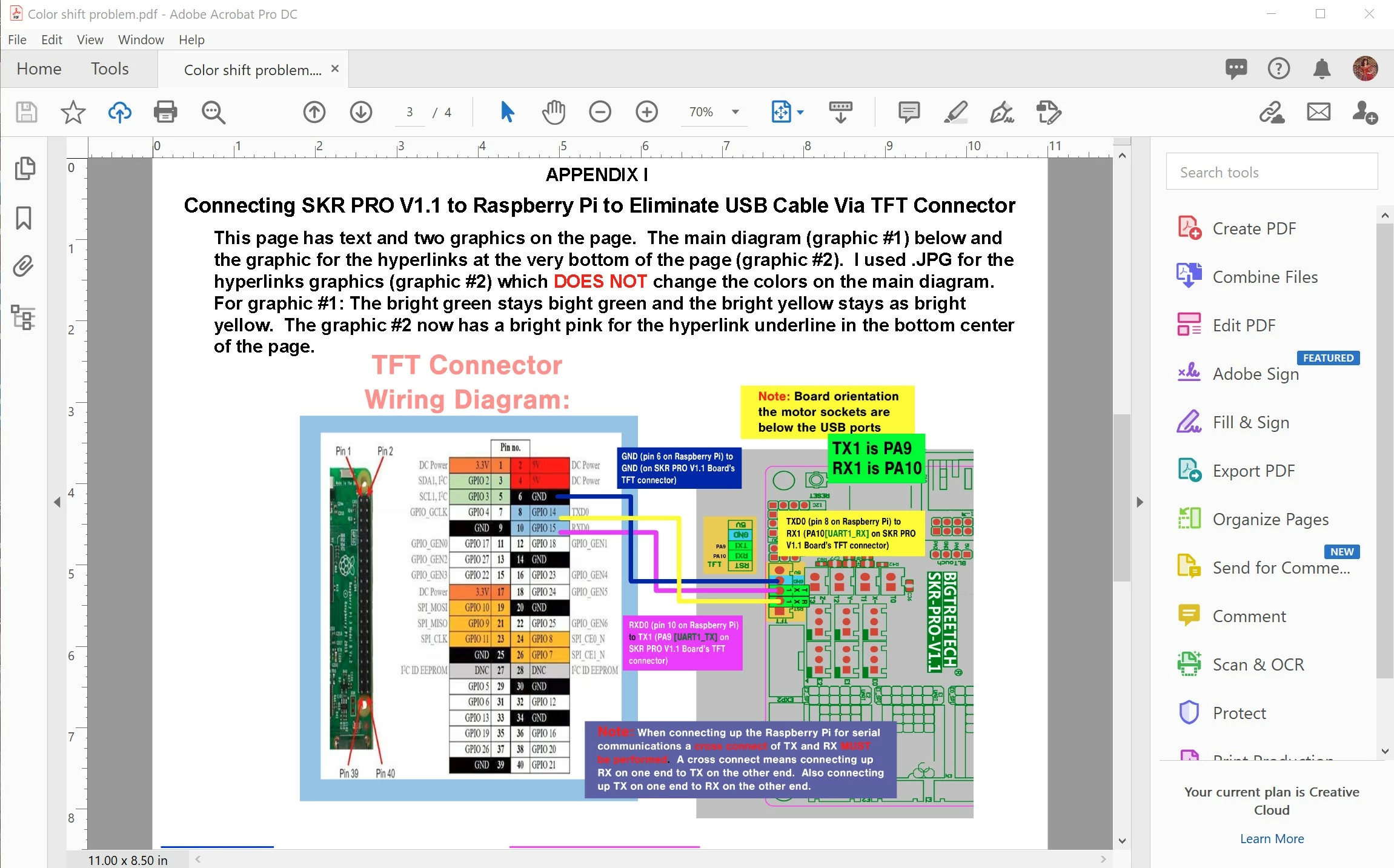
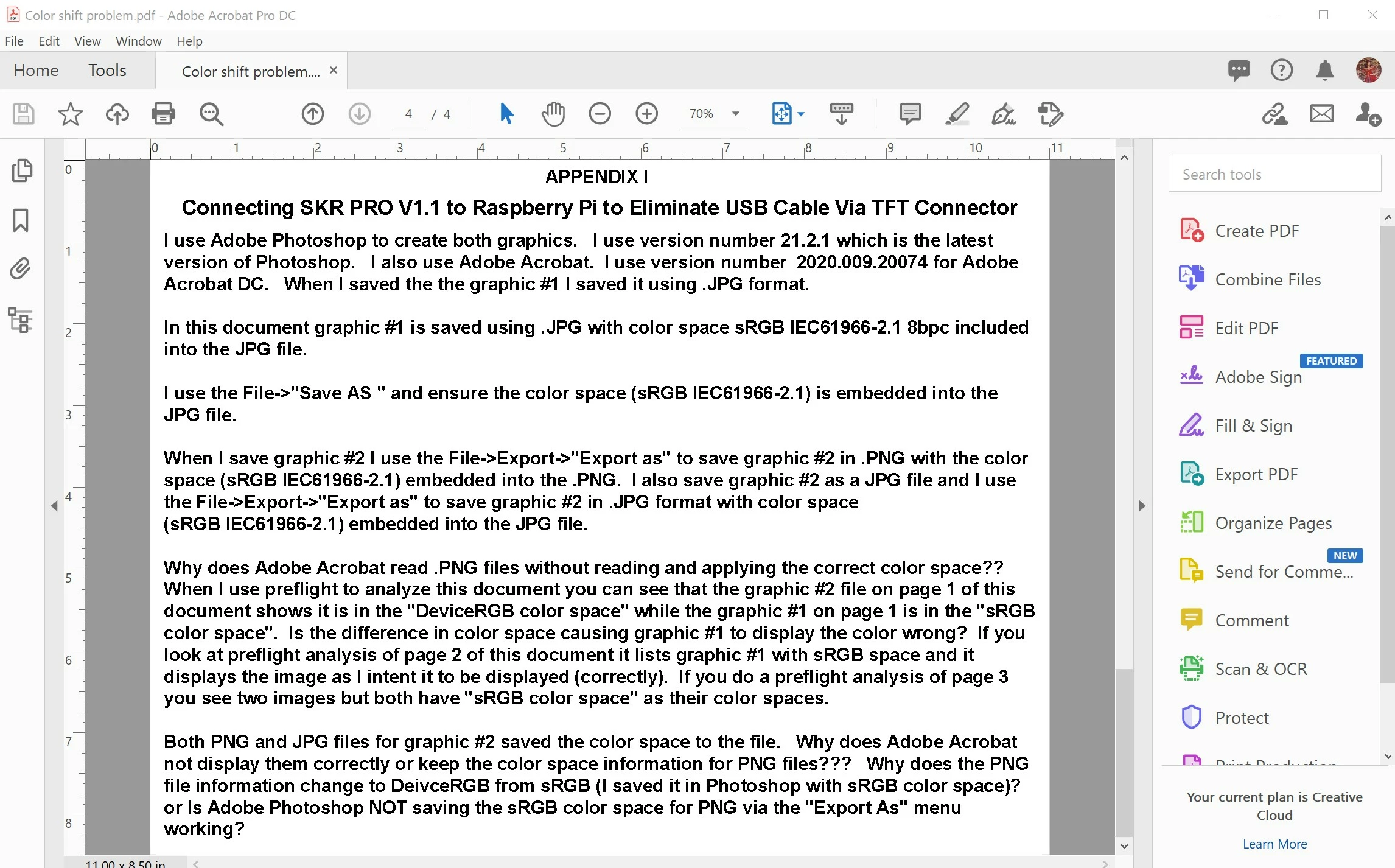
Here is the file on my google drive so you can examine the PDF for yourself: https://drive.google.com/file/d/1oaCQE6-Ja0ZCUKgOf43gUcP-TNlMEXu4/view?usp=sharing
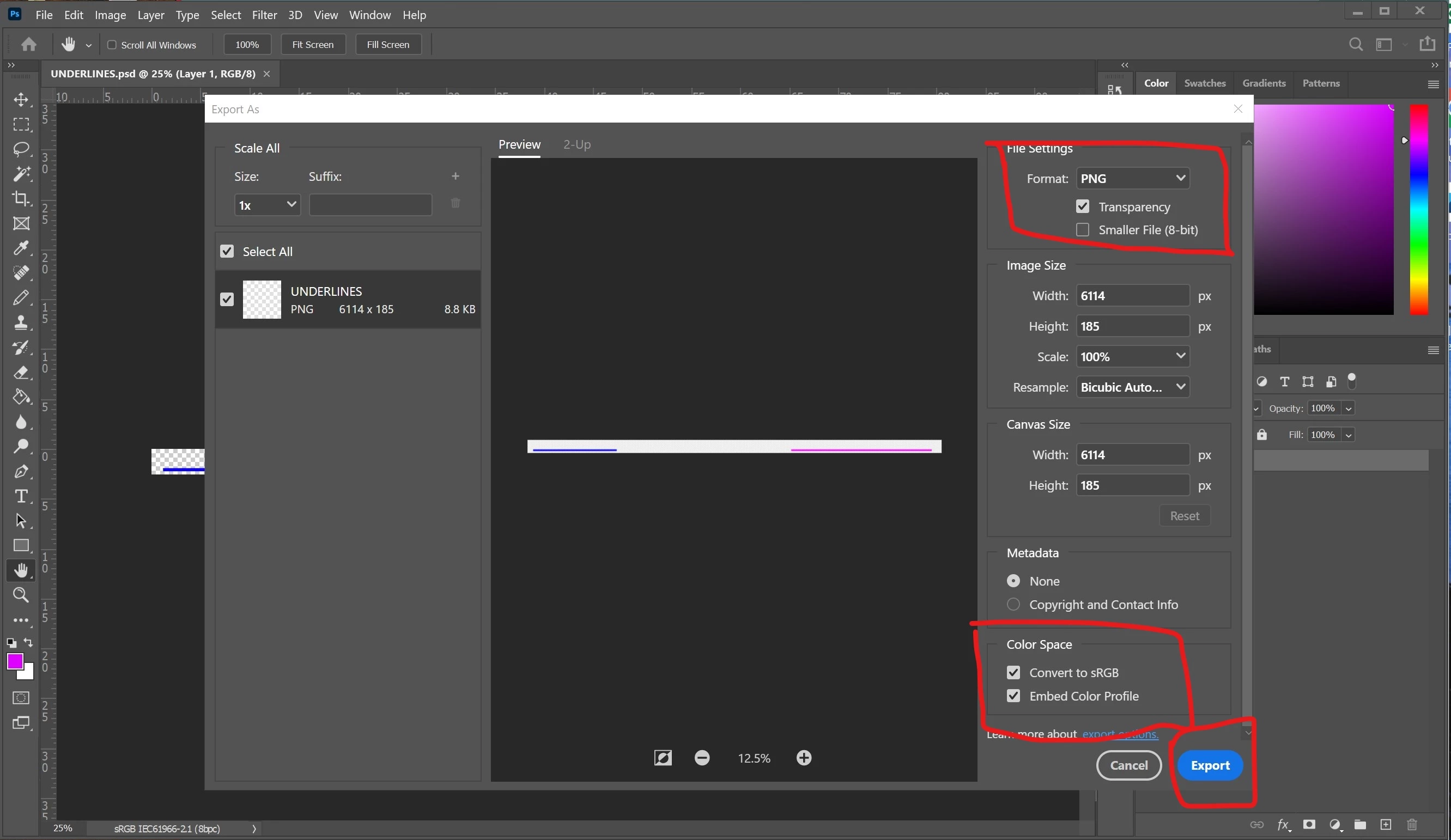
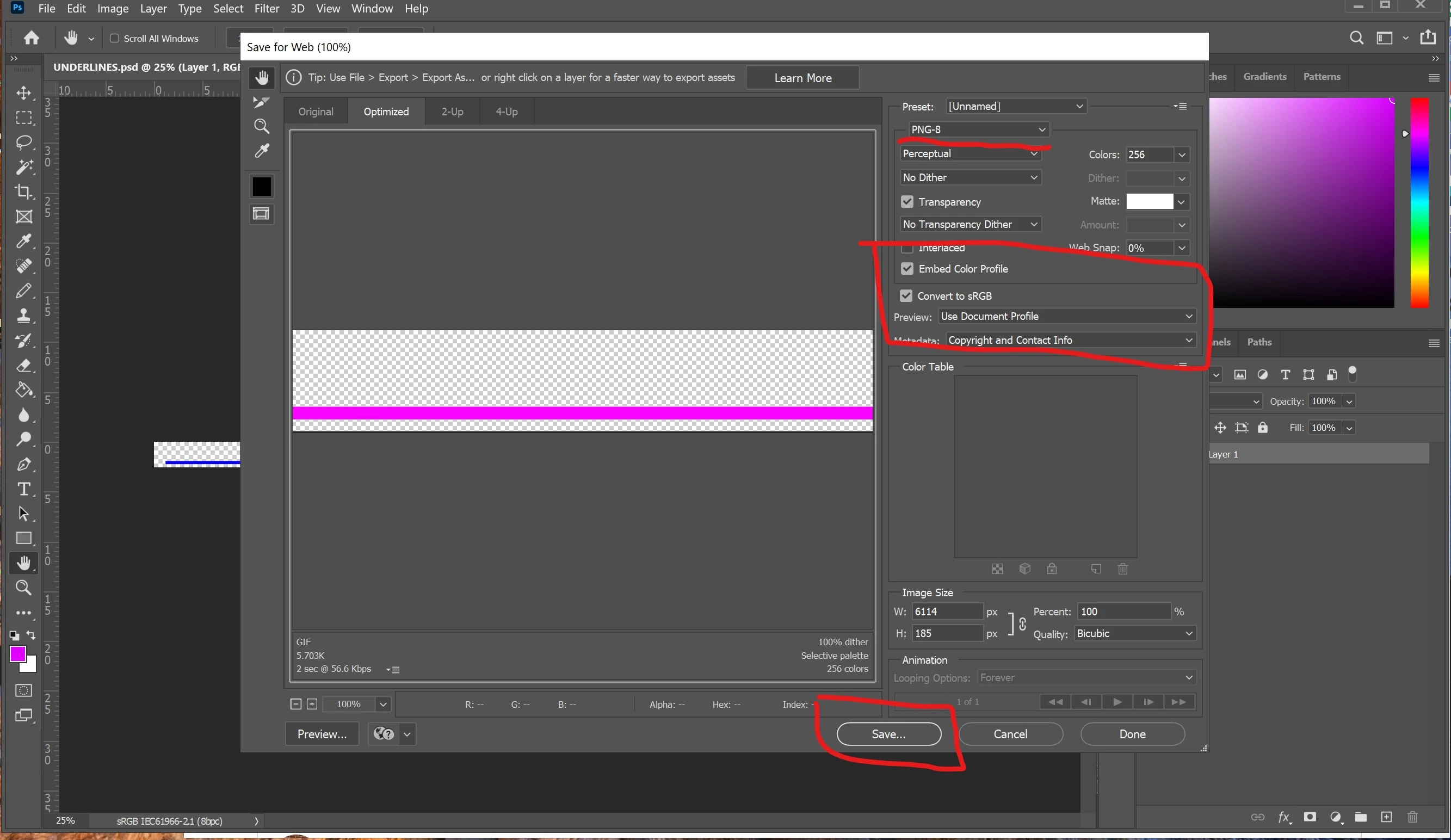
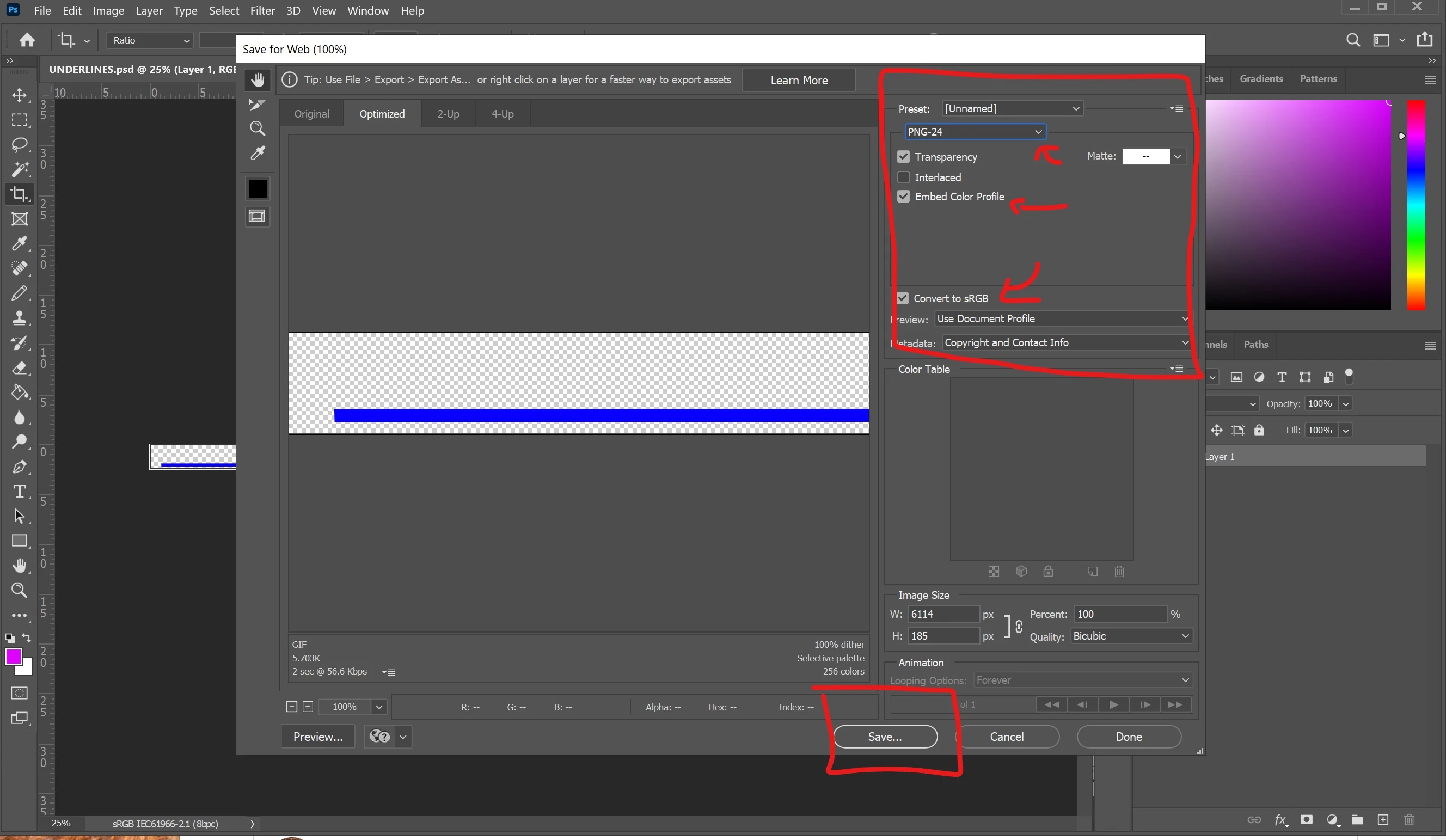
UPDATE: Guys, I created all the graphics in Photoshop. YES, I embedd the ICC profile in the PNG file via the EXPORT->EXPORT AS in Photoshop. YES, I physically check the box to embedded the ICC profile into the file. What I am saying is the Photoshop DOES NOT embedded the ICC file via EXPORT AS. If I use EXPORT->SAVE FOR WEB (legacy) and choose PNG-8 (NOT PNG-24) and check the box to save the ICC profile to the file the PNG will now save the ICC Profile to the PNG file. Why does it work with SAVE FOR WEB (legacy) but NOT EXPORT->EXPORT AS (If I choose PNG and check the box for embedd ICC Profile)?? Adobe acrobat must be using PNG-24 format when you select PNG from EXPORT->EXPORT AS because even with EXPORT->SAVE FOR WEB (legacy) and if you choose PNG-24 and embedd the ICC Profile the PNG-24 will NOT display correctly. THIS looks like a photoshop issue. Which PNG format is photoshop using (PNG-8 or PNG024) when you choose EXPORT-> EXPORT AS??
Here is the EXPORT->EXPORT AS screen for PNG format that I use that did not work:
Here is the EXPORT->SAVE for WEB (legacy)->PNG-8 screen for PNG format that I use that DID WORK:
Here is the EXPORT->SAVE for WEB (legacy) ->PNG-24 screen for PNG format that I use that did not work:
 AdChoices