
Color issues NOT related to monitor display
Version: PS 26.3
Windows 11
When I open an image in Photoshop (suddenly) it is not appearing correctly. I have done lots of research, updated the color management profile to sRGB, and it's not helping. I'm sure there's some setting somewhere that is causing this, but I have not been able to track it down and it's making me cuckoo.
Here's an image that I see on a random webpage:
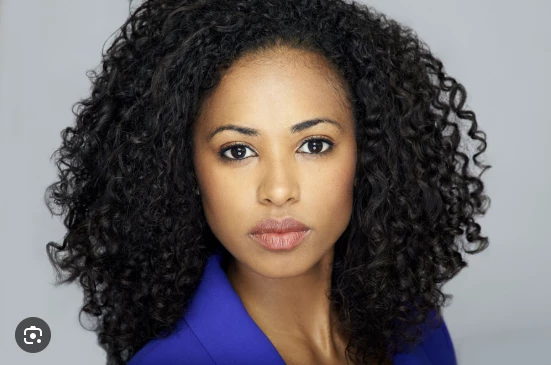
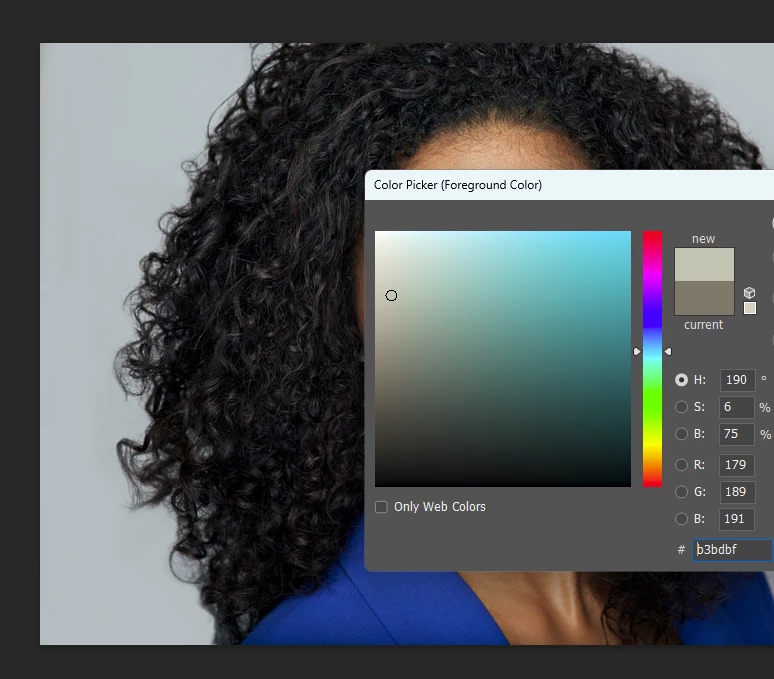
And here it is after saving it and opening in PS.

Document profile is SRGB. Workspace is RGB.
If I set the Proof Setup to Monitor RGB, it looks correct, but then the colors within photoshop are a mess. For instance if I try to eyedropper the background gray, I could a color with more brown.
Finally, when I first open Photoshop and see the thumbnail previews, they look accurate:
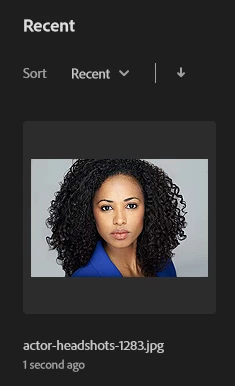
But once I open it, I'm back to this:

Please help! I have work to do, and it's driving me crazy.


 AdChoices