
Answered
Color Lookup Table Options missing from Create New Profile in Camera RAW
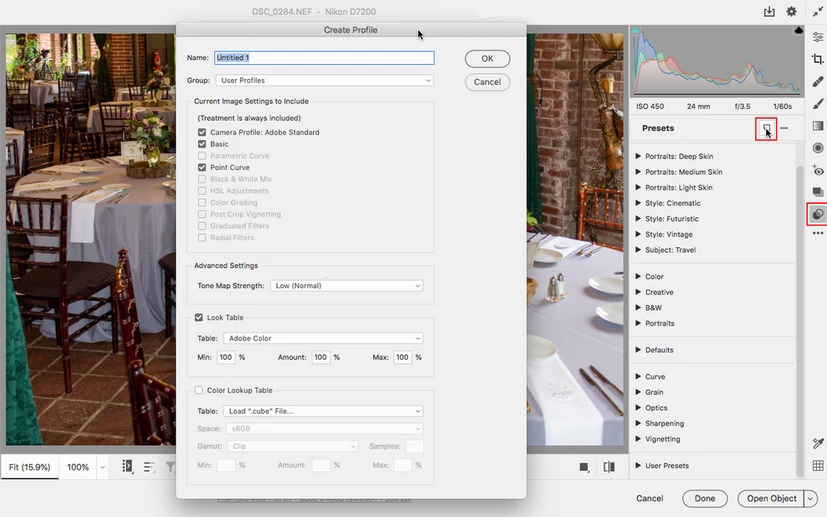
Currently trying to create an XMP profile from a LUT (.cube) file. I've seen multiple tutorials that show this:
I've followed instructions on different files to make sure - but the dialog box that keeps opening is titled "Create Preset" rather than "Create Profile". The entire lookup table section is missing from this window as well:
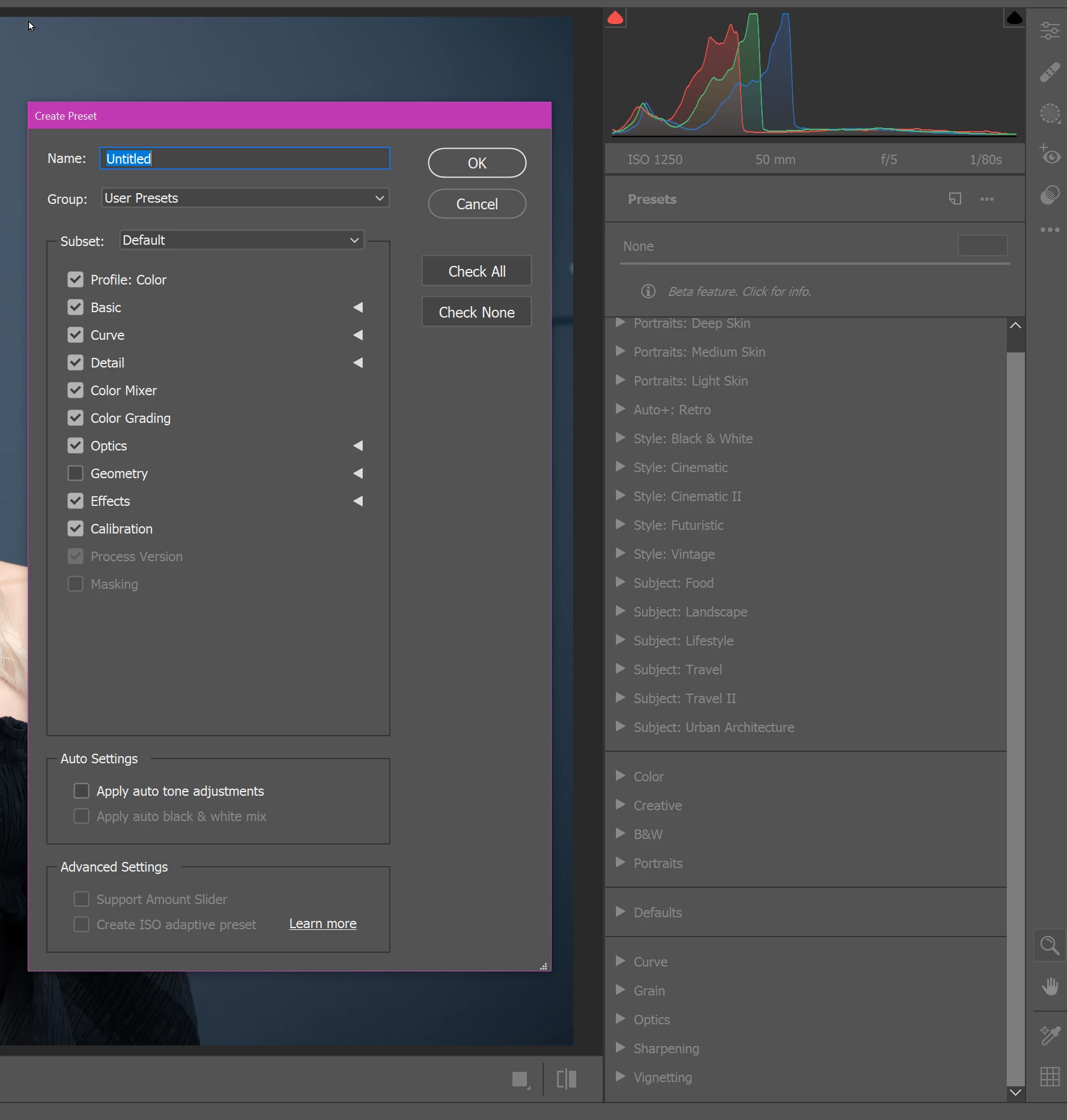
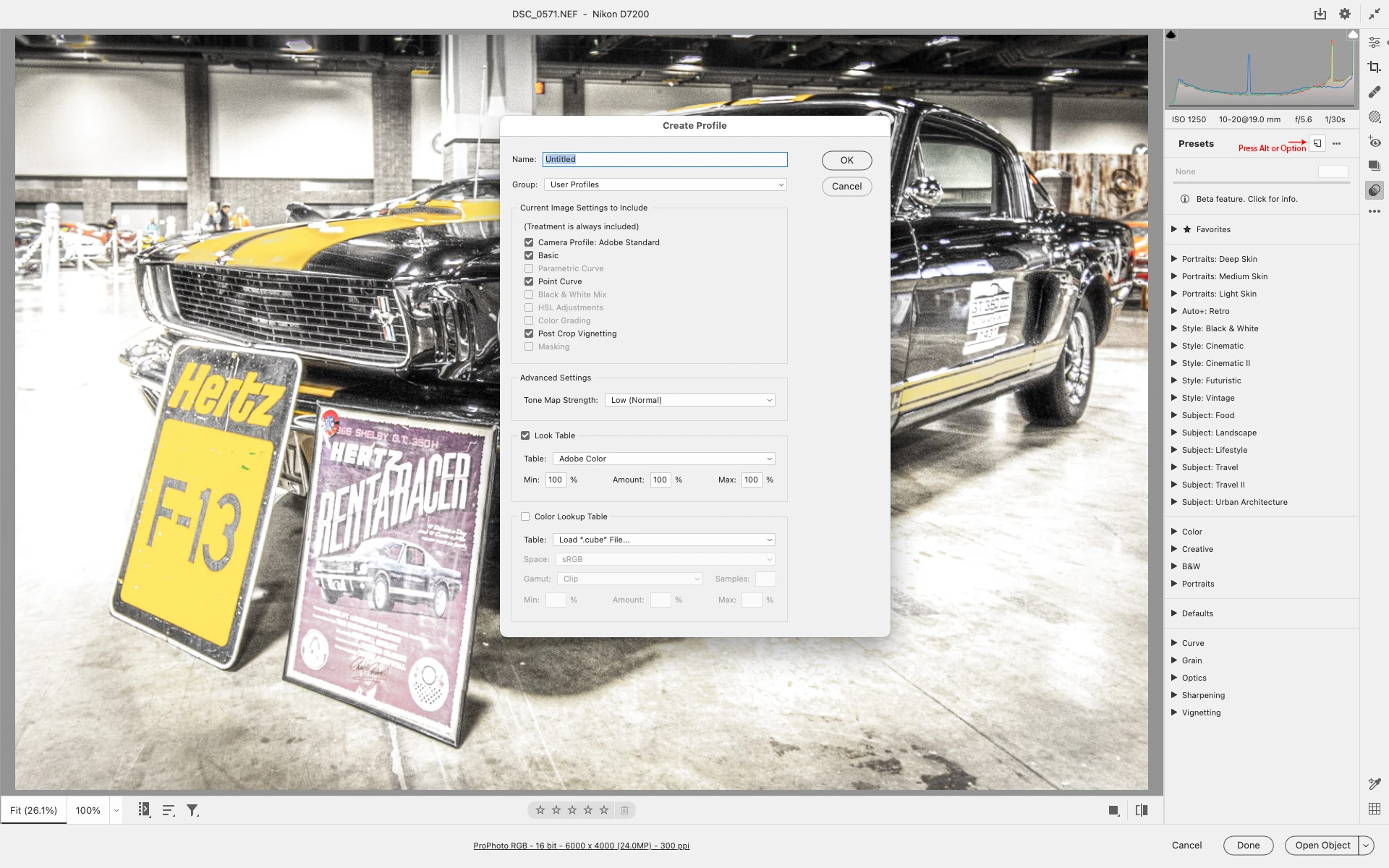
I have the LUTs working fine in a Color Lookup Adjustment Layer but I'd like to create a profile that can be used in lightroom. Tried opening different files, updating, etc. Apologies if I missed something obvious. Thank you!


 AdChoices