


Answered
Color pallette is showing a beigr tone instead of white
Photoshop 25.9.1, Windows 10. After an update, my color pallette is now in a beige/sepia tone. What should be white now shows as a mid-range cream beige. When I go by the color code of ffffff I still get the beige look. The other colors seem unaffected. I can't find a way to recalibrate the palette. Thank you.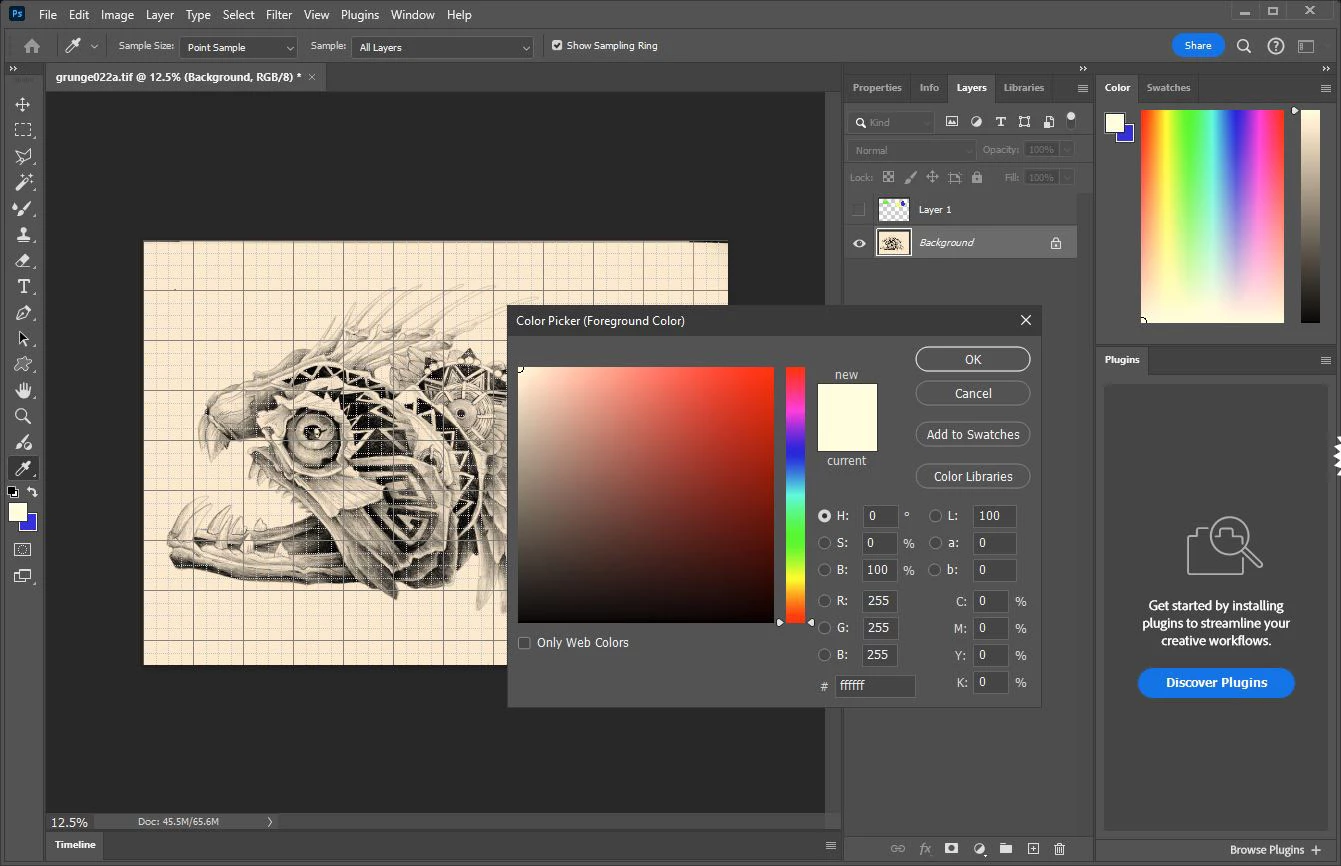

 AdChoices