Franchesca.Rivera-Ortiz
Participant
April 15, 2019
Answered

Color picker is outputting a different color than I'm selecting

  • April 15, 2019
  • 2 replies
  • 2171 views

Hi,

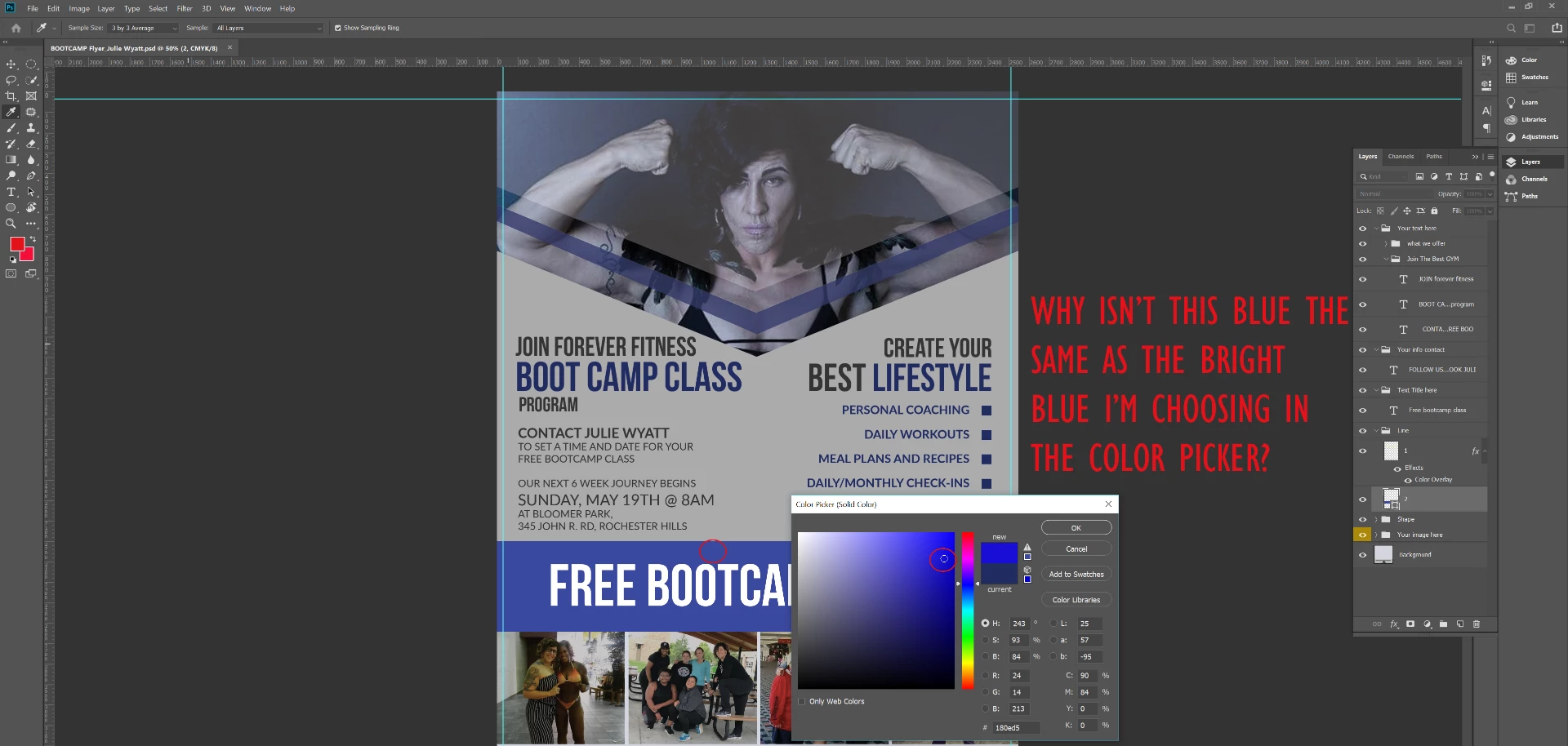
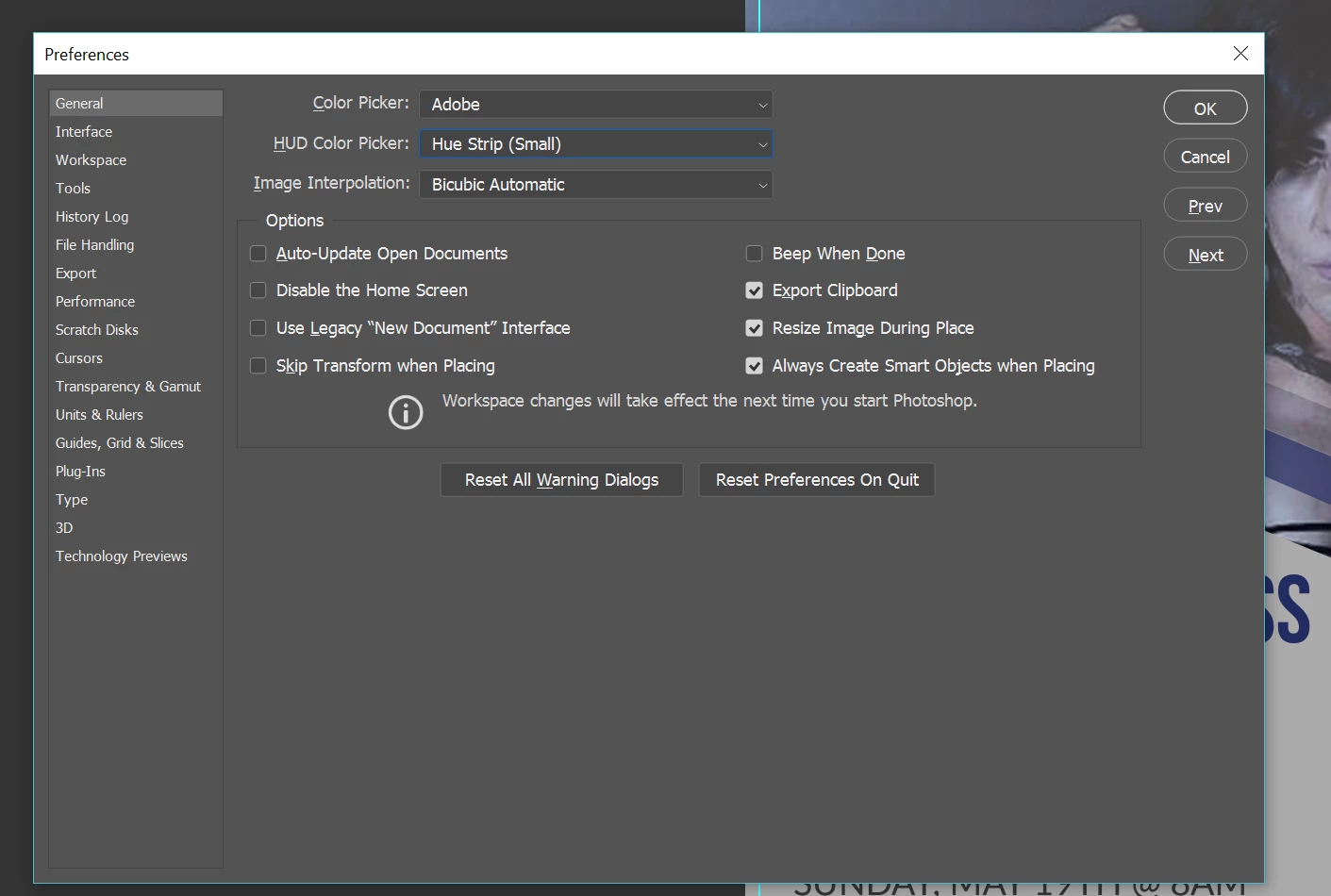
I have selected a royal blue and the output is not a bright blue. It is much more muted. I have reset the preferences and still having this issue on multiple computers. please help

This topic has been closed for replies.
Correct answer c.pfaffenbichler

CMYK image.

And the selected color is indicated as being out of gamut (the triangle with the exclamation point).

2 replies

Franchesca.Rivera-Ortiz
Participant
April 15, 2019

Thank you, i changed it to RGB and it changed. i don't work in Photoshop often im more of an InDesign person.

jane-e
Community Expert
Community Expert
April 15, 2019

Hi

If you click the triangle, the color will jump to the closest printable color in the Color Picker.

Is your image going to be printed or will it be viewed online?

Jane

c.pfaffenbichler
Community Expert
c.pfaffenbichlerCommunity ExpertCorrect answer
Community Expert
April 15, 2019

CMYK image.

And the selected color is indicated as being out of gamut (the triangle with the exclamation point).