

Answered
Color Picker just stopped working - always white
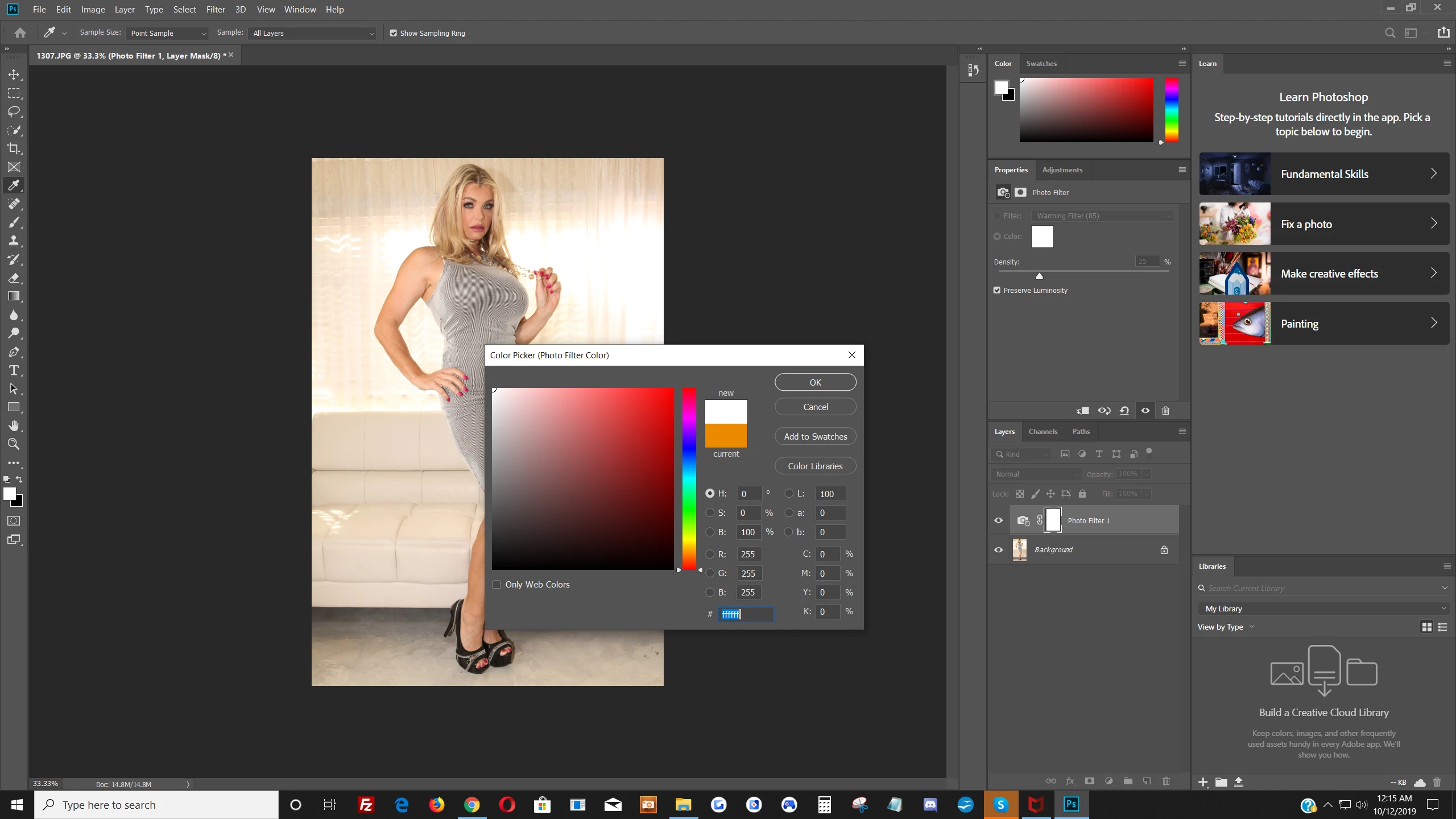
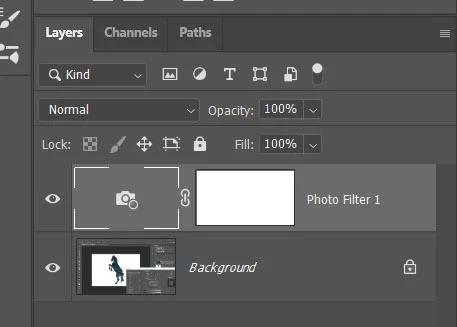
Was working fine this morning, I have no idea what I could have done to create this problem? Now when I mouse over my image, the color picker does change to an eyedropper, but no matter what part of the image I click on it shows white? #ffffff
The L: changes to 100, the a: changes to 0 and the b: changes to 0. It shows #ffffff no matter what. I can click on my desktop background and it changes to black. Other than that i can pick no other color but white? Anyone know what's happening? I'm trying to remove the yellowish/beigish hue from the pictures. The walls, curtains and couch were actually white.


 AdChoices