


Question
Colors do not match between Lightroom and Photoshop. How do I set my color profiles?
Whenever I choose option to "edit in" photoshop once I applied my adjustmend in lightroom, the file that is opened in photoshop displays green tint that was not present in lightroom.
Considering my workflow (edit in lightroom > open raw in photoshop and continue editing), what would be the best color settings for both applications?
I may also add that once I export this file as jpg from photoshop, it's back looking normal (same as in lightroom).
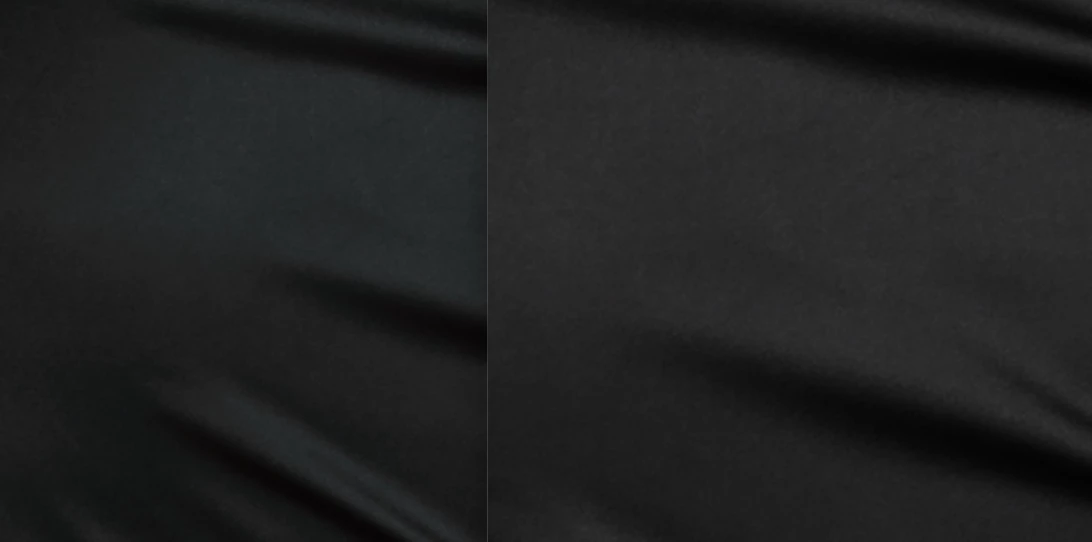
Example of mismatch between lightroom and photoshop.
 AdChoices