
Participant
January 13, 2025
Question

Colors dulling when overlaying shapes on background

  • January 13, 2025
  • 1 reply
  • 106 views

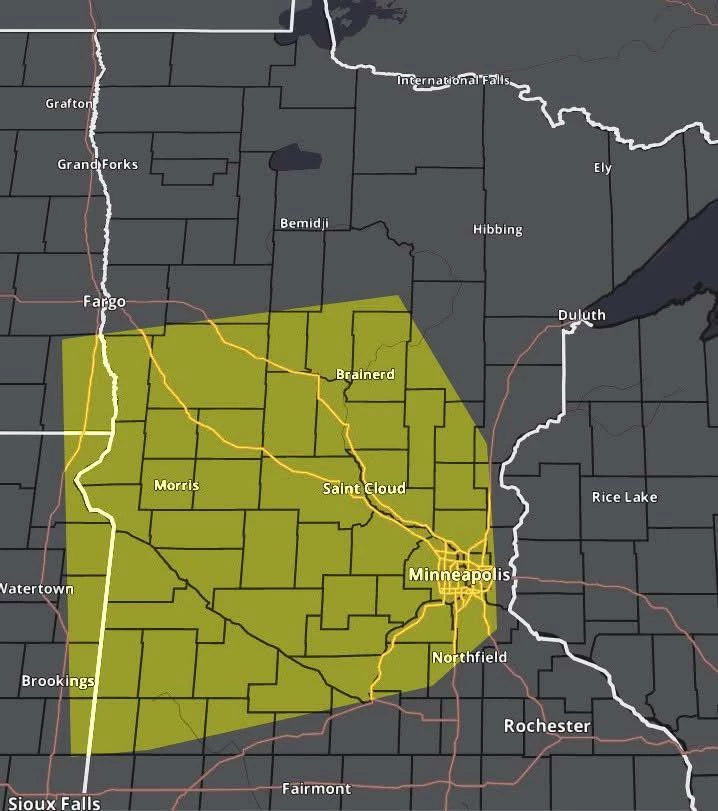
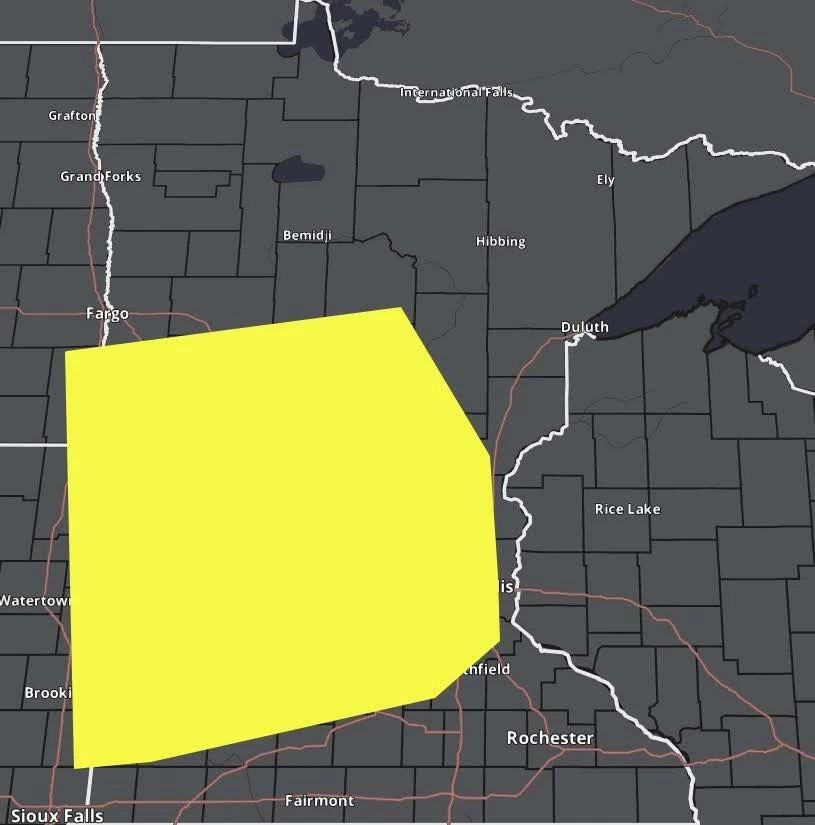
I'm trying to overlay a yellow shape over the state of Minnesota. I created a new layer and used the polygonal lasso tool to draw the shape over the state and fill in the color. However, when I lay it over the background of the state, the color dims to a darker yellow. I don't want the dark yellow color and want to keep it the original, brighter yellow but can't figure out how to correct it when overlaying it on the background. I also want to be able to see the highways and city names when overlaying the yellow shape on the map. Hopefully this makes sense. Any suggestions would be extremely helpful. Thank you!
1 reply

D Fosse
Community Expert
Community Expert
January 13, 2025

This is how Overlay blend mode works. It works like Screen mode for light values, and like Multiply mode for dark values. And then you get this.


There's a formula for each blend mode, and it can be quite complicated. Here's how Screen works:

https://www.photoshopessentials.com/photo-editing/layer-blend-modes/screen/ 

To find out how each blend mode works, just google it.


To get the result you want, a simple way is to reuse the same selection, and use Levels to drag up the red and green channels to get the bright yellow. Readability won't be good, however! Here I just did it on a rectangle: