gretchen hinchliff
Participant
October 16, 2025
Answered

Colors not exporting correctly - NEED HELP

  • October 16, 2025
  • 2 replies
  • 109 views

Hello

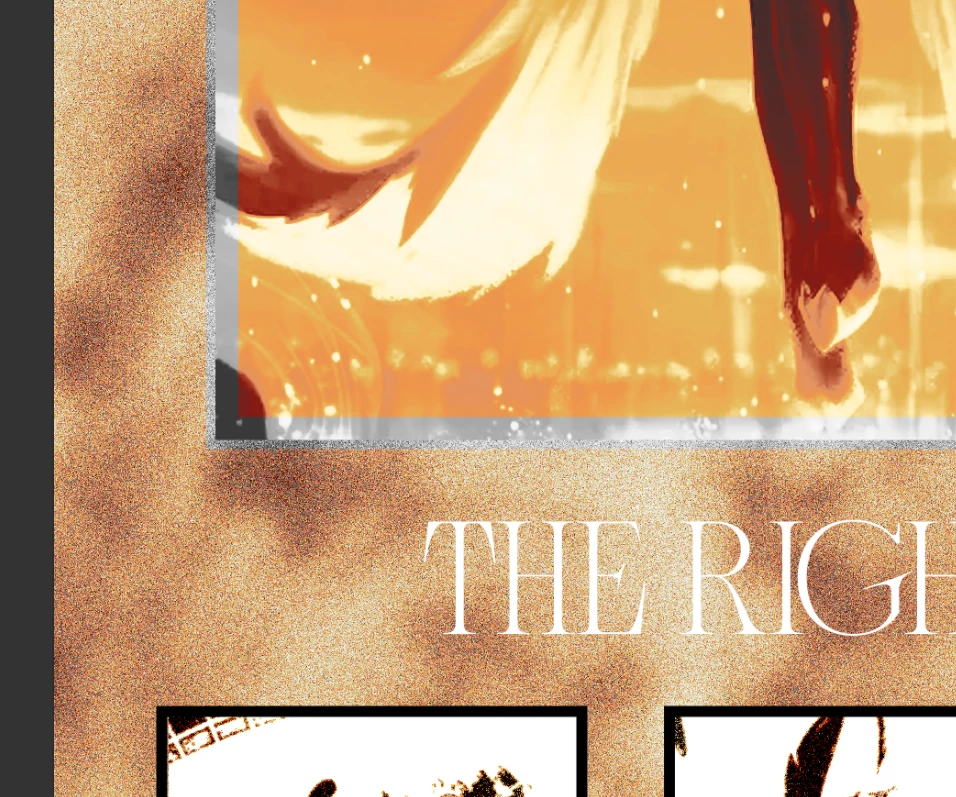
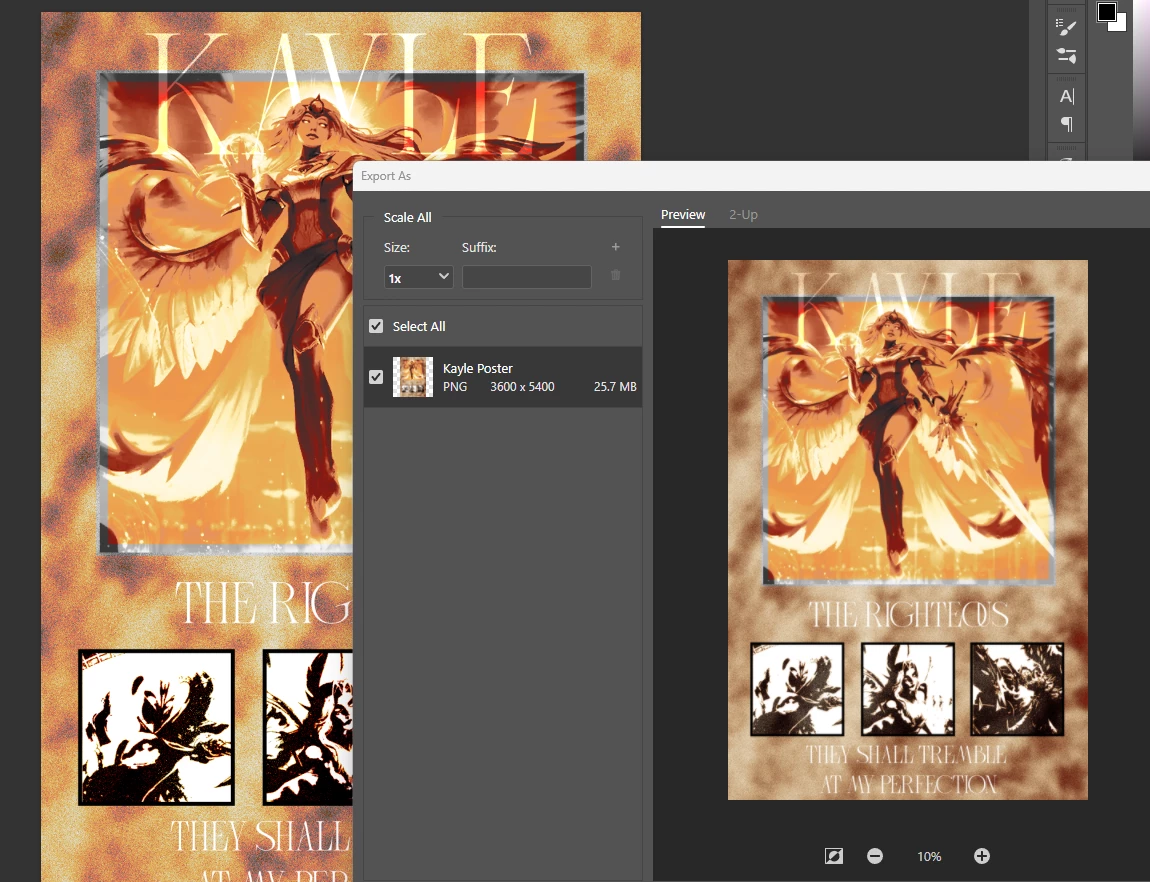
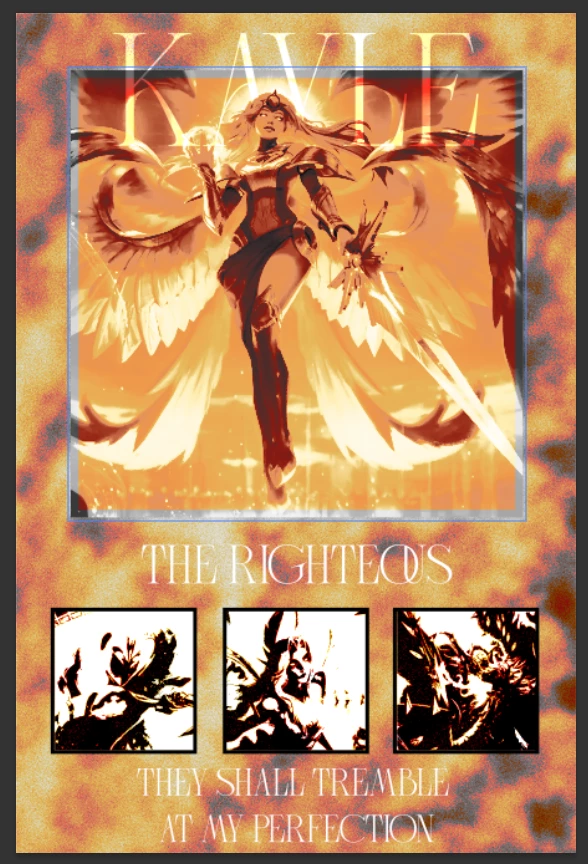
I have been having issues trying to export a poster. I have a noisy textured background, with a warm gradient map over the texture. In photoshop all of the colors appear correct. However when I export, they become muted and brown. I also noticed when zooming in super far into the image, this same color shift problem appears. Merging layers, flattening the image, converting layers to smart objects, adjusting the photo, redoing the gradient map all do not fix this problem. I have tried exporting in different file formats and the problem still persists. I have tried enabling legacy mode for exporting. Updating photoshop and reinstalling it also has not helped. I am tring to avoid rebuilding the file. I really like the texure I have now and want to try avoding finding a new file for the image. Images below. Thanks in advance. 
Correct answer D Fosse

Short version: it's the noise.


Long version: Whenever something seems to change when merging layers - as in this case when exporting - it's because you are not viewing at 100%. The merged result is correct. The preview is misleading and incorrect.

100% has nothing to do with size. It means one image pixel is represented by exactly one physical screen pixel.

For performance reasons, all blending and adjustment previews are calculated on the on-screen version of the image. When you are zoomed out, that means a resampled and softened version of the image. Pixel levels are averaged out. You get a lot of intermediate values that aren't there in the full original data.

When you merge, commit an adjustment etc, the numbers are re-calculated on the full original data, pixel for pixel.

Viewing at 100% avoids all this and renders the whole issue moot. You see every pixel before and after, and so nothing changes.

2 replies

D Fosse
Community Expert
D FosseCommunity ExpertCorrect answer
Community Expert
October 17, 2025

Short version: it's the noise.


Long version: Whenever something seems to change when merging layers - as in this case when exporting - it's because you are not viewing at 100%. The merged result is correct. The preview is misleading and incorrect.

100% has nothing to do with size. It means one image pixel is represented by exactly one physical screen pixel.

For performance reasons, all blending and adjustment previews are calculated on the on-screen version of the image. When you are zoomed out, that means a resampled and softened version of the image. Pixel levels are averaged out. You get a lot of intermediate values that aren't there in the full original data.

When you merge, commit an adjustment etc, the numbers are re-calculated on the full original data, pixel for pixel.

Viewing at 100% avoids all this and renders the whole issue moot. You see every pixel before and after, and so nothing changes.

gretchen hinchliff
Participant
October 16, 2025

Also sorry for the bad formatting on the main post. Did not see the layout before posting.