
Question
Colors Shift during Save for Web Legacy GIF Export
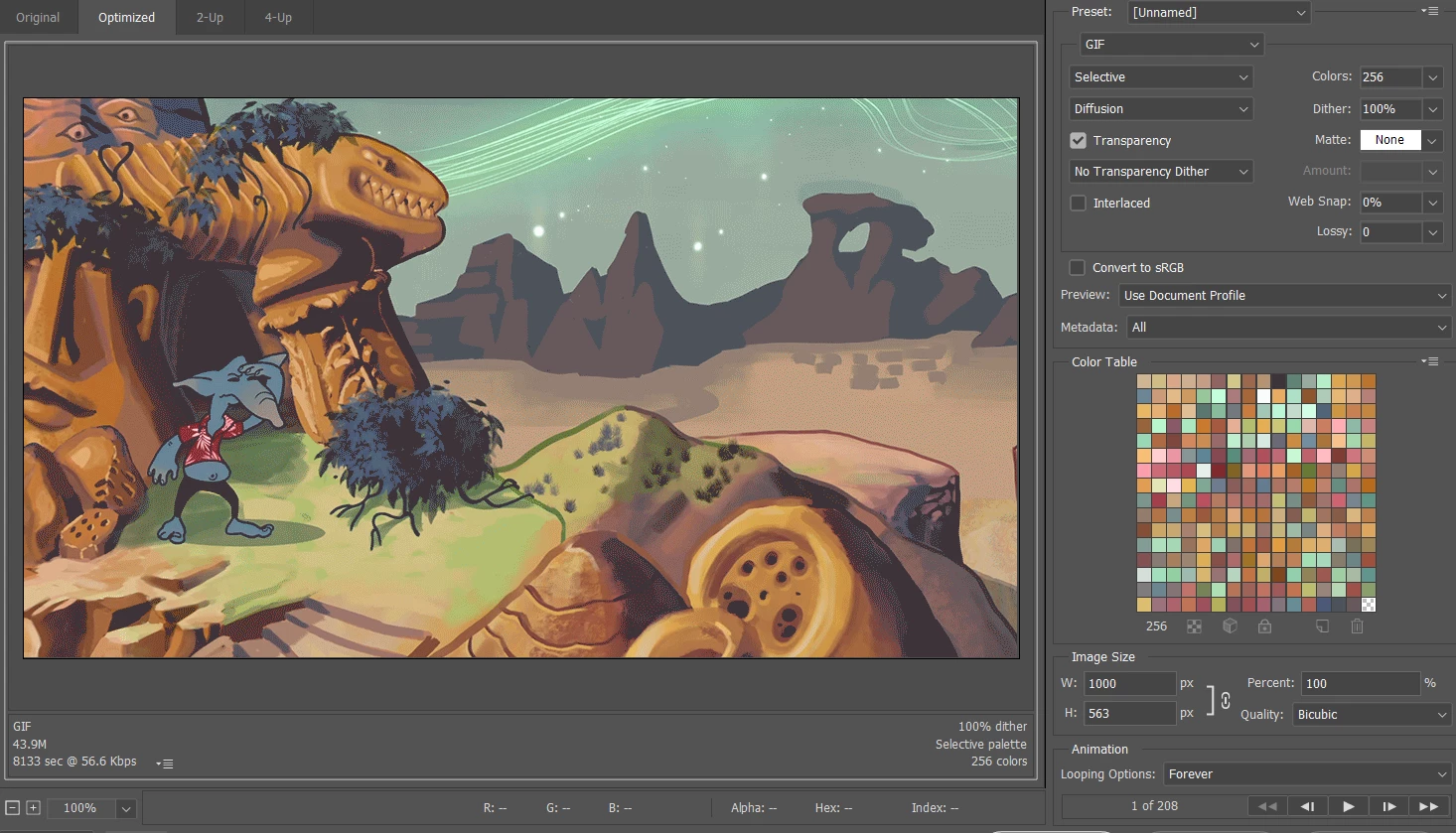
I'm having an issue when I try to export a .gif. The document profile is Adobe RGB 1998. Viewing the .gif preview, you can see that the colors are quite saturated. Note how I haven't selected sRGB.
Exporting the .gif gives me a much duller result (I am posting a screenshot, the actual file is too large to post.)
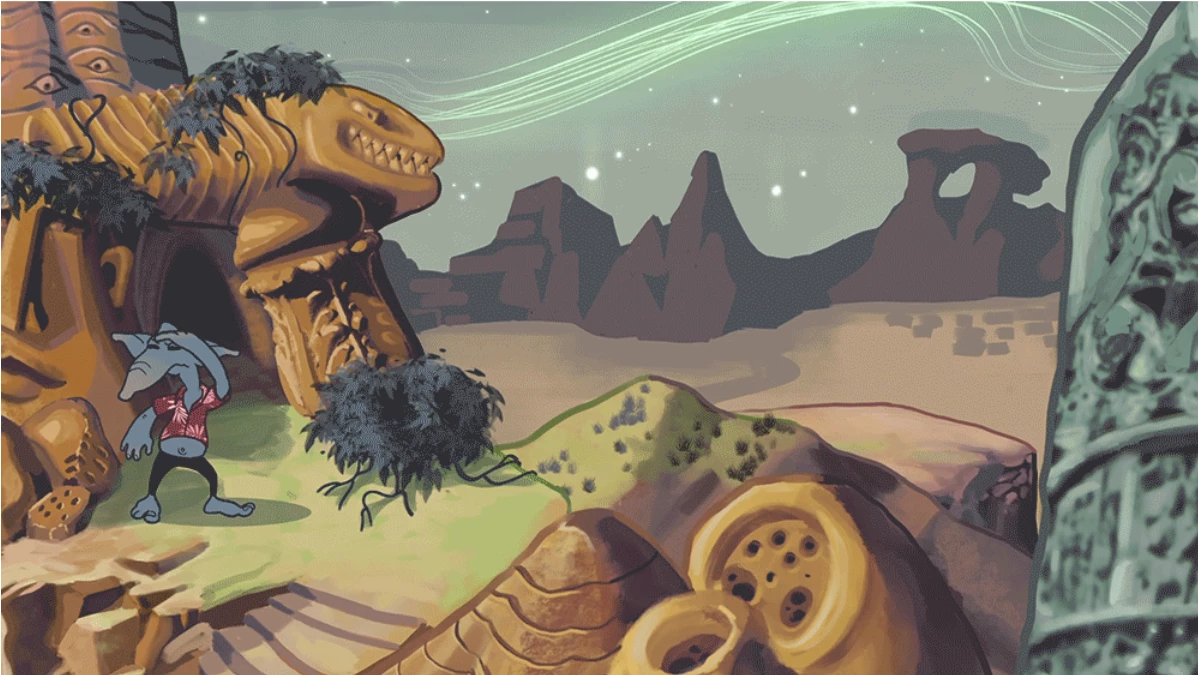
What could be causing this discrepancy between the preview and what is being exported? How can I get the more accurate colors? I don't think it's related to my dither or color table options?
 AdChoices