


Colour highlight in layers - how to get rid of it?
- 2 replies
- 3490 views
- Translate
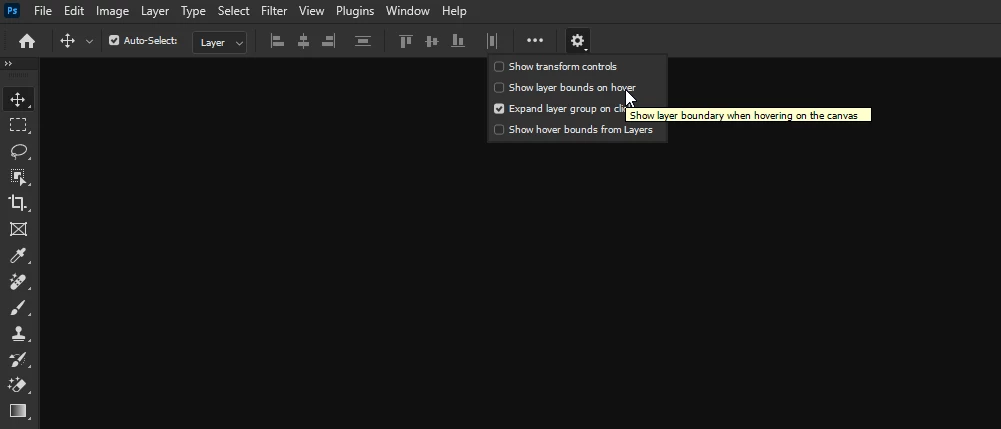
Is this some kind of new feature that when selecting layers in Photoshop, the selected layers gets highlighted with a colour? Because if yes, is there a possibility to turn that off? For a person like myself, this feature is extremely disturbing and makes editing almost impossible.
I just noticed this today. Like for real, for a neurodivergent person like myself this might lead to not being able to use the whole app, so... Concentrating on editing the photo is impossible when there is something completely else happening in the corner of my eye. Might seem like tiny issue, but it really makes working super difficult.
I have included a screenshot that demonstrates the issue, as I am not sure if people know what I mean.
For Adobe: if this feature is here to stay, please include an option to turn it off. This is completely horrible.

 AdChoices