

Command + Option + Shift + E / Menu Location
Hi all
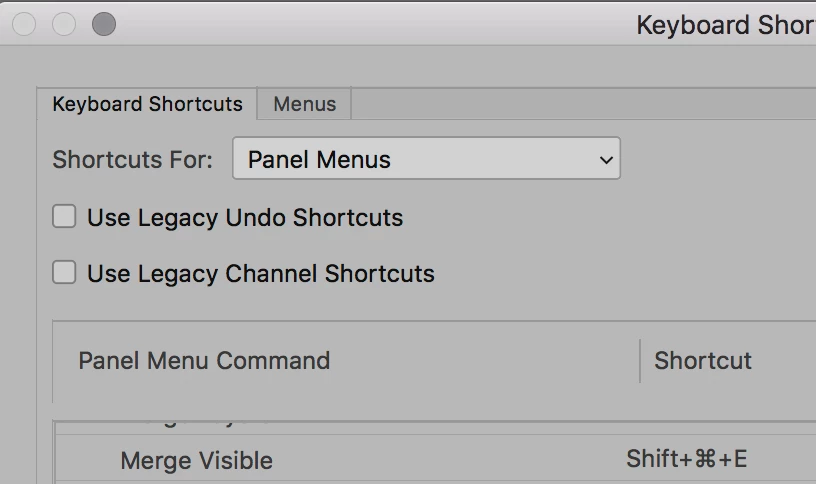
I've somehow managed to remove the shortcut for 'Merge All Visible Layers on to New Layer' (CMND+Opt+Shift+E) - something I didn't appreciate the importance of until it was gone! and now can't find it in the menus in order to reassign the shortcut again. Can anyone help?
I've jumped on a colleague's system and attempted to reassign the same shortcut to identify the name of the command and it is the only one I've ever seen accompanied with a message informing you that you cannot assign a different shortcut to that action, so I strongly suspect it's a command which exists only through the shortcut and the only way of restoring it is to reset my shortcuts, but they are so comprehensively altered and tailored to me that I would much prefer not to!
Any help would be hugely appreciated! If not, is there any way I can see an overview of all my shortcut alterations so I can at least make a note of them and then recreate them once I have reset them? Thanks!
 AdChoices