
Answered
command+option+shift+t does not work the way it should
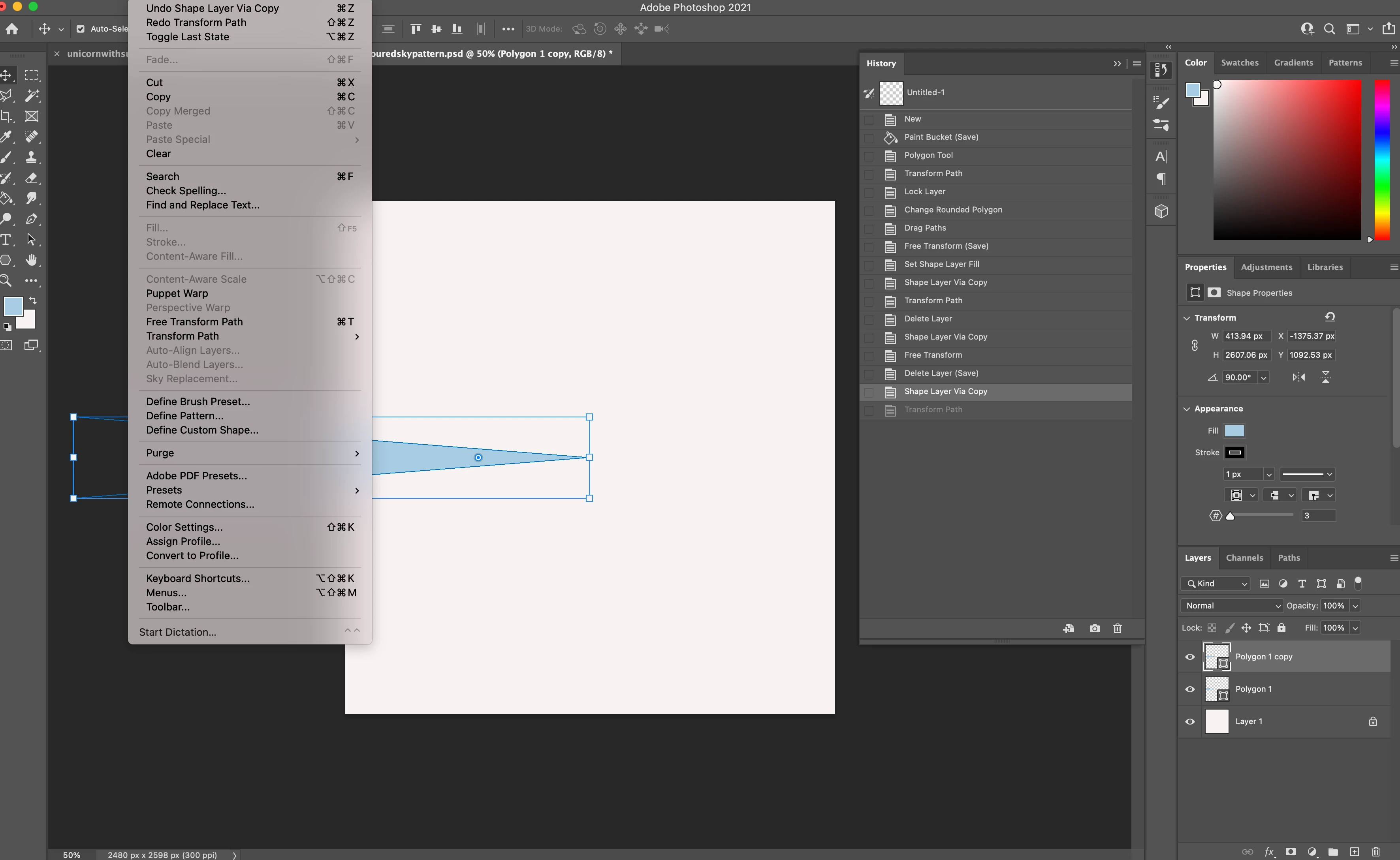
Hi, I am a newbie to photoshop and I was looking at a video tutorial that covers making a multicolored sunburst background. In this video, the person is using the command+option+shift+t shortcut to quickly replicate the rays and in the video when she uses it, this command creates new layers automatically. However, when I tried this shortcut it just creates copies of the rays with the correct transformation on the same layer. I was wondering how I could edit the command so that it creates a new layer automatically every time I use it on my mac?
 AdChoices