Participating Frequently
December 30, 2024
Question

“Comment conserver une image nette après exportation sur Photoshop ?”

  • December 30, 2024
  • 1 reply
  • 627 views

Bonjour à tous,


J’espère que vous allez bien.

Je rencontre un souci avec Photoshop.


Je suis en train de créer une bannière pour mon site web et j’ai sélectionné un format assez grand, soit 2880x1800 pixels.


Une fois ma création terminée, j’ai exporté l’image en PNG, mais lorsque je zoom dessus, elle apparaît pixelisée.


J’ai fait plusieurs essais pour améliorer la qualité, mais je n’arrive pas à obtenir un rendu parfait. Ce qui est  encore plus problématique, c’est qu’après l’exportation en format WEBP (nécessaire pour le web), la qualité se dégrade davantage.


Je suis un peu perdu, alors si vous avez des astuces ou des réglages à me conseiller pour conserver une image nette, je suis preneur. 


Un grand merci d’avance pour votre aide 🙏

 

1 reply

Per Berntsen
Community Expert
Community Expert
December 30, 2024
quote

I hope you're doing well.

I'm having a problem with Photoshop.


I'm creating a banner for my website and I've selected a fairly large format, which is 2880x1800 pixels.


Once I was done with my creation, I exported the image as a PNG, but when I zoom in on it, it appears pixelated.


I've tried several times to improve the quality, but I can't seem to get it right. What is  even more problematic is that after exporting to WEBP format (necessary for the web), the quality degrades further.


I'm a bit lost, so if you have any tips or adjustments to recommend to keep a sharp image, I'm all for it. 


Many thanks in advance for your help 


🙏


By @anthony_carrel8361


When you view an image at a higher magnification than 100%, it will become pixelated.

You seem to be viewing at more than 500%, which will make any image look really bad.

Also, the PNG format should be fine for web use – it's the standard format for web graphics.

Participating Frequently
December 30, 2024

Bonjour merci pour votre retour. 
Voici un screen de l'aperçu sur mon site web du rendu de la bannière en question. 

Donc d'après vous je ne peux pas obtenir un meilleur rendu que ça ? 

J'utilise le format webp, c'est le format le plus récent pour optimiser au maximum son site internet, le PNG étant plus lourd et moins rapide notamment. 


Per Berntsen
Community Expert
Community Expert
December 30, 2024
quote

Hello, thank you for your feedback. 
Here is a screen of the preview on my website of the rendering of the banner in question. 

So in your opinion I can't get a better rendering than that? 

I use the webp format, it's the most recent format to optimize your website as much as possible, PNG being heavier and slower in particular. 


By @anthony_carrel8361


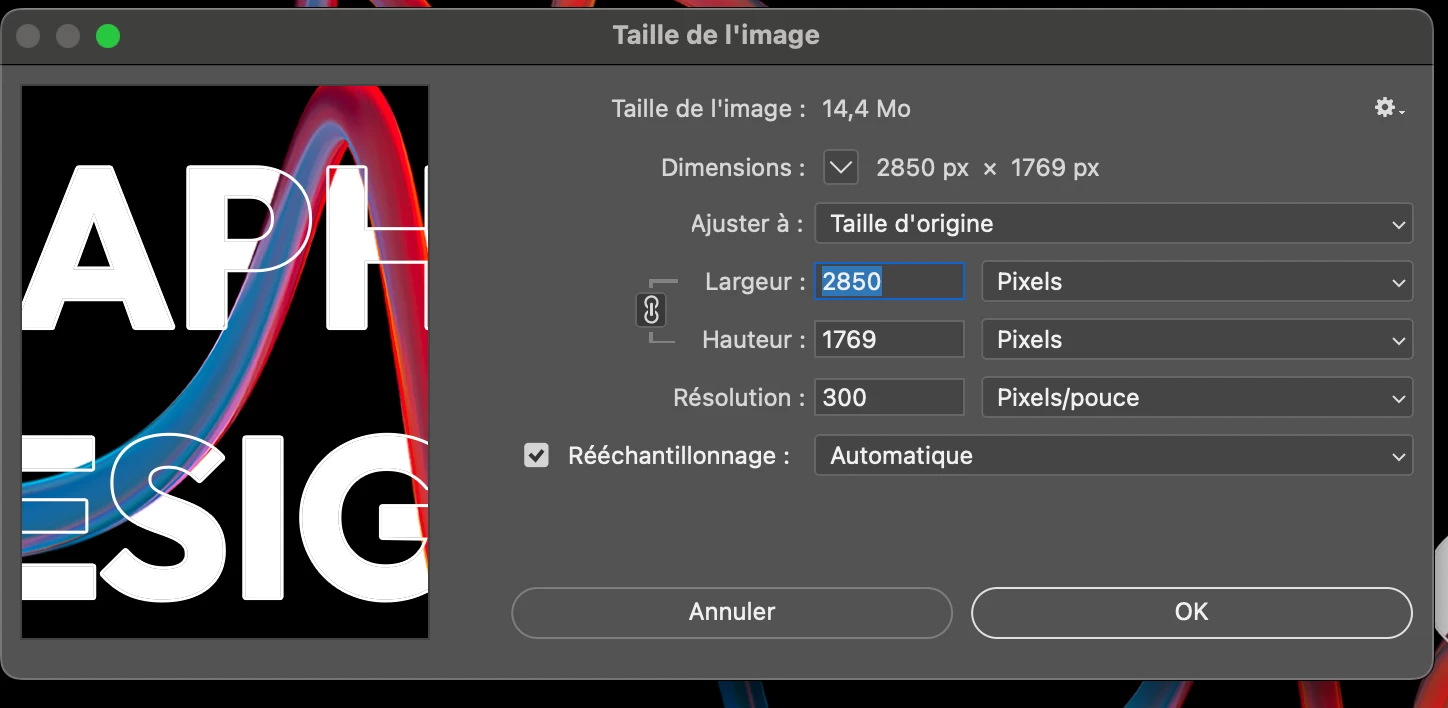
The image is 2850 x 1769, but has been scaled to 3456 x 1942 in the browser, which will affect quality.

So you need a larger image to begin with,  at least 3456 x 1942.