If I wasn't using a photo to composite for this effect, I would build it with alpha channels, etc. See descriptions below.
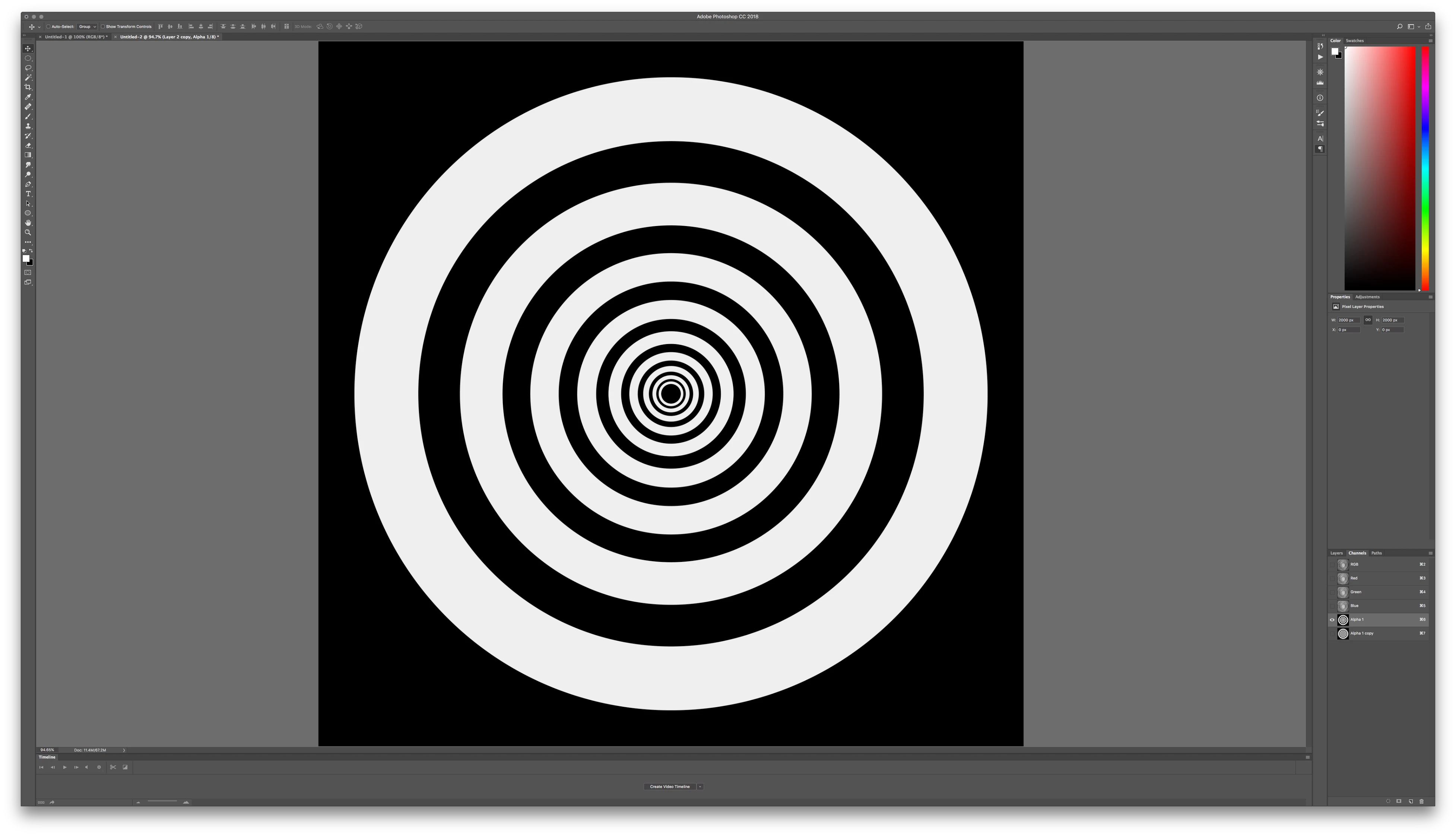
Create an alpha channel with concentric circles that are white on a black background
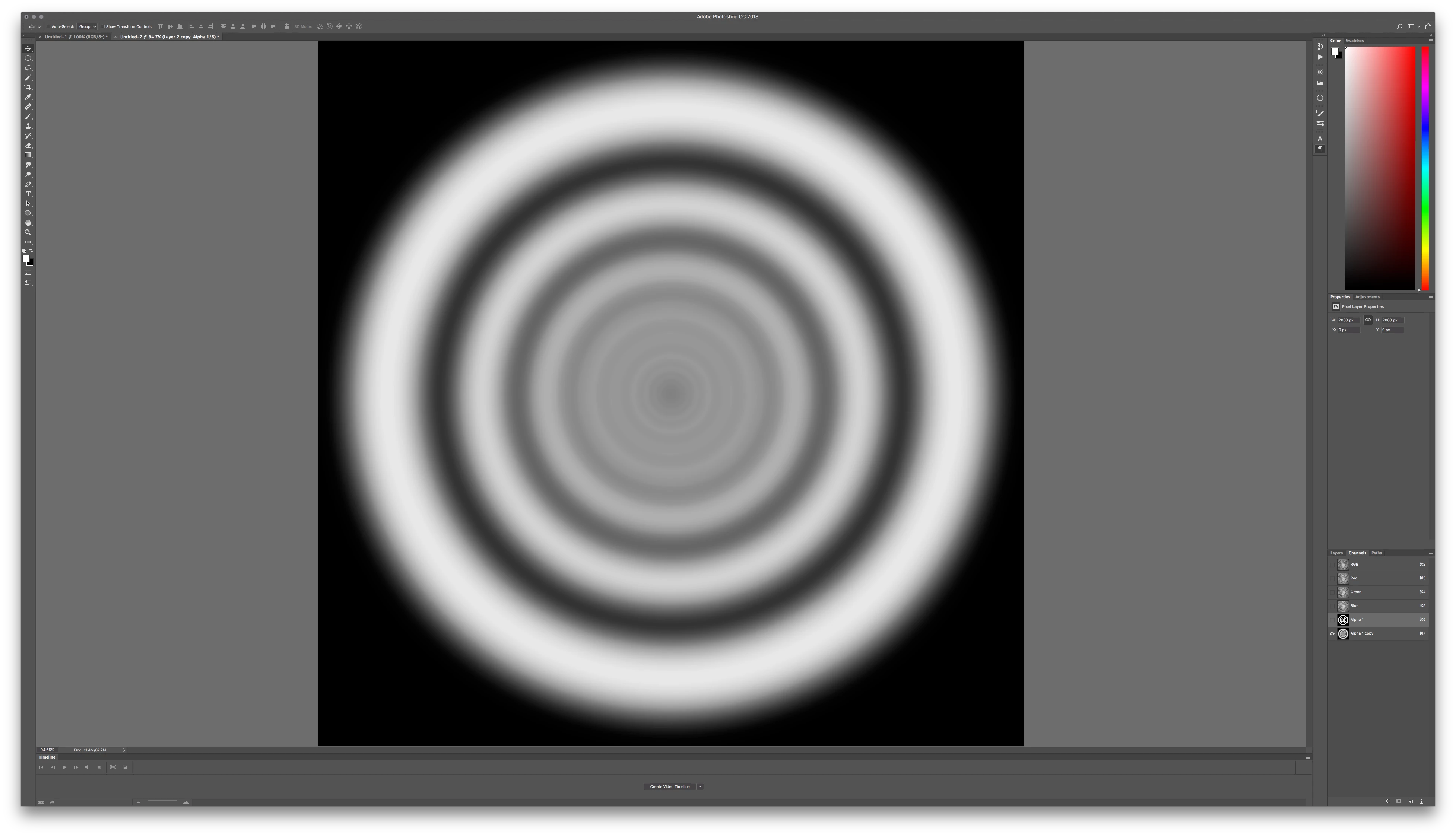
Blue that alpha channel so that the white to black blends making a more "rounded" surface.
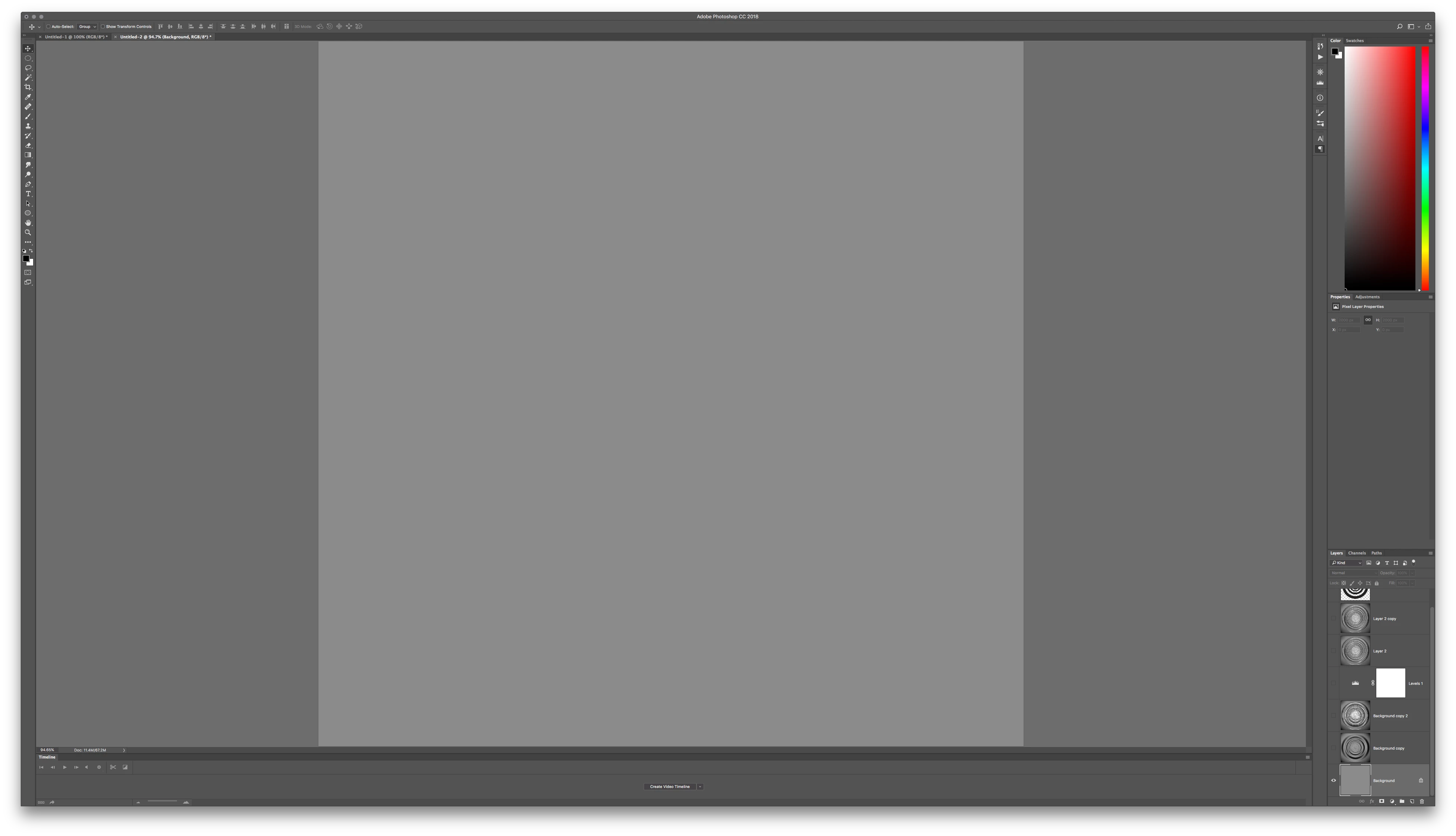
Create a new layer, fill it with 50% gray.
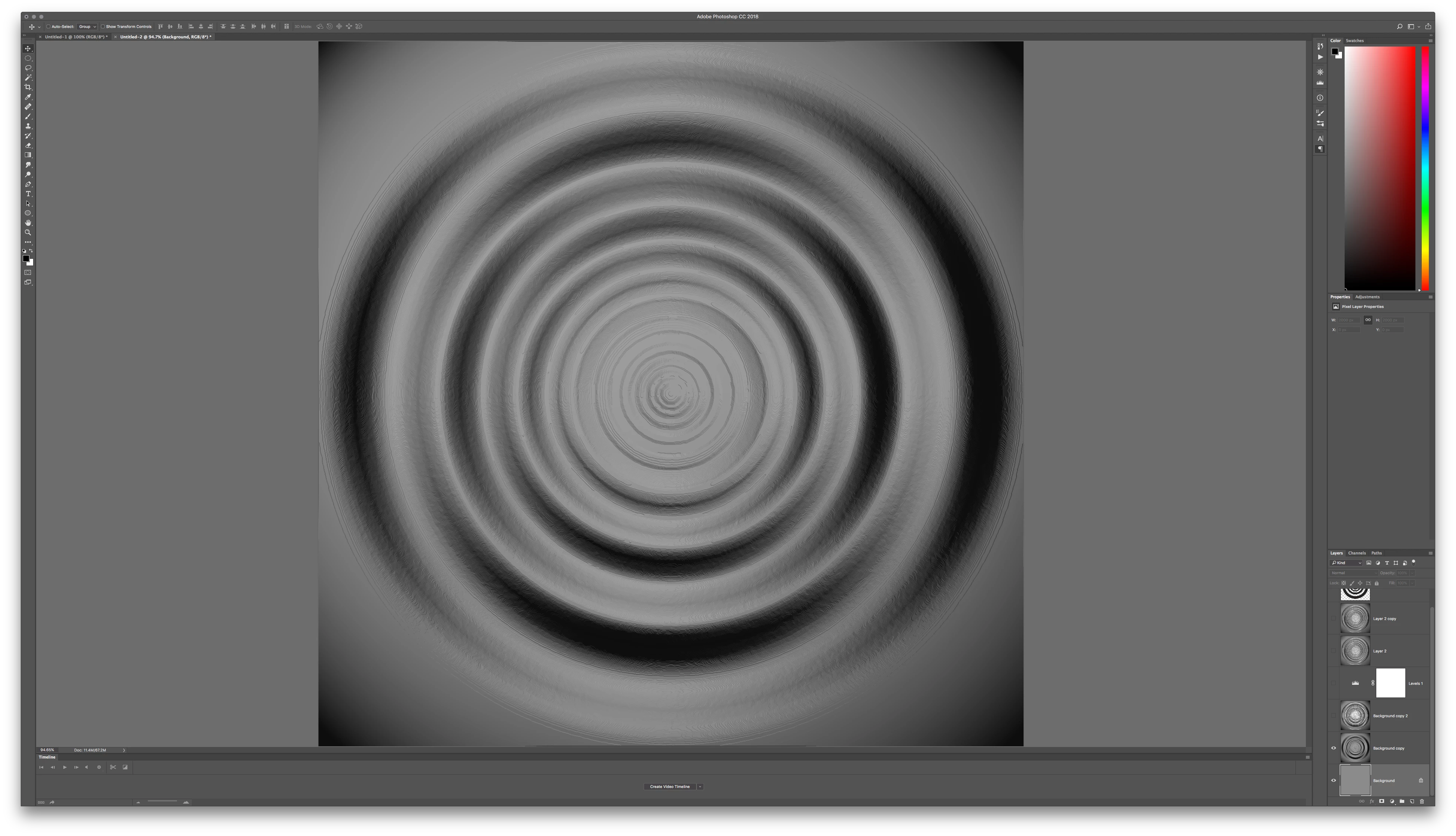
Now use Render > LIghting Effects and under Texture choose the alpha channel you've made earlier. Adjust settings for height and other properties. It will look a little gritty, you can smooth that later.
This will give you some ripples against the surface.
Now, use Plastic Wrap from the Filter Gallery and this will add smoothing and "wet" looking highlights to your ripples..
Now that you have this on a gray layer with ripple shadows and highlights being moved above and below middle gray, your blend modes will give you more flexibility for compositing. Use the middle grays as an option for blending in reflections from your composite image.
Continue layering in additional plastic wrap filters, throw some diffusion in for texture under Stylize > Diffuse and experiment from there for the layering of ripples/highlights that you want.
Blurring really helps when smoothing how the lighting renders some of these effects.
Alpha channel with concentric white circles, increasing in size
Blurred so that Render LIghting Effects will round out the form
New Gray Layer we will build the ripple into
Using Render LIghting Effects on the Gray Layer, choose your Alpha Channel from the Texture Pull down menu option in the filter
Under Filter Gallery, choose Plastic Wrap. Use lots of smoothing and play with highlights for volume
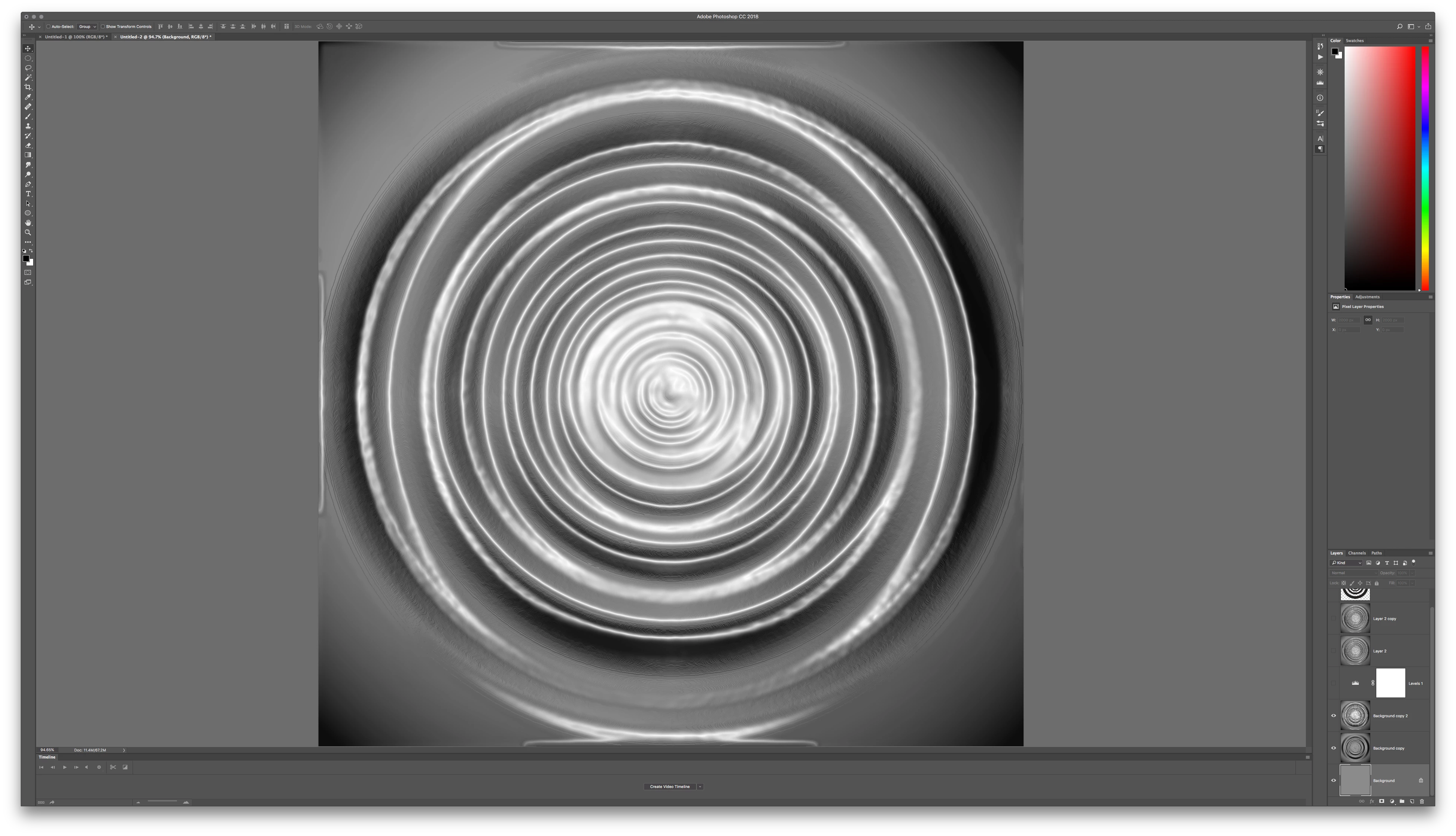
Now under Filter Distort, use Twirl to spin it in a way that details blend together. This only works if you have your circles dead center at the start.
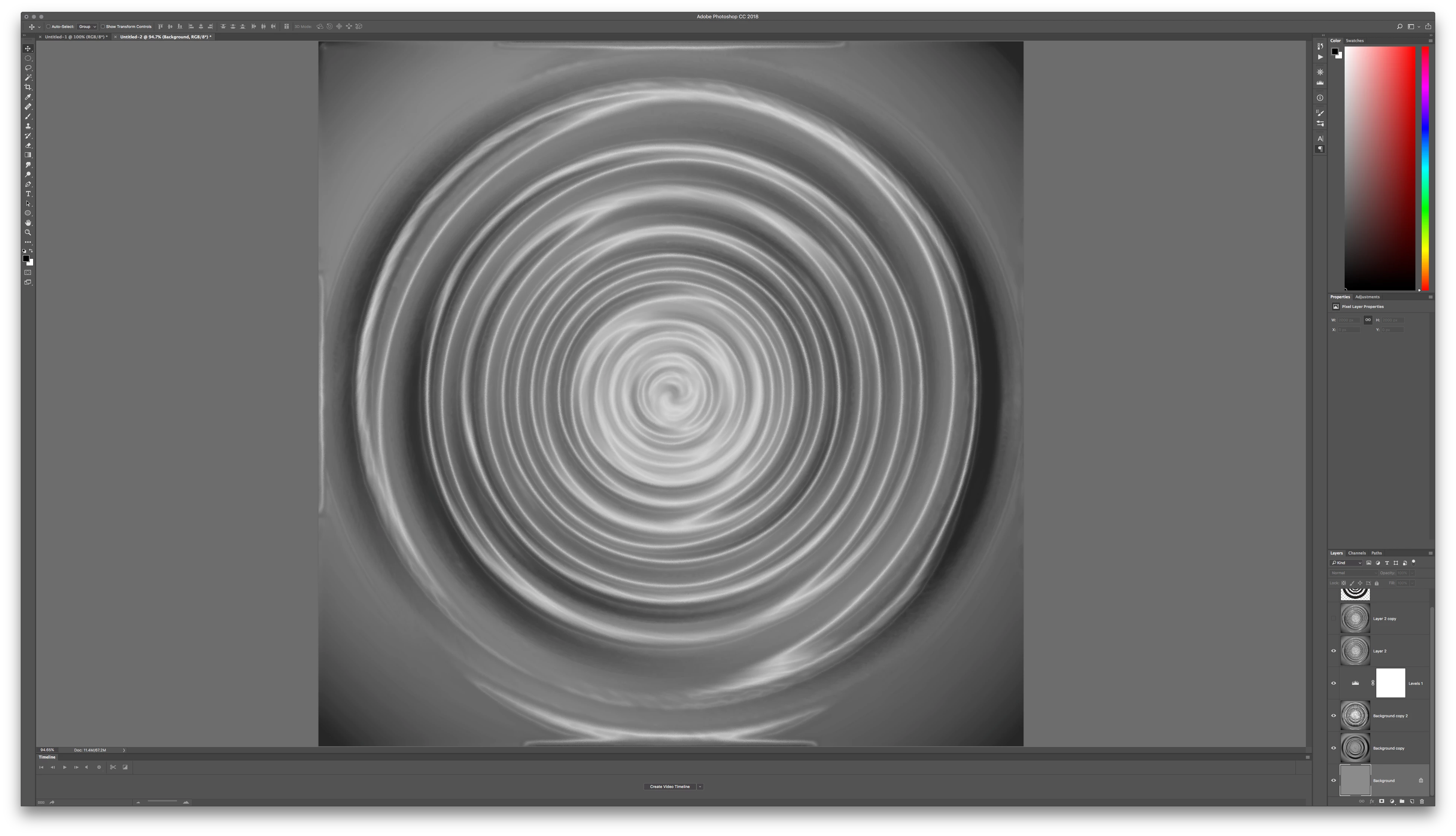
I added a little oil paint texture for some natural looking surface distortion and then added a small amount of plastic wrap highlights again to finish it out.
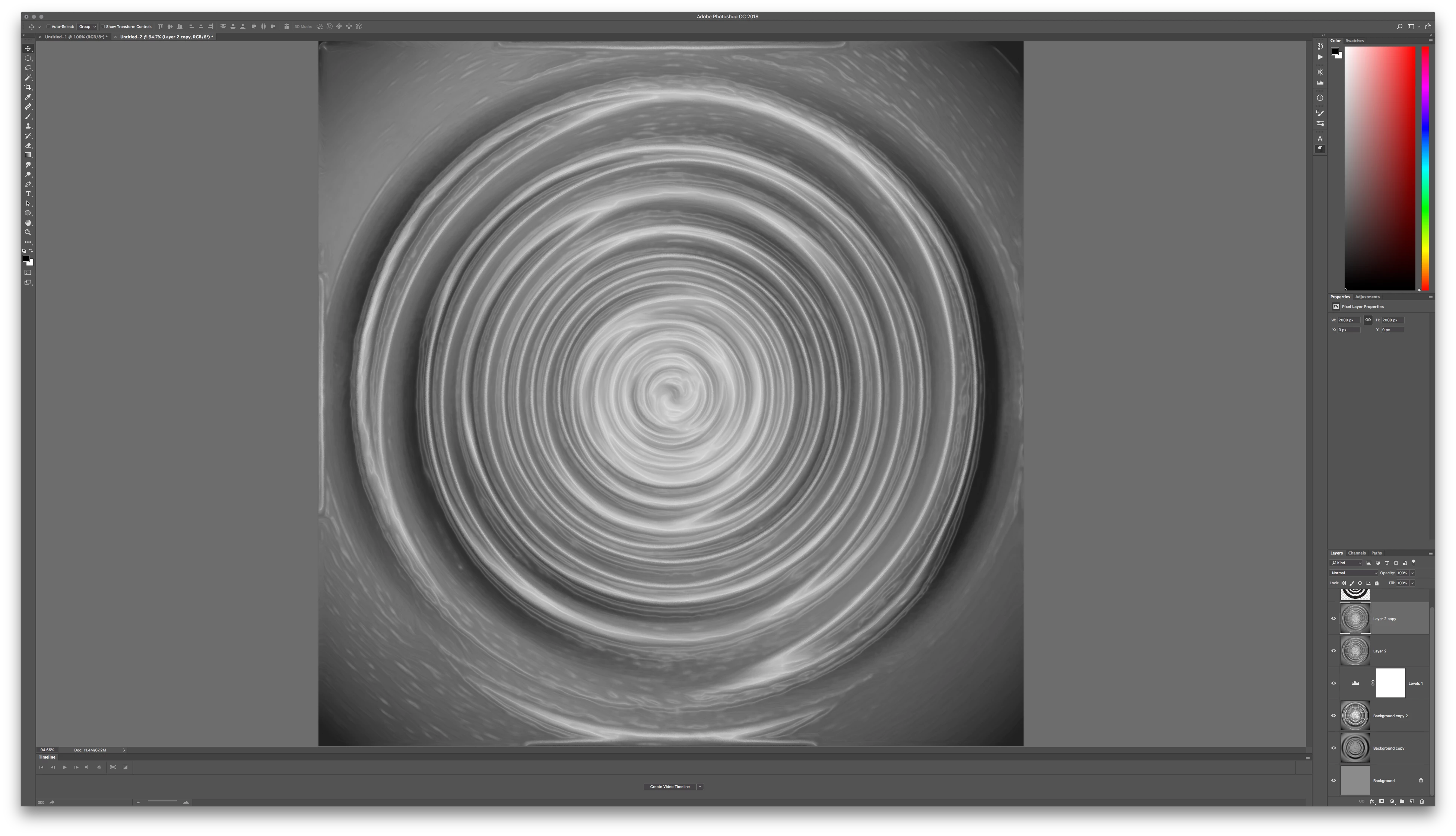
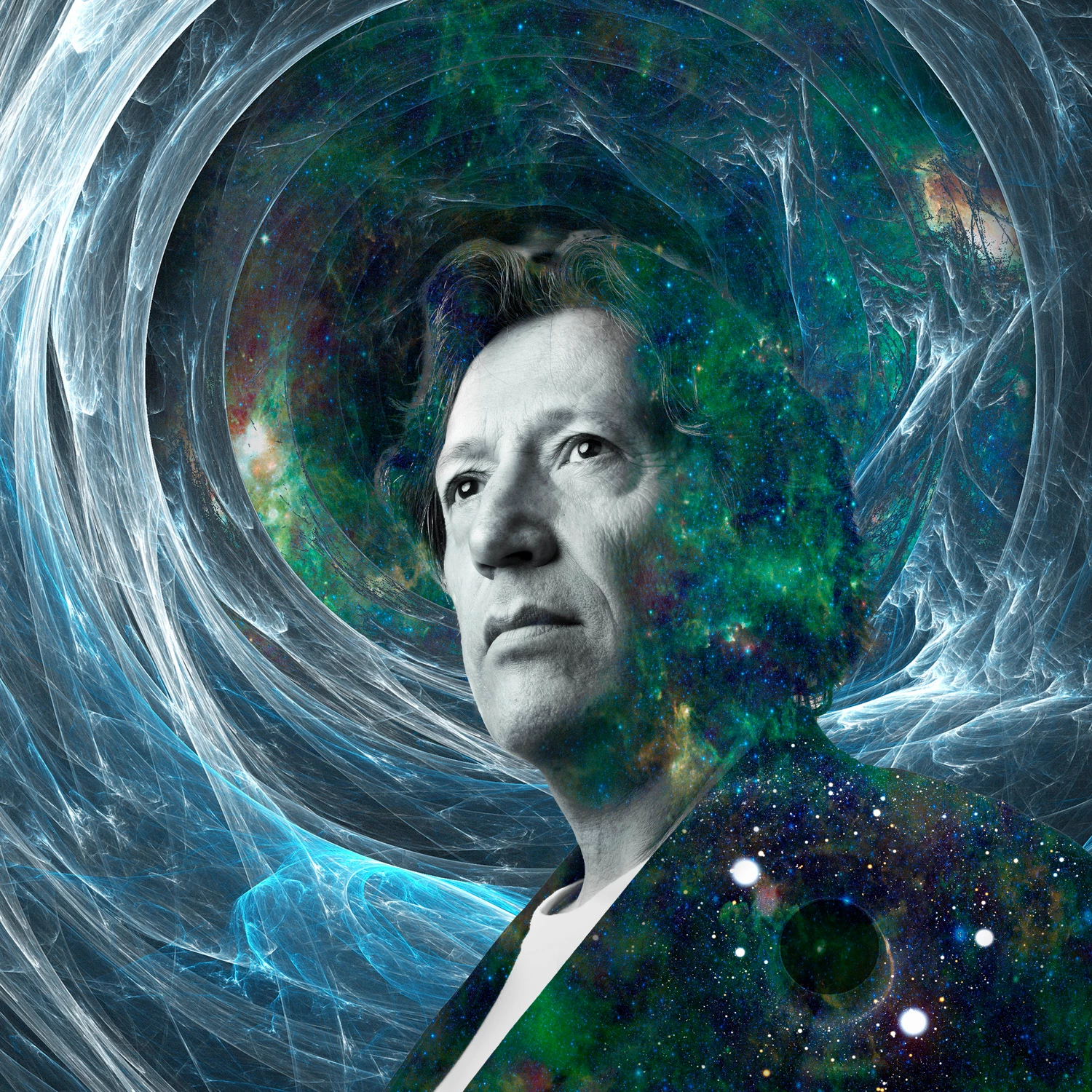
Being solid gray, this could now be easily blended into other images using various blend modes like overlay, screen, etc...






 AdChoices