Known Participant
July 28, 2022
Question

Contact sheets 2

  • July 28, 2022
  • 14 replies
  • 414 views

Hi i am getting an script alert dialog box after contact sheet 2 is opened and I can't get images.
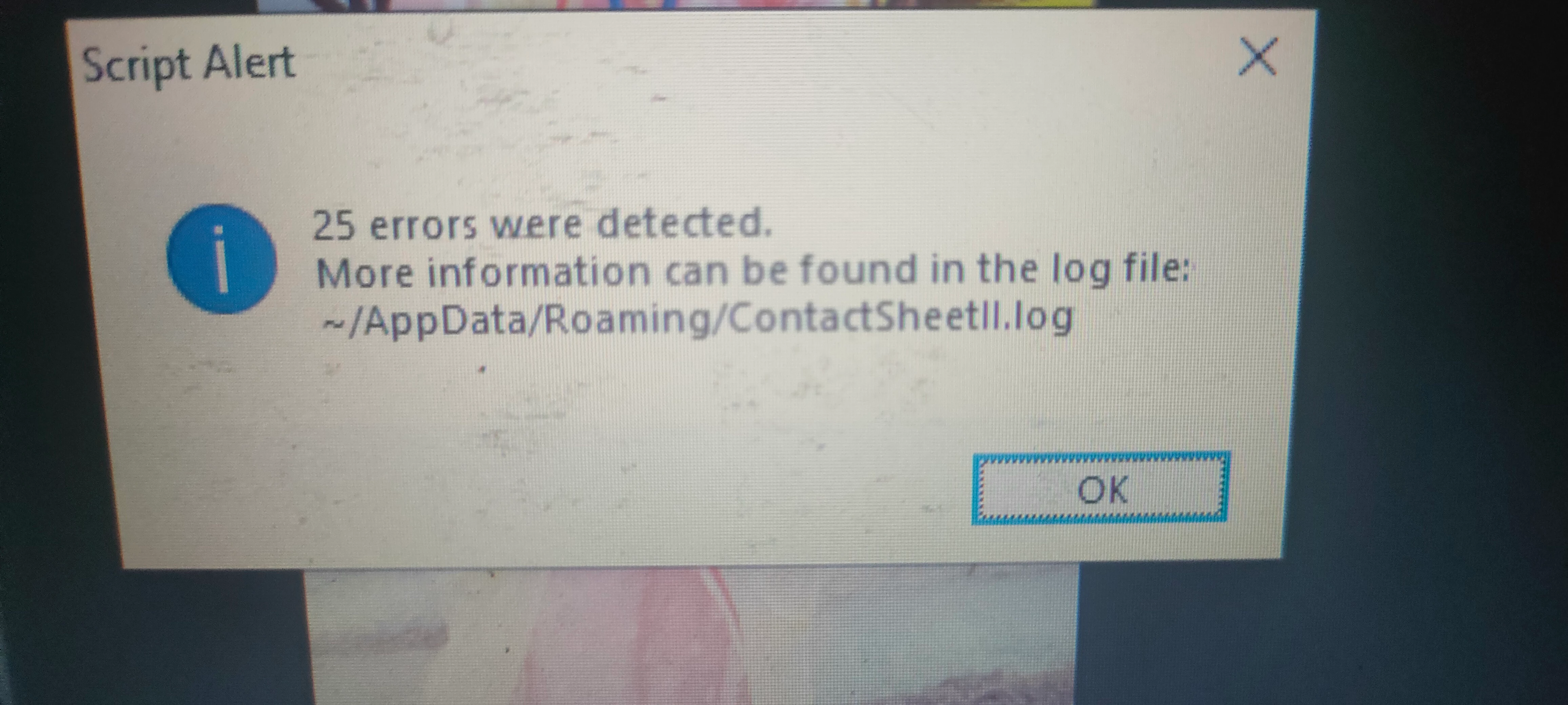
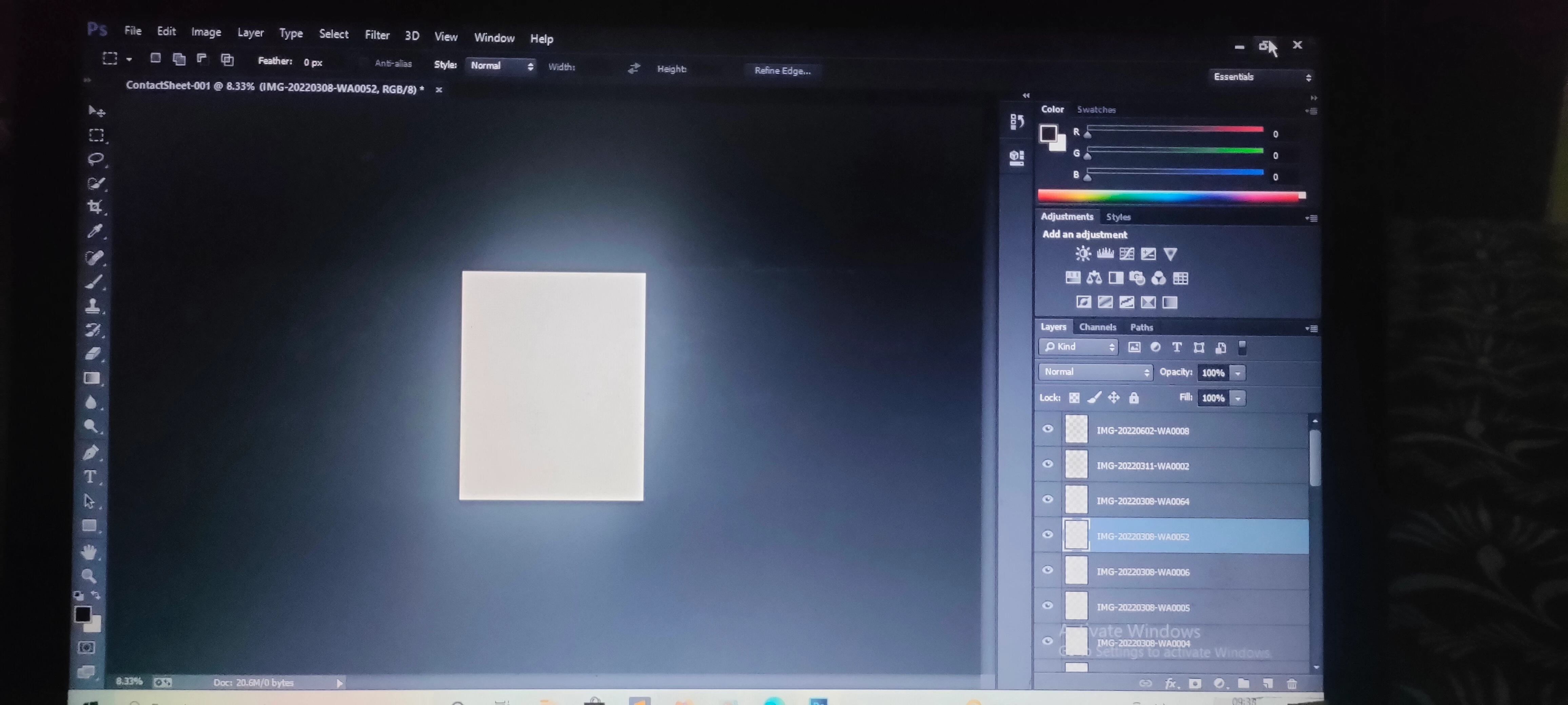
.i attached the dialog box above.please fix the solution to my problem.

This topic has been closed for replies.

14 replies

Known Participant
July 30, 2022

I get it fixed tnx.

CShubert
Community Manager
Community Manager
July 29, 2022

Hi @bala25423399yhvr would it be possible for you to send me a .jpeg file that is giving you this error?  Send to: shubert@adobe.com


It may help if we could see your Photoshop System Info. Launch Photoshop, and select Help >System Info...and copy/paste the text in a reply.  


Thank you,

Known Participant
July 29, 2022

I have mailed you .please help meto fix this bug 

CShubert
Community Manager
Community Manager
July 28, 2022

Hi @bala25423399yhvr sorry you are seeing this.  Could you send the log file to me: shubert@adobe.com


It may help if we could see your Photoshop System Info. Launch Photoshop, and select Help >System Info...and copy/paste the text in a reply.  


Thank you,

Known Participant
July 28, 2022

Ok fine

Chuck Uebele
Community Expert
Community Expert
July 28, 2022

I'm at a loss. The log file indicates that it errors when trying to place the files, but I don't know what would cause that with just jpg files.

Known Participant
July 28, 2022

Jpg

Chuck Uebele
Community Expert
Community Expert
July 28, 2022

What type of files are you using: jpg, psd, etc?

Known Participant
July 28, 2022

Still I am getting the same error

Chuck Uebele
Community Expert
Community Expert
July 28, 2022

So far, the only thing that I could find is turning off your graphic processor in the preferences. The log file stated an error code of "-50", and this link offeres a solution to that. 


https://inf.news/en/digital/cdc22577a908dc4bb979029f85a96edf.html