
Content-Aware Crop sometimes leaves unfilled white edges after image rotation (Photoshop 27.8.0)
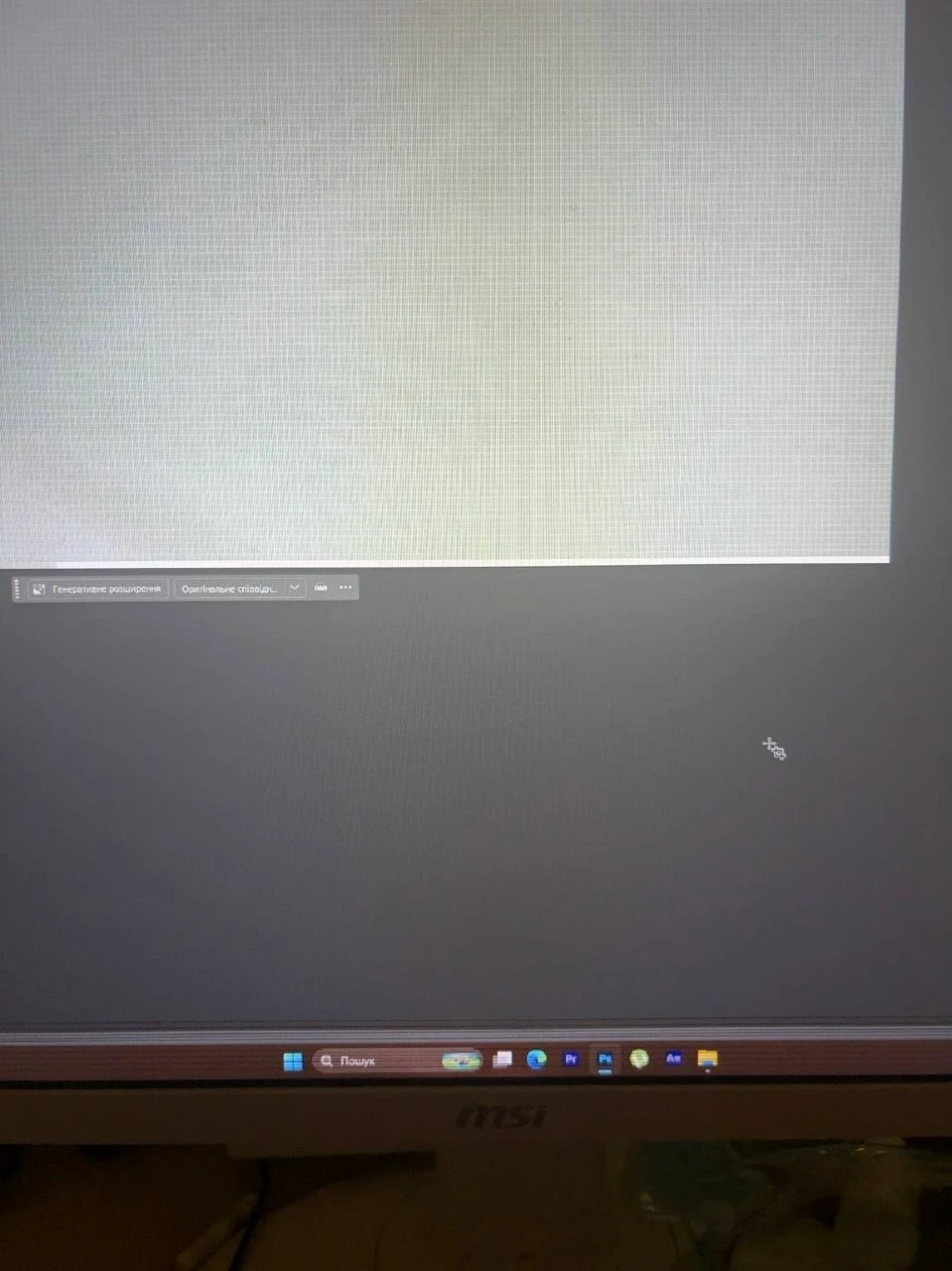

Hello, I would like to report what appears to be a long-standing bug in Photoshop’s Content-Aware Crop. Photoshop version Photoshop 27.8.0 (latest version) Windows 11 Issue When using the Crop Tool with Content-Aware Fill enabled and rotating the image to straighten the horizon, Photoshop sometimes leaves thin unfilled white borders along one or two edges of the image. The borders may be: 1 pixel wide, or several pixels wide, sometimes on one edge, sometimes on two adjacent edges. These white areas become part of the actual image and remain after saving as PSD. This is not a display or GPU artifact. Important observation I have experienced this issue since approximately 2022–2023, across multiple Photoshop versions, including the current version 27.8.0. Testing performed During testing I found: The problem occurs on different photographs. It also occurs on flat-color images. It occurs in 8-bit RGB documents. It occurs with both single-layer and multi-layer documents. Saving and reopening the PSD does not remove the white borders because they are already written into the image. The issue appears much more frequently when the crop includes image rotation (straightening the horizon). Simply extending the canvas without rotating the image rarely produces the issue. Previous edits (retouching, brightness adjustment, brush strokes, etc.) may increase the chance of the problem, although it can also happen without any prior edits. Steps to reproduce Open an image. Select the Crop Tool. Enable Content-Aware Fill. Rotate the crop slightly (for example 0.5–2°) to straighten the horizon. Expand the crop slightly if necessary. Apply the crop. Repeat on several images if needed. Eventually Photoshop produces an image with thin unfilled white edges. I have attached screenshots showing the issue. Could you please confirm whether this is a known issue? Thank you.


 AdChoices