
Participant
February 3, 2025
Answered

Content Aware Fill is Only giving me a pattern

  • February 3, 2025
  • 1 reply
  • 363 views

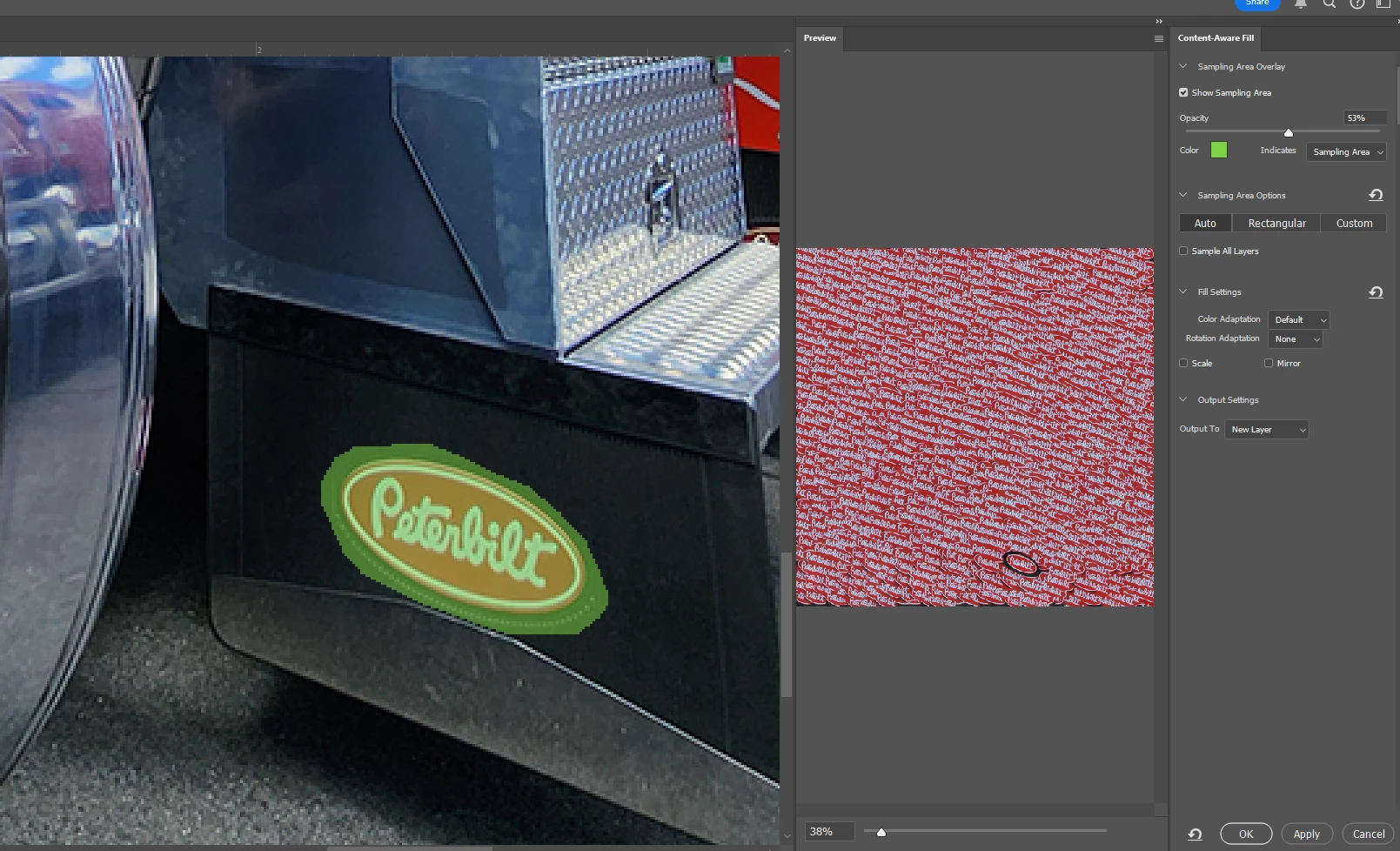
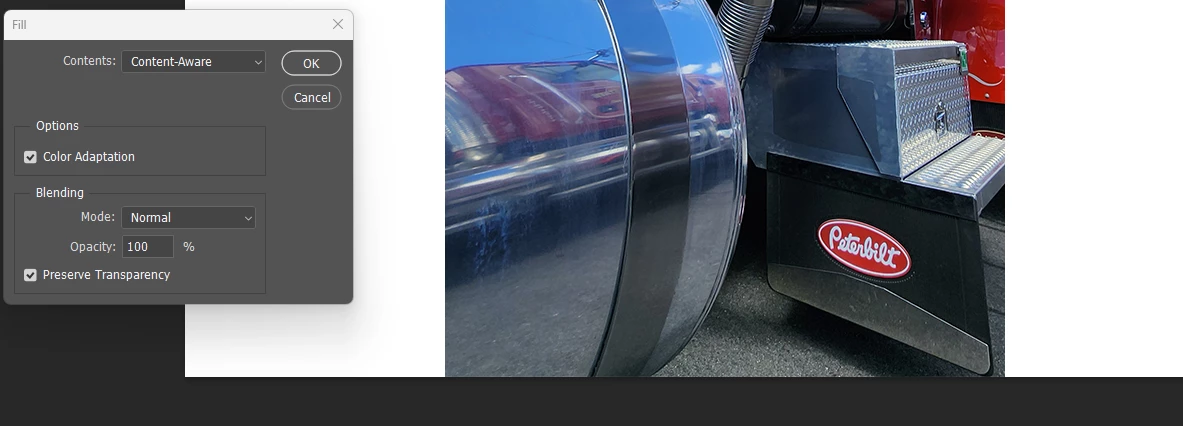
I'm not sure if this is a bug or not, but I'm having an issue with the content aware fill.  Everytime I try to use it, it is not generating a proper fill.  Normally on my photos it will remove the object (in my case now I'm using it to remove logos from my photos) and replace the background.  I've used this feature many times.  NOW when I try to use it, all it's doing is creating a pattern, and placing that pattern completely over my image!  This is BEYONE annoying, and I'm wasting time trying to figure out what changed, and why!
Correct answer Myra Ferguson

Content Aware Fill is using the selected logo as the sampling area.


Cancel out of Content Aware Fill, invert your selection (Select > Inverse), then go back to Content Aware Fill.

1 reply

Myra Ferguson
Community Expert
Myra FergusonCommunity ExpertCorrect answer
Community Expert
February 3, 2025

Content Aware Fill is using the selected logo as the sampling area.


Cancel out of Content Aware Fill, invert your selection (Select > Inverse), then go back to Content Aware Fill.

Participant
February 3, 2025

Thank you.  That did fix it, not sure how it got inverted to begin with!  Again, thank you for the help.

Myra Ferguson
Community Expert
Community Expert
February 3, 2025

You're very welcome. I'm glad that I could help. 🙂