Inspiring
October 14, 2025
Answered

Convert a texture so it can be used as an overlay

  • October 14, 2025
  • 1 reply
  • 255 views

Hello


How do i make a texture so it can be used as an overlay.


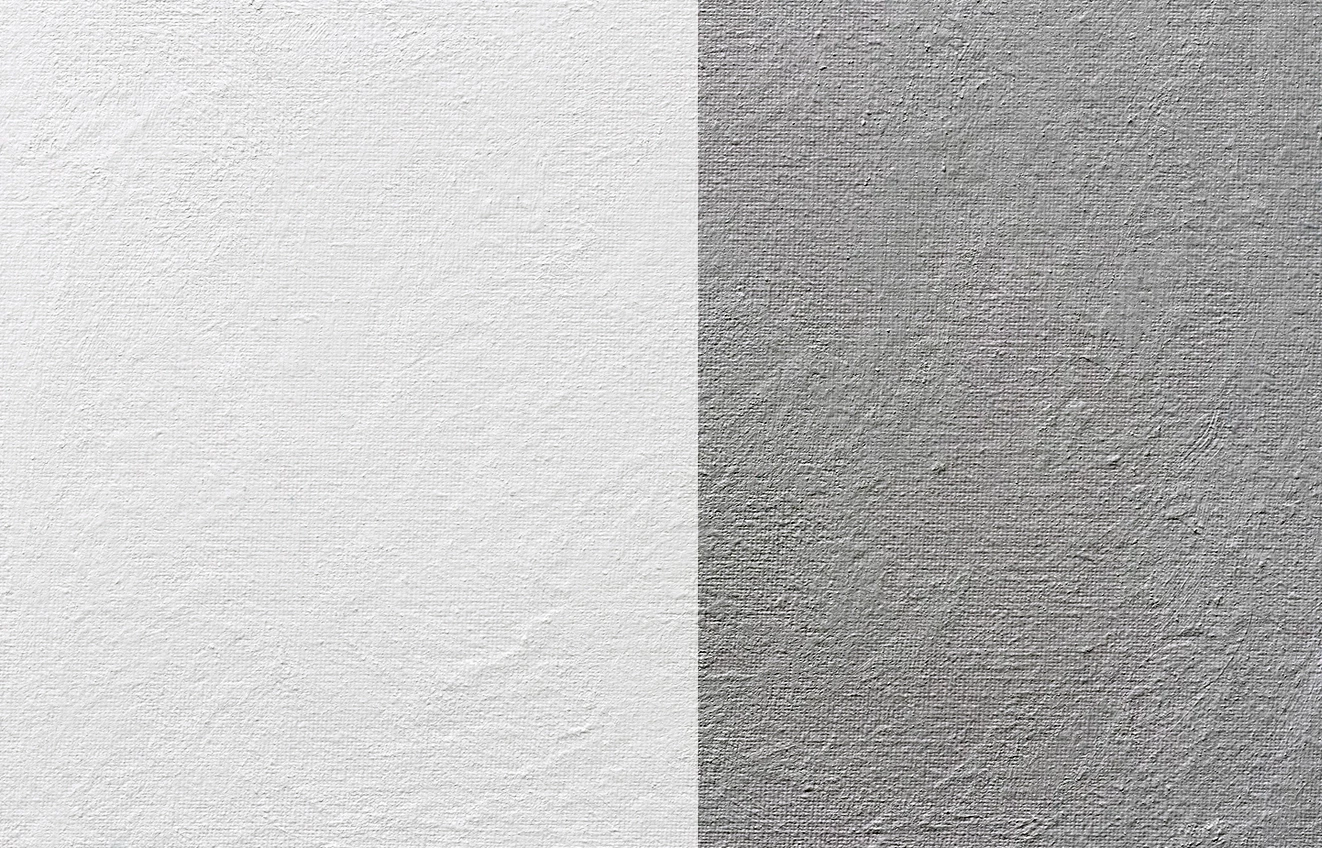
Please see examples attached. The white image has been converted to a greyish one. I can use the grey image and use the overlay effect to add textures to what i want.


I want to do the same to other textures.


Thanks


Correct answer Kevin Stohlmeyer

Here is a side by side with Levels applied on the right. 


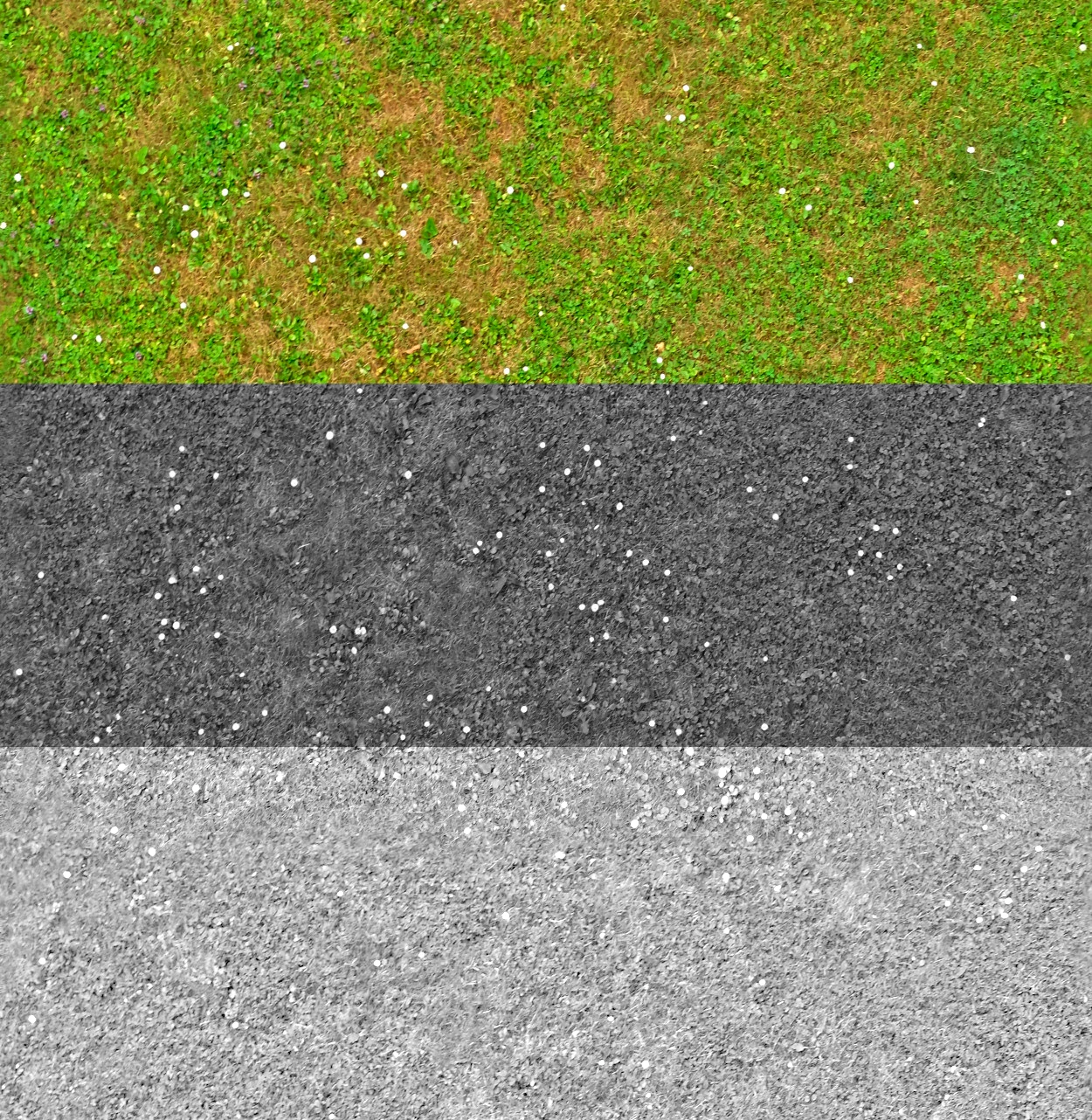
Using this process you should be able to create overlay versions of anything. Here is some grass as an example. 

Original, desaturated (a little dark), then levels applied to lighten:


1 reply

Kevin Stohlmeyer
Community Expert
Community Expert
October 14, 2025

@Summayah5FC7 Do you mean how to convert an image to grayscale and apply the Overlay layer style?

You can desaturate any image using Shift+Cmd+U or if you want more control, use the Black and White adjustment layer. 

Inspiring
October 14, 2025

Thanks


That is what i want to do.


But when i desaturate the white image, it doesn't look like the grey one. Unless they were both made seperately.


Basically, i have purchased a set of textures. This is a canvas texture which is the white one. And it also has an overlay texture (the grey one)


But the other textures don't have an overlay version like this one. 

Kevin Stohlmeyer
Community Expert
Community Expert
October 14, 2025

@Summayah5FC7 in order to make the white texture darker like the grey one, use a levels adjustment layer to change the exposure.