Inspiring
March 7, 2025
Question

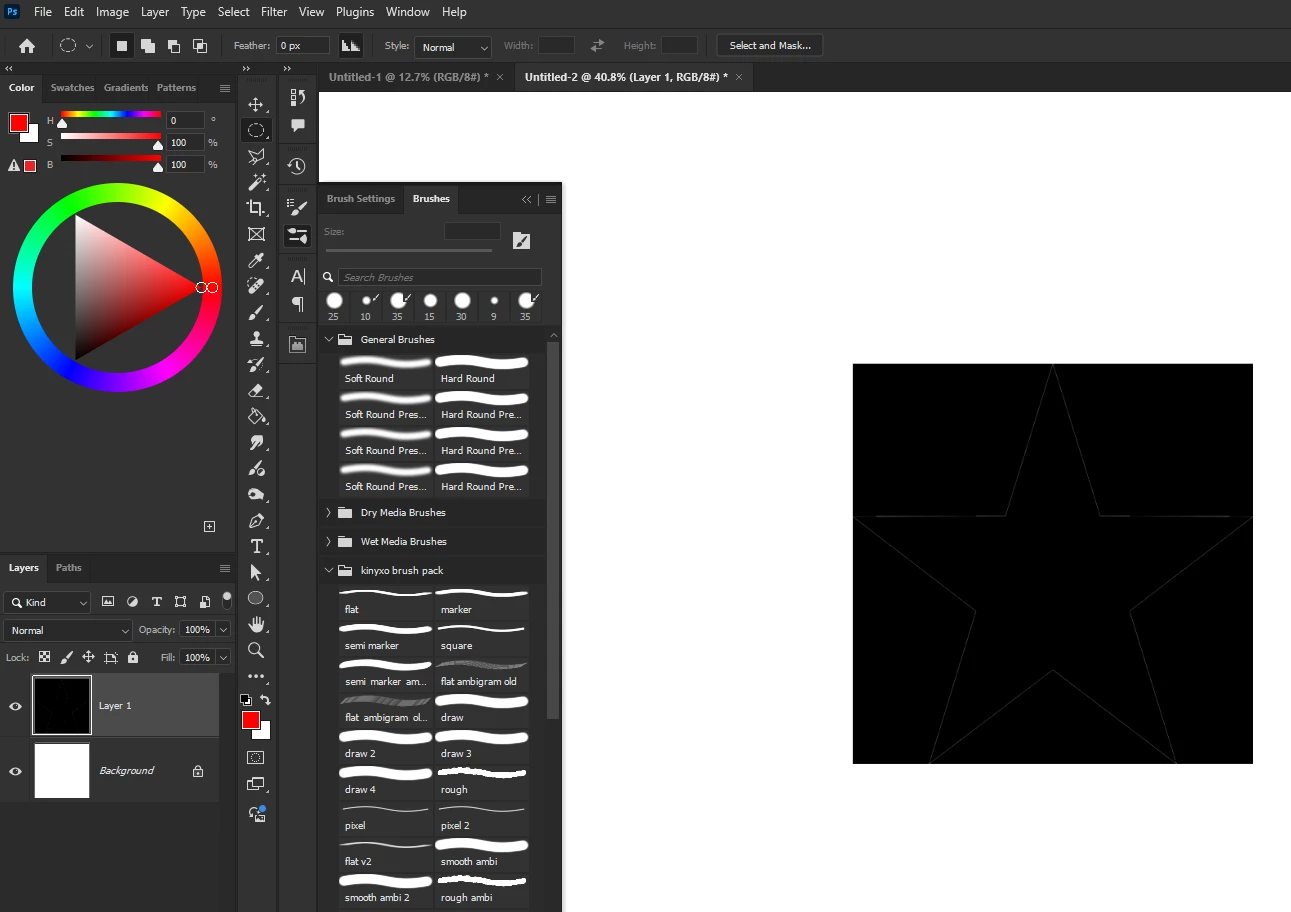
copied content from firefox shows up with black background

  • March 7, 2025
  • 3 replies
  • 408 views

when i copy an image from my primary browser Firefox and paste it into Photoshop, the image has a black background instead of transparency. bug fix?

(i am running the lastest version of Photoshop)

 

3 replies

Bojan Živković11378569
Community Expert
Community Expert
March 7, 2025

It's not a Photoshop bug; the browser or OS is adding black color to transparency. Photoshop is receiving the image you see from the clipboard. Try pasting it into another application to confirm.

c.pfaffenbichler
Community Expert
Community Expert
March 7, 2025

What is the file format of the image?  

I assume Firefox offers an option to »Save Image As …« (or similar) – do images downloaded thusly open with the expected appearance? 

kinyxoAuthor
Inspiring
March 7, 2025

i've tried this on another browser, Opera GX, and it worked fine, so it's just an issue with Firefox. however i've copied images from Firefox previously, and it worked fine then.