
Question
Copy from marquee in Photoshop then paste to new document in Photoshop is blank
Hello,
Windows 10 Pro, Photoshop CC 20.0.5
steps:
- scan a colour image into photoshop using WIA
- adjust curves for contrast
- save image to psd document
- select part of document with marquee
- copy Ctrl+C
- create new document Ctrl+N
- New document dialog allows choice of clipboard contents
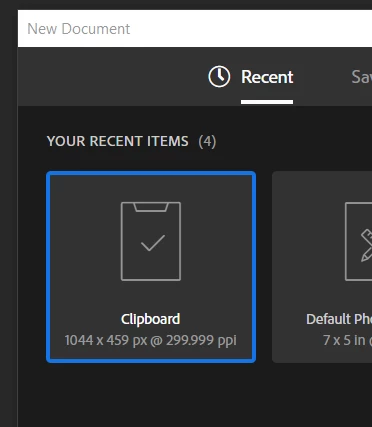
- Choose suggested clipboard item
- Looks like a blank document results
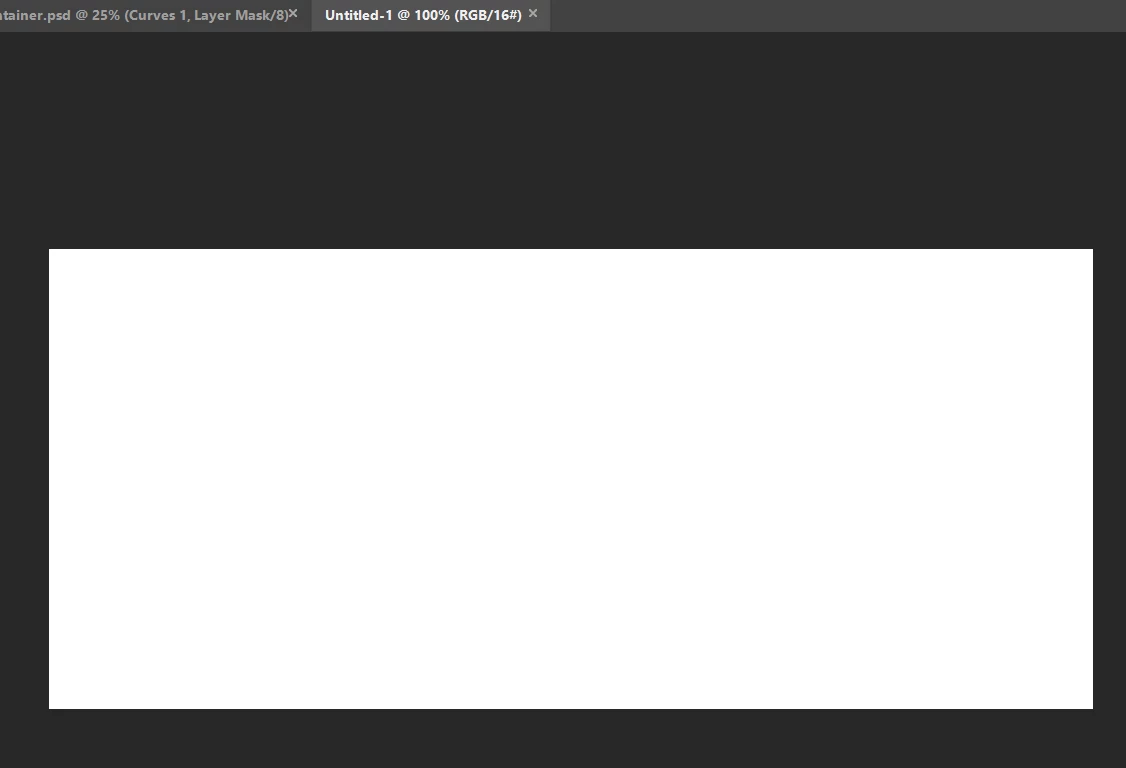
Nothing I do seems to change this. This is a copy from Photoshop CC to Photoshop CC. It seems truly remarkable this doesn't work.
I'm a new user and installed Photoshop CC and hour a go, and this is the only thing I've tried. so my settings are default.
OS is totally up-to-date, and so is Photoshop.


 AdChoices