
Participant
December 10, 2024
Answered

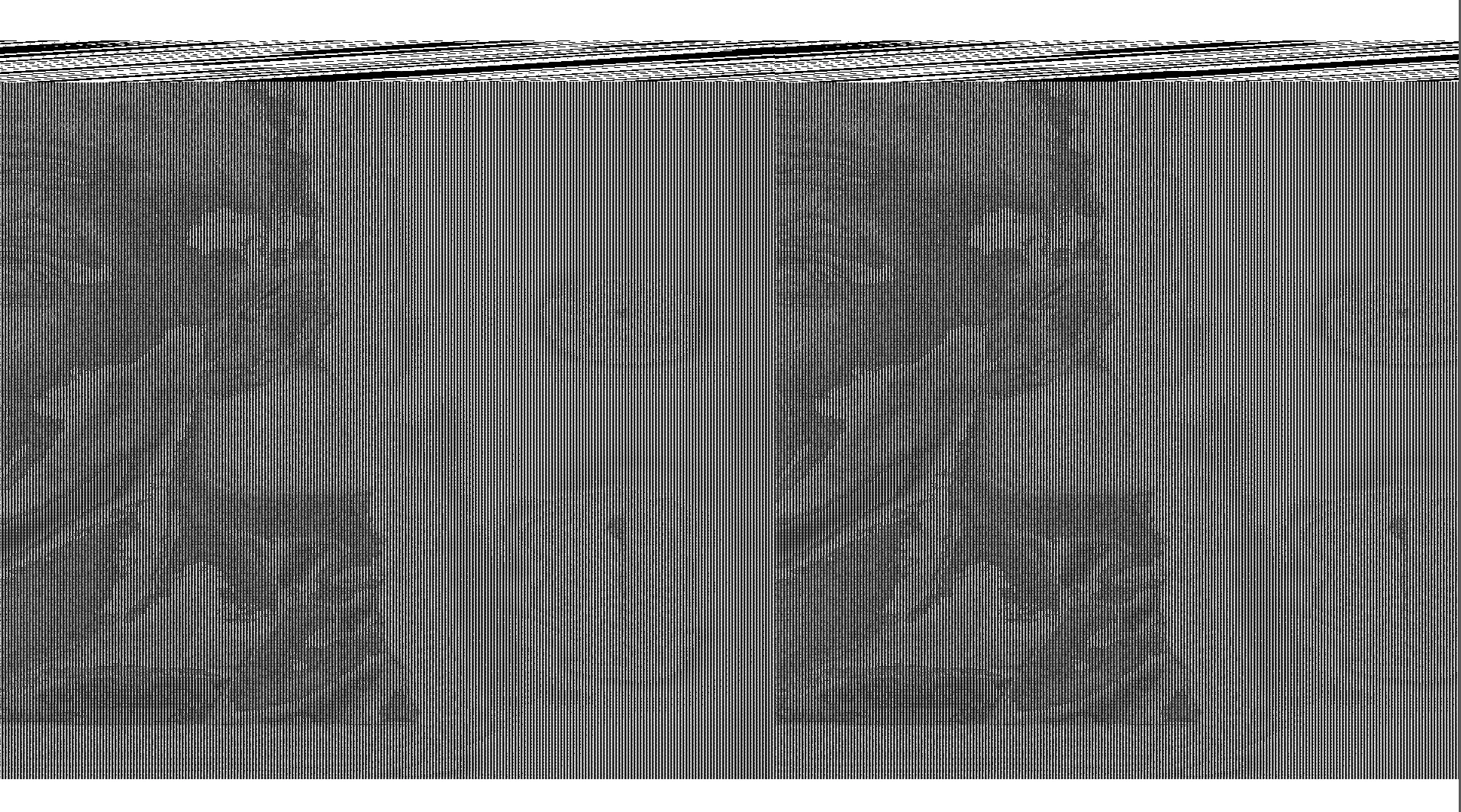
Corrupted gray layer

  • December 10, 2024
  • 1 reply
  • 220 views

Hey there, all of sudden I started getting a gray layer on top of all the layer in photoshop. Either if I open an exisiting file or create a file, I'm getting this same issue. I don't know what's going on. Someone please help.


Attachment:
This topic has been closed for replies.
Correct answer Ged_Traynor

@senthilnathan_7765 looks like it could be a GPU driver related issue, have you tried manually resetting your Photoshop preferences
https://helpx.adobe.com/ie/photoshop/using/preferences.html#Manually
Remember to back up your settings before doing the preference reset
https://helpx.adobe.com/ie/photoshop/using/preset-migration.html

1 reply

Ged_Traynor
Community Expert
Ged_TraynorCommunity ExpertCorrect answer
Community Expert
December 10, 2024

@senthilnathan_7765 looks like it could be a GPU driver related issue, have you tried manually resetting your Photoshop preferences
https://helpx.adobe.com/ie/photoshop/using/preferences.html#Manually
Remember to back up your settings before doing the preference reset
https://helpx.adobe.com/ie/photoshop/using/preset-migration.html

Participant
December 10, 2024

Thanks @Ged_Traynor issue got resolved 🙂