timothyc50109774
Participant
November 27, 2023
Question

Corrupted layers while reopening a psb

  • November 27, 2023
  • 3 replies
  • 263 views

Abobe Photoshop 25.1

Mac OS - Sonoma 14.1

Mac Studio M2 max, 64 GB


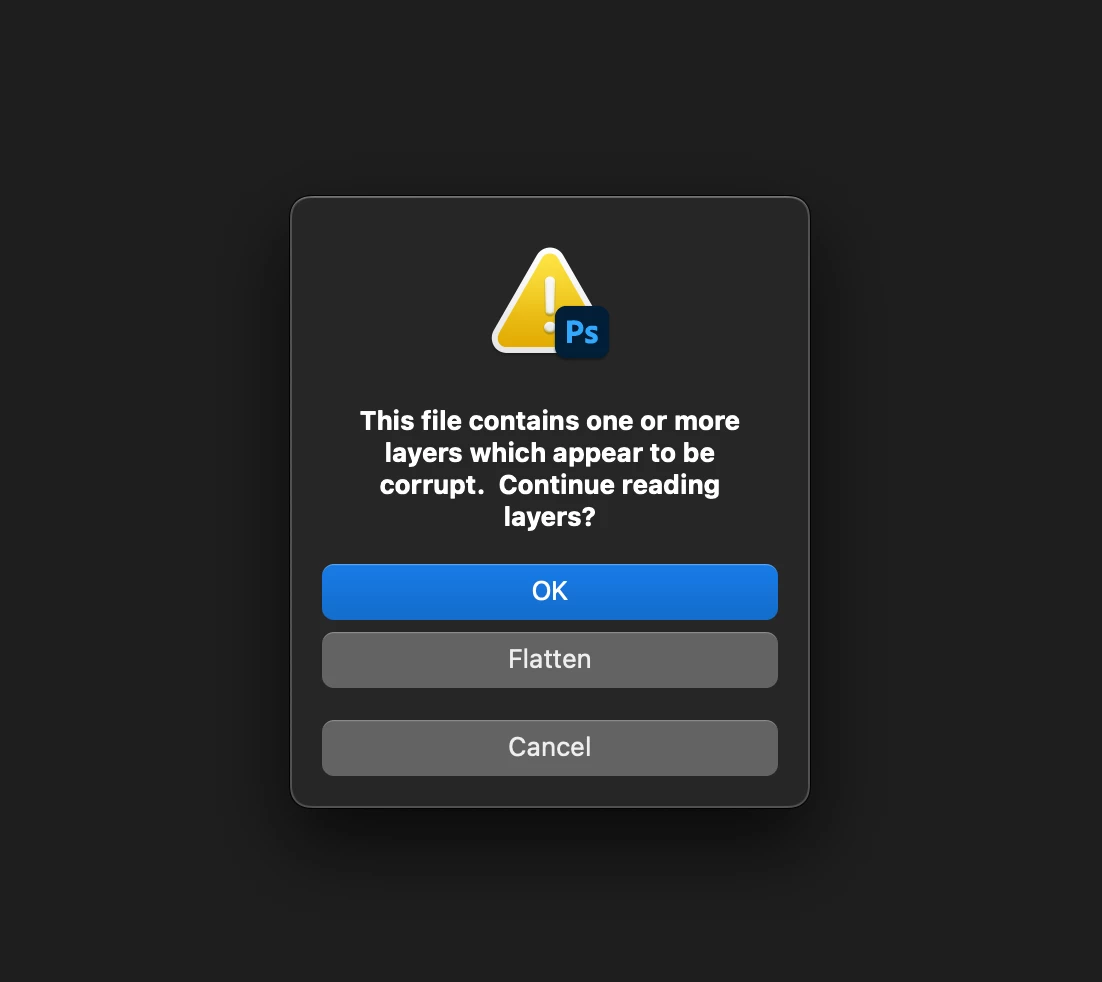
I've been having a very frustrating issue. When I save PSBs with lots layers, close the file, then try to reopen from Lightroom Classic... I get an error "This file contains one or more layers which appear to be corrupt. Continue reading layers?".


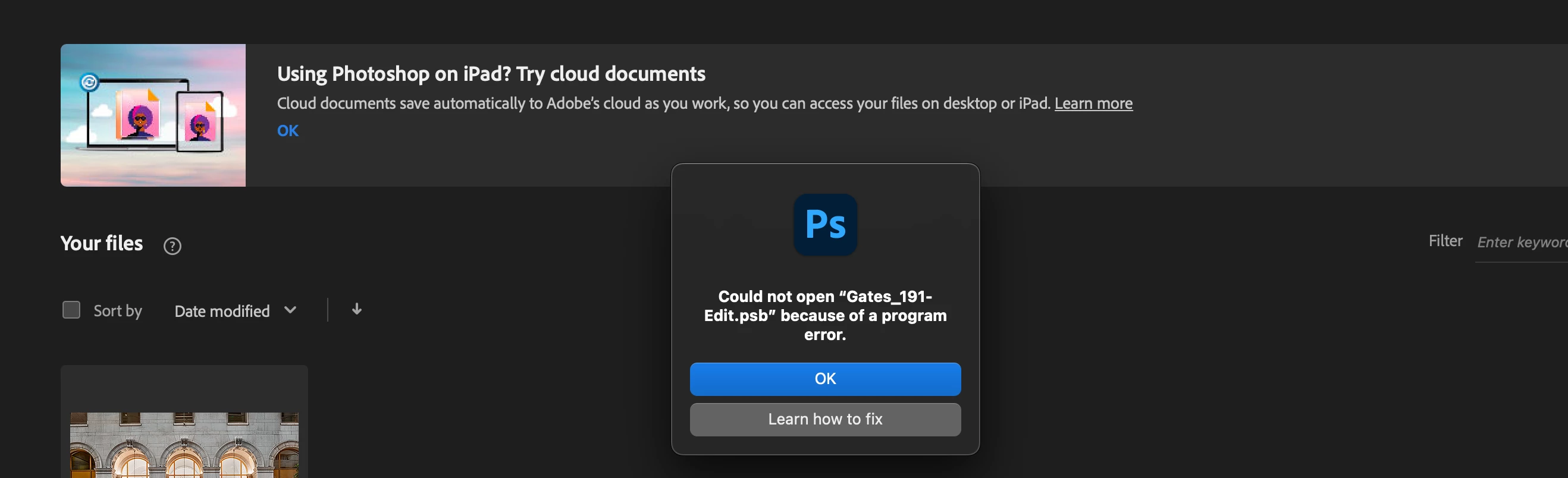
I click "OK", then get another error "Could not open (file name) because of a program error.

An hour and a half of my work, GONE!! 😞
This topic is closed to new replies. Start a new post to keep the conversation going.

3 replies

timothyc50109774
Participant
November 27, 2023

@D Fosse I'm one of those people as I thought an external SSD would be stable enough.  I suppose I'll start editing each job locally on my Studio before archiving to an external, I'm just not stoked about the extra work that creates. 


I obviously need an IT person on my team.  Maybe some day when I'm making twice as much as I am now... 


Anyway, thank you for your thoughful suggestion.  

D Fosse
Community Expert
Community Expert
November 27, 2023

File corruption is always caused by failing hardware. No exception.


It could be a failing drive or bad RAM, but often overlooked is external drives with worn and loose cables and connectors. Especially with the very common - but bad - practice of saving directly to the external drive. Not saying you're doing that, but if you are, don't.

timothyc50109774
Participant
November 27, 2023

*Edit*. This is also happening with PSDs.  The problem is inconsistant, my guess is that it's happening about 40% of the time.