
Question
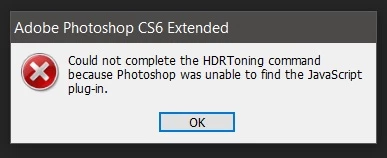
Could not complete the HDRToning command because Photoshop was unable to find the JavaScript plug-in
Hello,
I have been using CS6 Extended for a long time (since 2016 I guess) and I started getting this error today, was researching the possible reasons. Does anyone have any info about this issue and suggestions on how to fix it once and for all?
If you look at the community, I'm probably the rookie of the rookies in here, and don't even have advanced PS and scripting knowledge. None, 0. Just a modder in a simulation game/military simulator and not being able to access this HDR Toning is really disrupting my work and want to solve it.
That was all, basically, your assist would save me and my time a lot. I mean it
and thanks


 AdChoices