

Could not complete the Video Frames to Layers command because the file could not be opened PS 2020
I have had this issue for the past two major PS updates. I am unable to import or place video files in PS anymore. I am currently on PS version 21.0.1 now with the issue still not resolved for me.
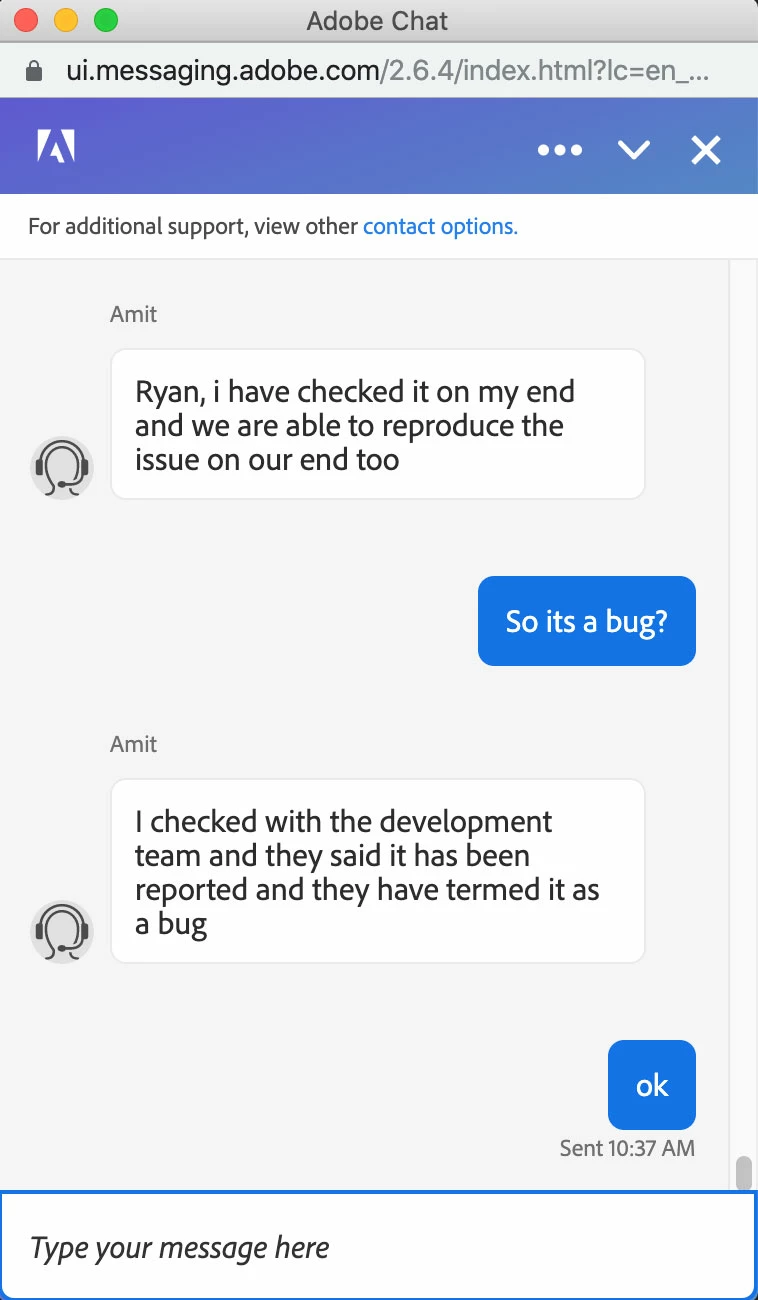
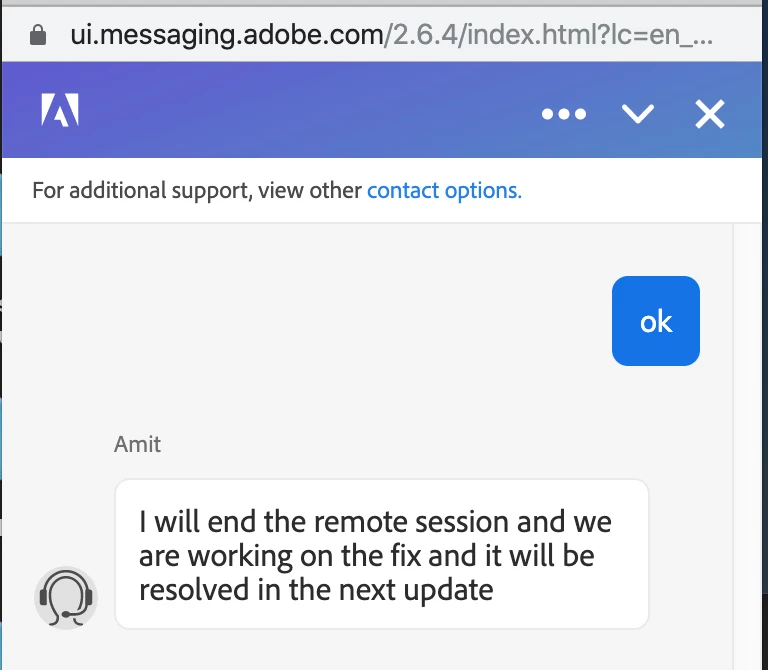
Before this last update, I even had an Adobe tech support agent remote in and he could not solve the issue and told me that, "they were able to reproduce the issue, and that we are working on the fix and the issue would be resolved in the next update".
I have "literally" pretty much gone down every road imaginable. All except wiping my Mac and starting from scratch. I have installed and reinstalled PS several times. I have deleted preferences from everywhere that they can hide. I have tried creating a new profile, changed security settings.
I am supremely confident that it's not a video file format issue. Because files that I had used in the past will no longer work.
It's crazy. One morning video files could be imported to create GIFs, the next they could not.
Am I the only person with this issue? I have tried to create GIFs with other apps, but I miss having the control of PS.
Computer Specs:
iMac Pro (2017)
Processor: 3.2 GHz 80Chore Intel Xeon W
Memory: 32 GB 2666 MhZ DDR4
Graphis Radeon Pro Vega 56 8GB
{Thread renamed by moderator}


 AdChoices