
Answered
Could not save copy as jpg because it exceeds the 0 bytes limit for saving jpg files
Hello,
I have a large number of TIFF images that need to be converted to JPEG images. I am using Bridge to do that. I did the following necessary steps:
- In Bridge, I opened the first TIFF image in Photoshop.
- I created a new action.
- While the action is recording, I saved the file as a JPEG in a new folder, image quality at 8, then closed the file. (I reopen it to stop the recording and then delete the last phase "Open").
Now, I am about to batch the rest of the TIFF images to be saved as JPEG:
- I select all the images.
- I go to Tools>Photoshop>Batch.
- The dialog box comes up and the only thing I adjust is the folder destination.
But this error comes up:
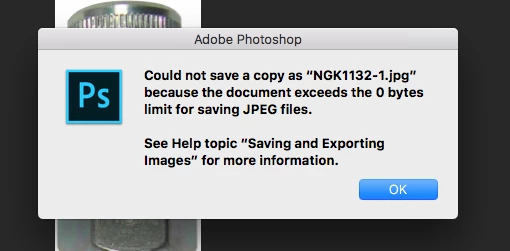
I looked everywhere and can't find a solution. The message in the dialog box makes no sense either.
Any help?
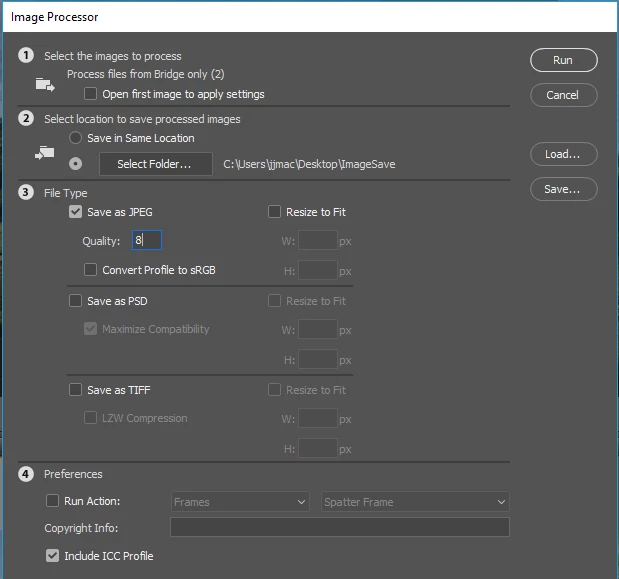


 AdChoices